



Biome Blends for Minecraft 26.2
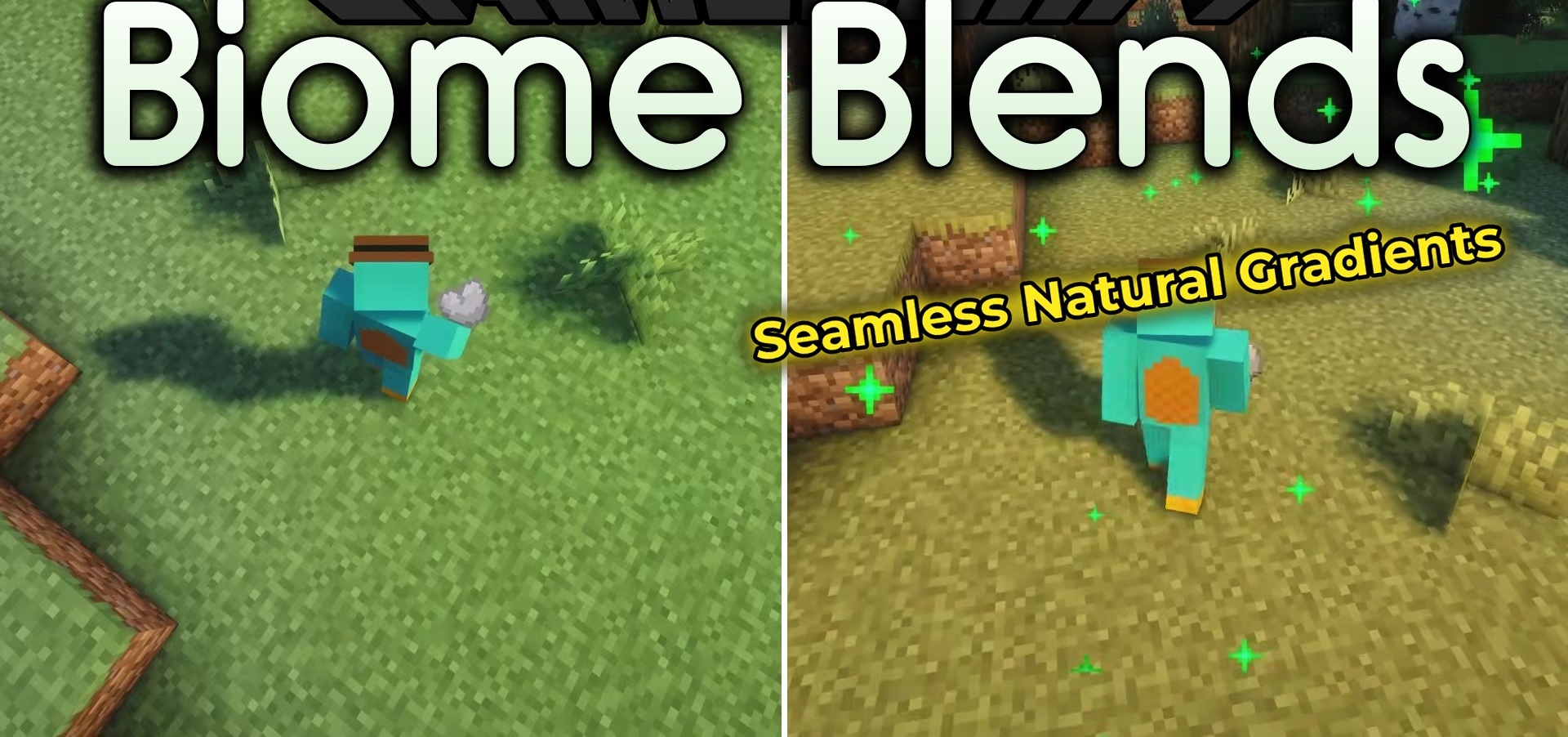
Now you can change the surroundings of your base without long journeys across the world. Biome Blends allows you to transform small areas of terrain into other biomes directly in survival mode using special blends. To create them, you will first need a tasteless blend made from clay, white dye, and paper, after which components associated with the required biome are added to it.
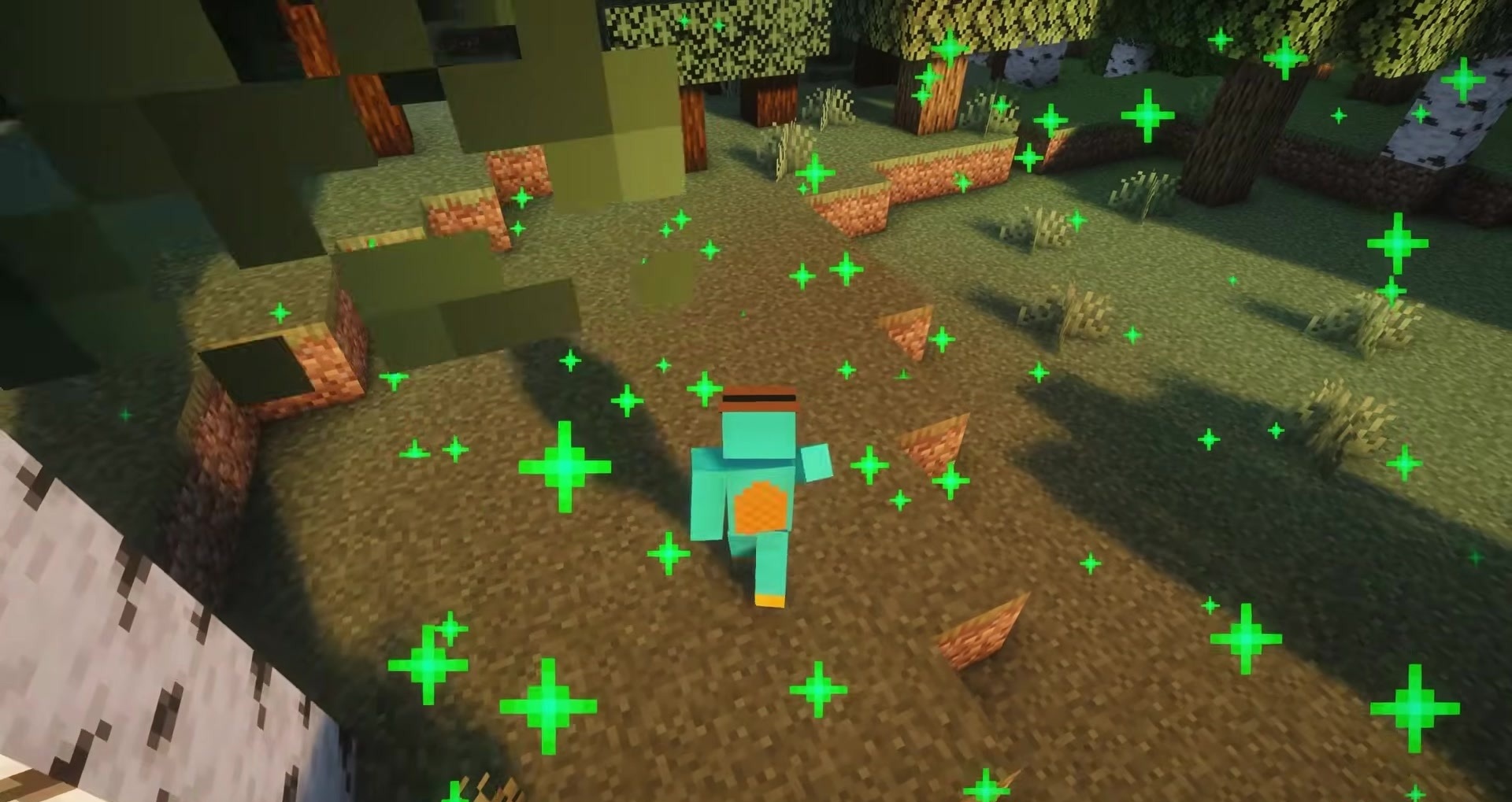
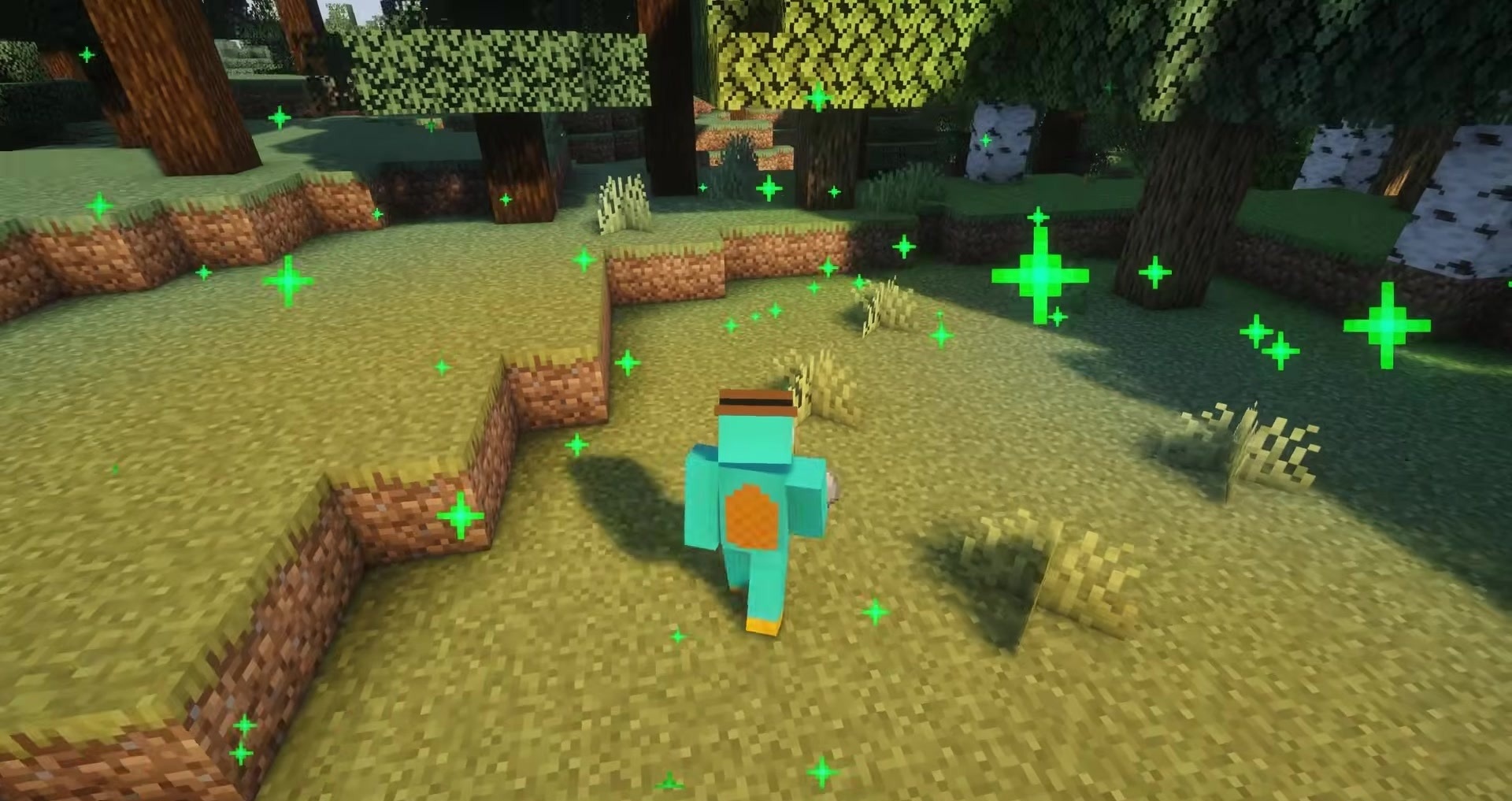
The resulting item changes the surrounding area when used. By default, the radius is four blocks in each direction, but it can be changed through data packs. Standard biomes are supported, as well as some major additions, including Biomes O' Plenty and Oh The Biomes We've Gone.
How to install the modification:
First step: download and install Fabric и Fabric API.
Second step: download the mod file.
Third step: copy Biome Blends mod package to the .minecraft/mods folder (if it does not exist, install Forge again or create it yourself).
Comments (0)