



Forgeshot for Minecraft 26.2
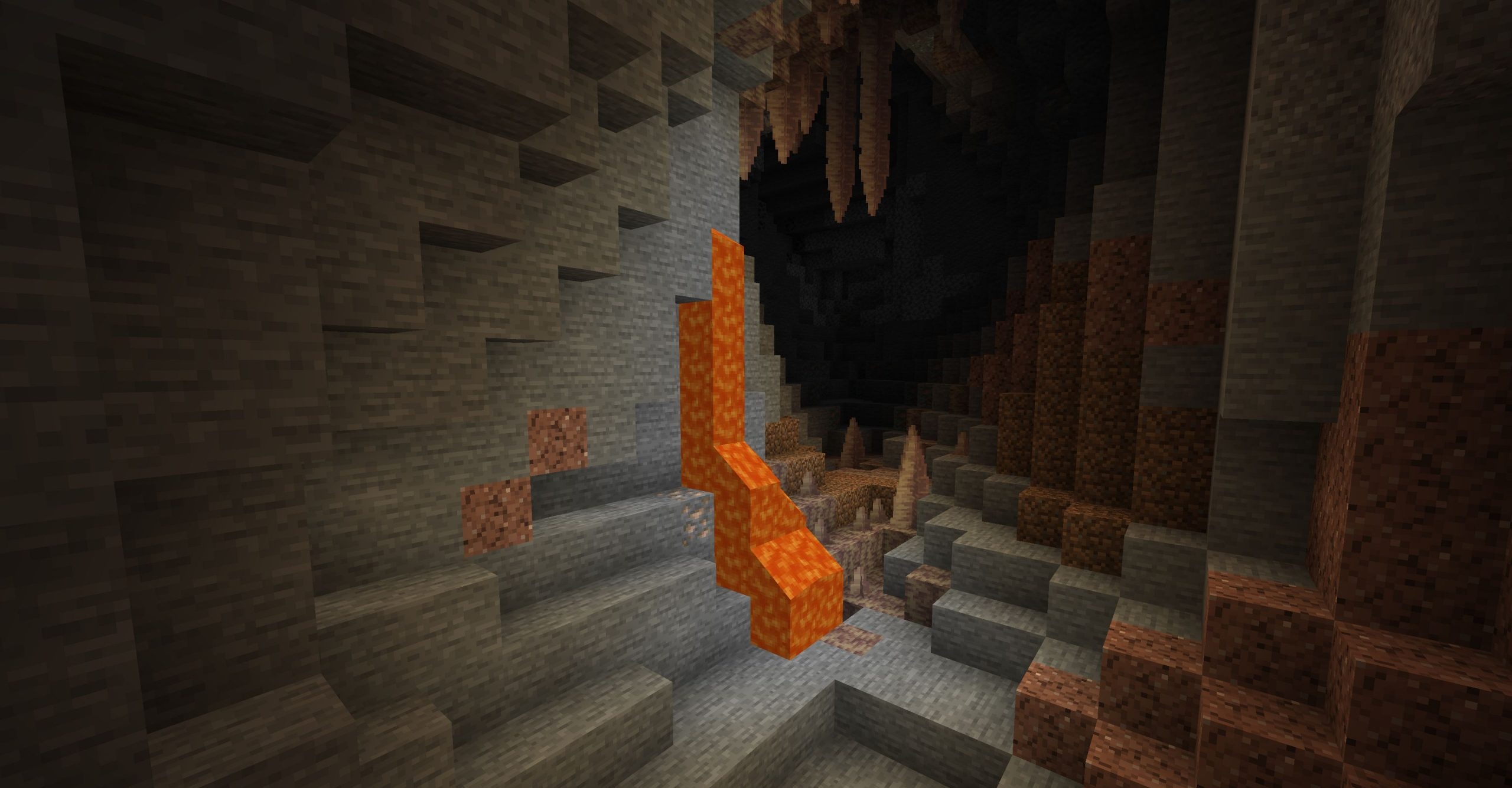
Forgeshot adds a tool for creating screenshots in ultra-high resolution. By pressing F4, players can take an image of the world at a resolution of up to 16K and higher, which is useful for large builds, landscapes, cities, interiors, and promotional server images. The mod does not change the camera, blocks, or graphics in the game itself, but works specifically with the final image.
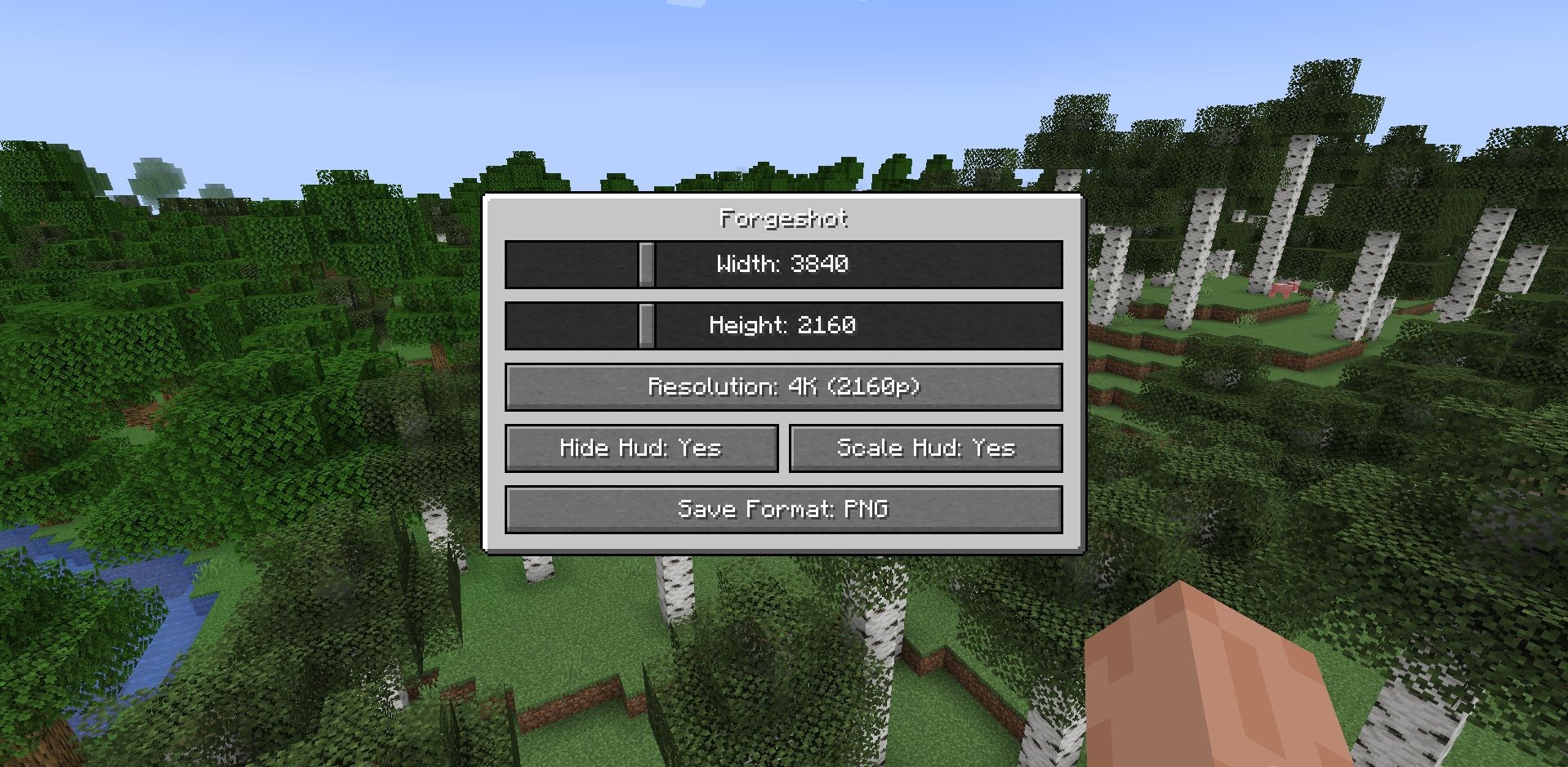
The F6 key opens a settings menu where the resolution, file format, and other saving parameters can be selected. All hotkeys and options can be configured to suit a convenient workflow. The mod is intended for situations where a regular screenshot is too small, blurry, or fails to show the details of a large build properly.
How to install the modification:
First step: download and install Forge.
Second step: download the mod file.
Third step: copy Forgeshot mod package to the .minecraft/mods folder (if it does not exist, install Forge again or create it yourself).
Comments (0)