



Hide Item Frame for Minecraft 26.2
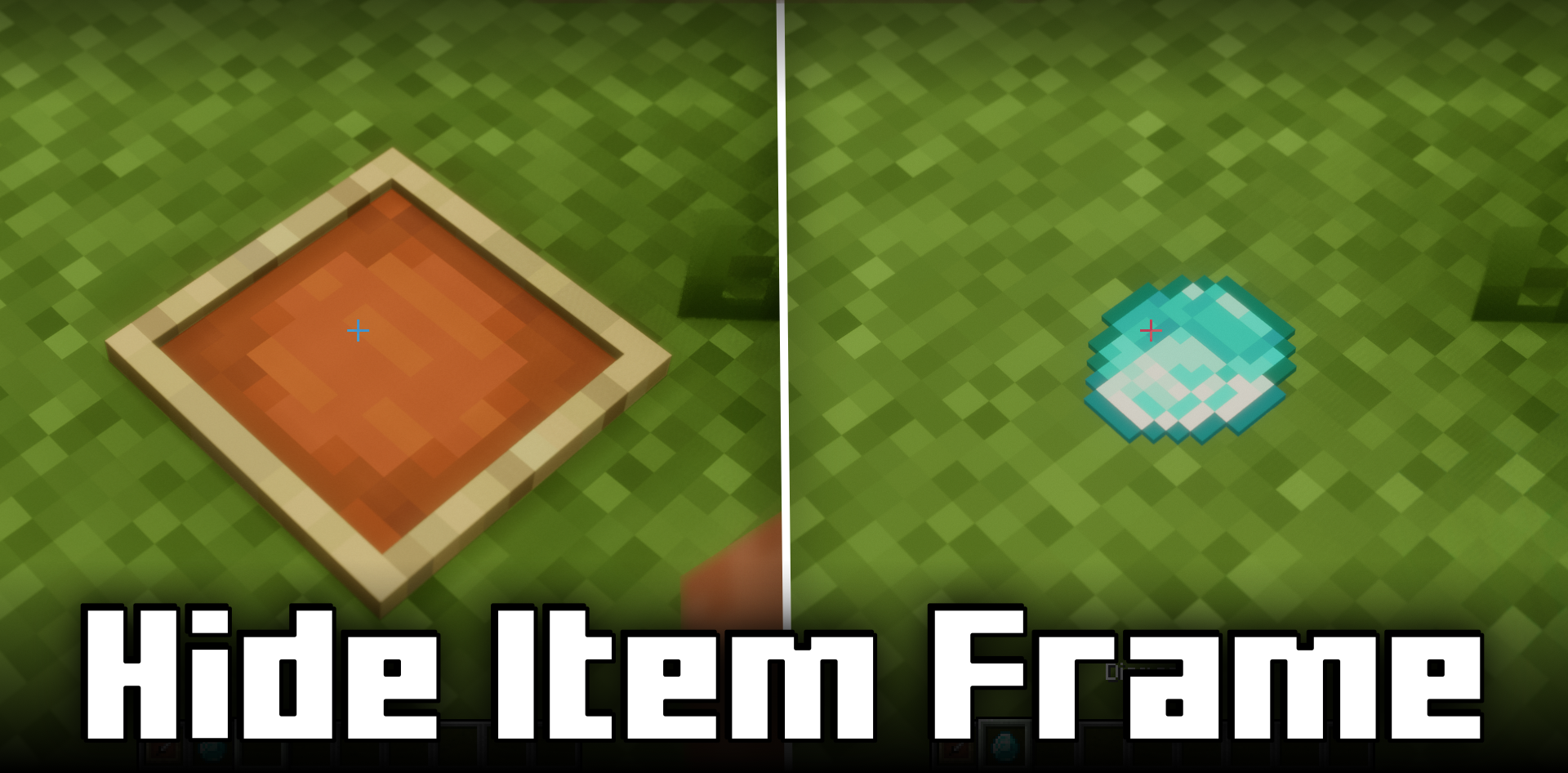
Hide Item Frame solves the problem of frames that interfere with decorative item placement. In the regular game, the frame itself always remains visible and often spoils walls, shelves, tables, or display cases. Resource packs with invisible frames remove it completely, but then an empty frame is difficult to find. This mod works more carefully: the frame becomes invisible only when there is already an item inside.
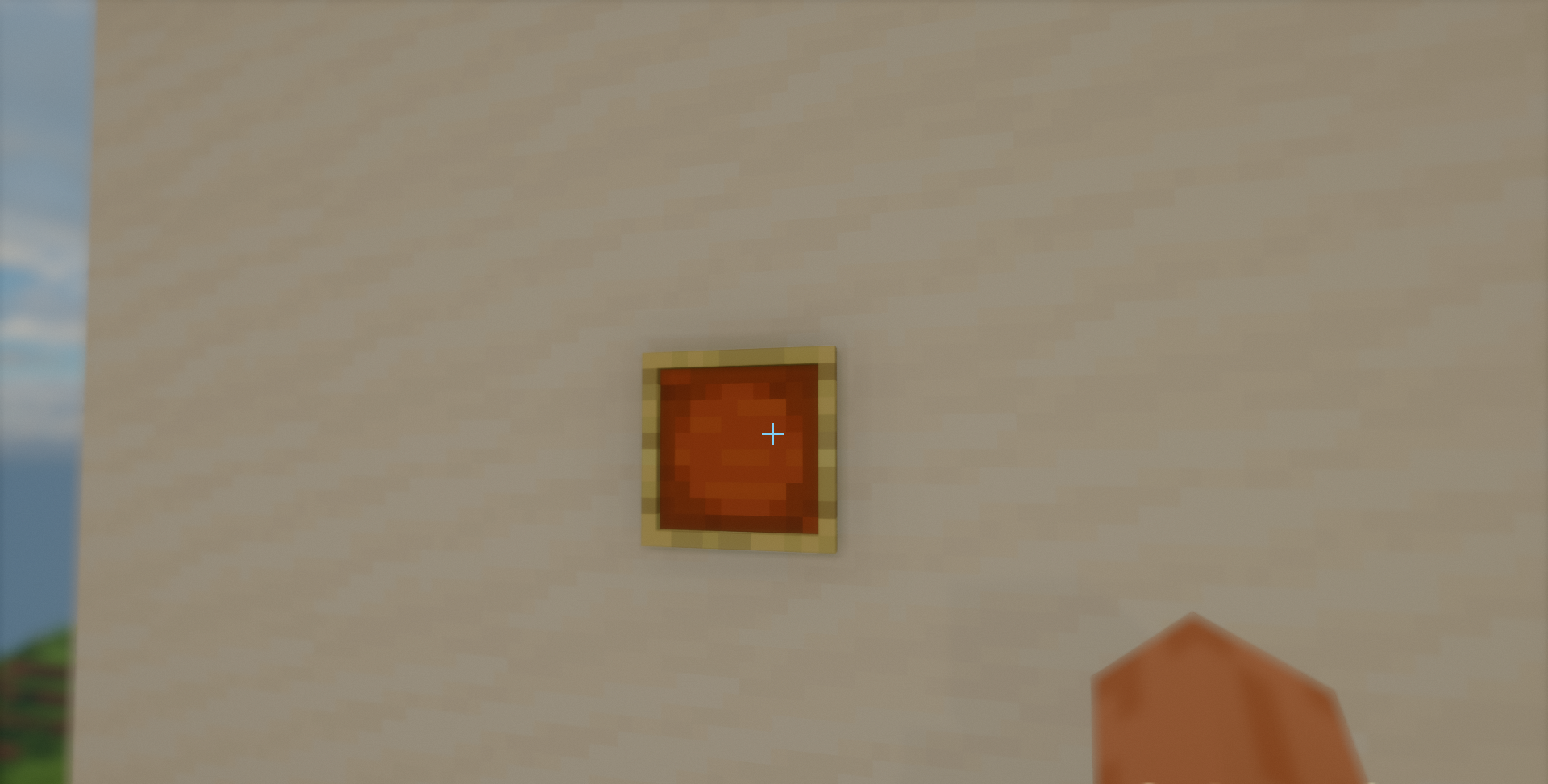
If it is empty, it can still be seen and taken. As a result, items can be placed on walls and blocks without an extra wooden border, but frame control remains understandable. It is a good solution for kitchens, storage rooms, maps, signs, decorative displays, and any builds where a clean surface is important.

How to install the modification:
First step: download and install Fabric и Fabric API.
Second step: download the mod file.
Third step: copy Hide Item Frame mod package to the .minecraft/mods folder (if it does not exist, install Forge again or create it yourself).
Comments (0)