



Highlight for Minecraft 26.2
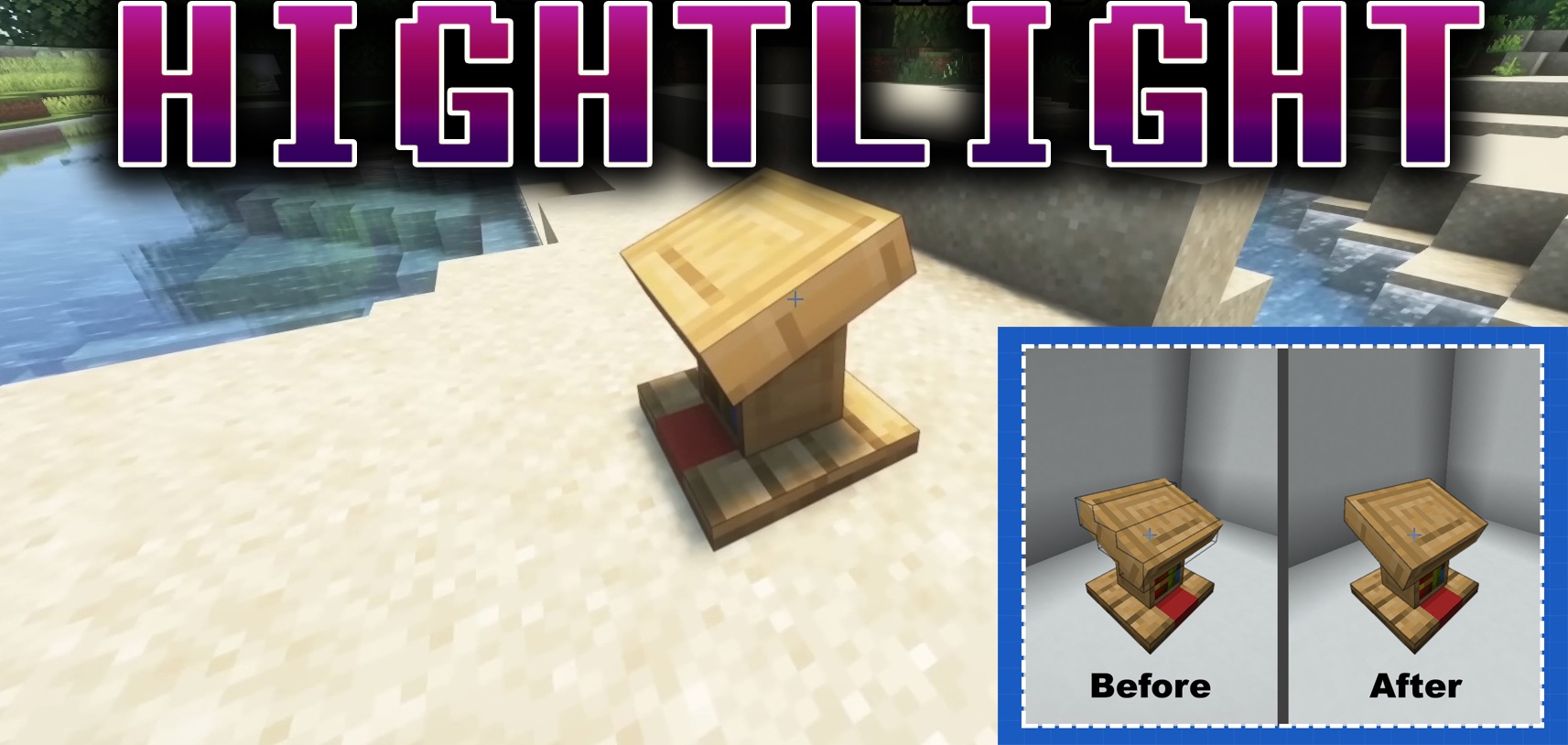
Highlight expands the visual outlining of blocks and makes the selection frame more flexible. In the standard game, the outline is usually connected to a simple cubic volume, but the mod allows custom highlight shapes to be created so they match the block model more accurately.
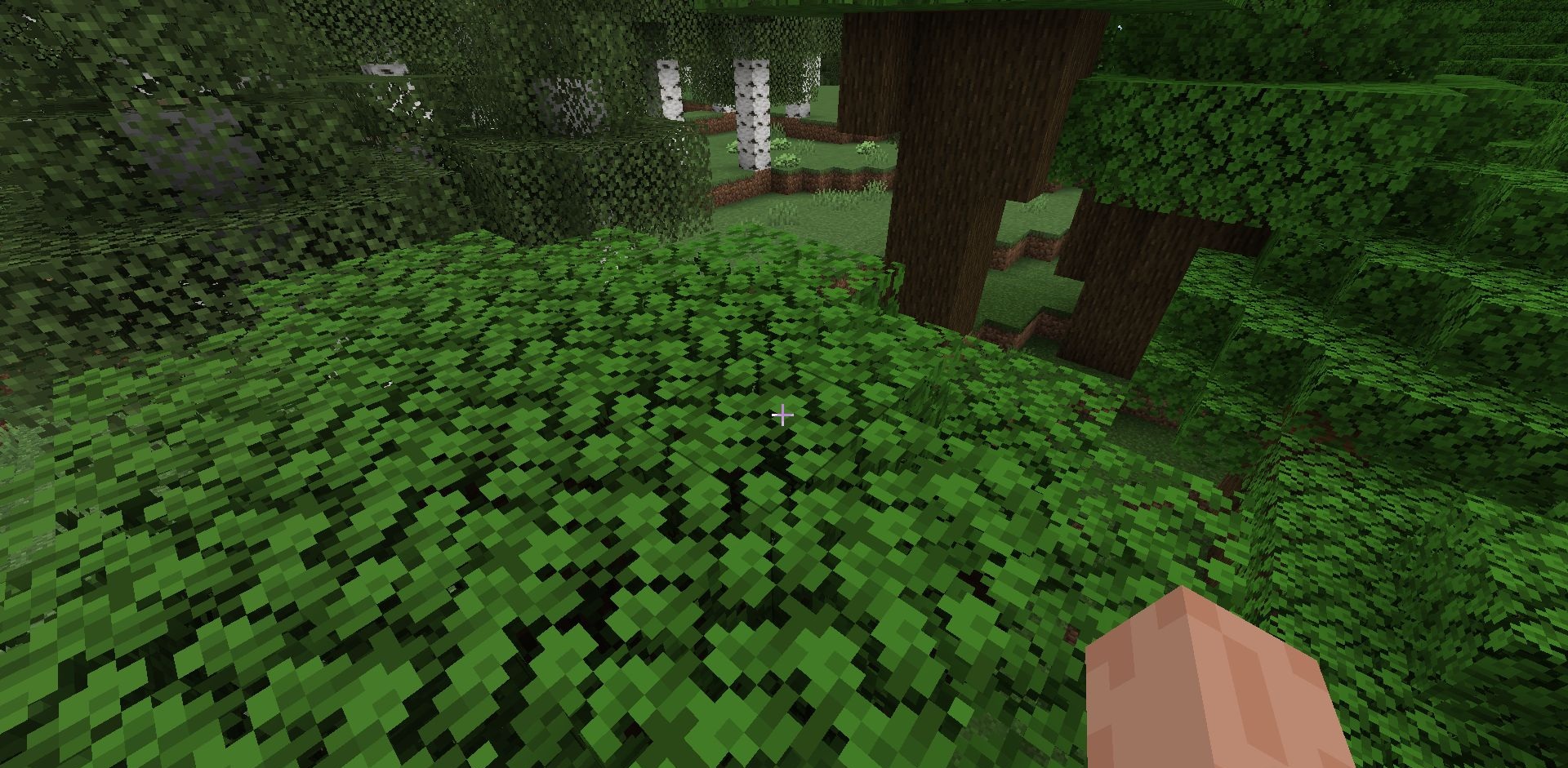
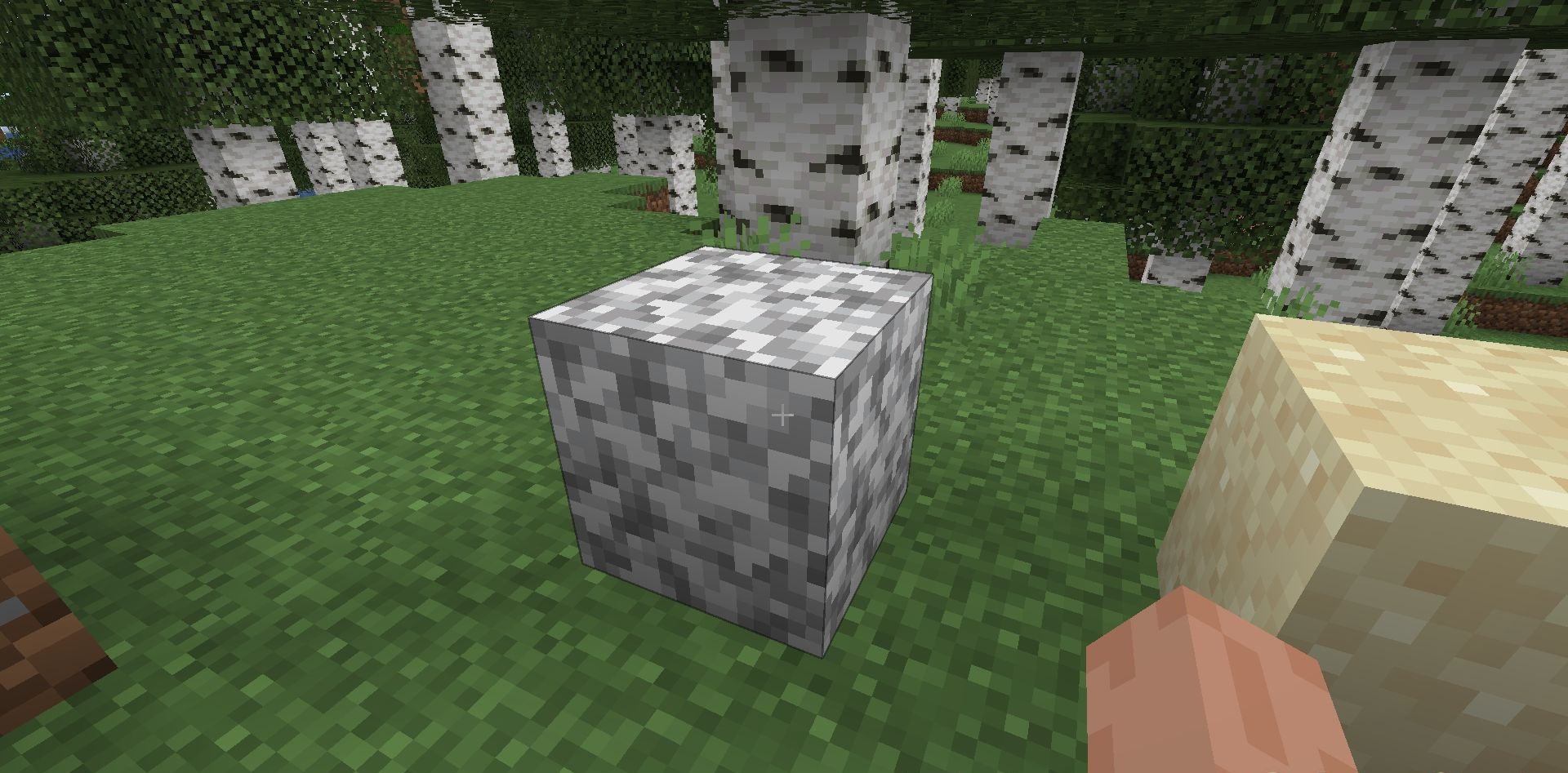
This works only on the client side and does not change the actual interaction area: the block still has to remain within the normal interaction range. Highlights can be assigned through code using the Highlightable interface or through the JSON API, which is useful for resource pack and modded models. The highlight data itself is stored as custom resources inside the assets folder.
How to install the modification:
First step: download and install Fabric и Fabric API.
Second step: download the mod file.
Third step: copy Highlight mod package to the .minecraft/mods folder (if it does not exist, install Forge again or create it yourself).
Comments (0)