



Ipla for Minecraft 26.2
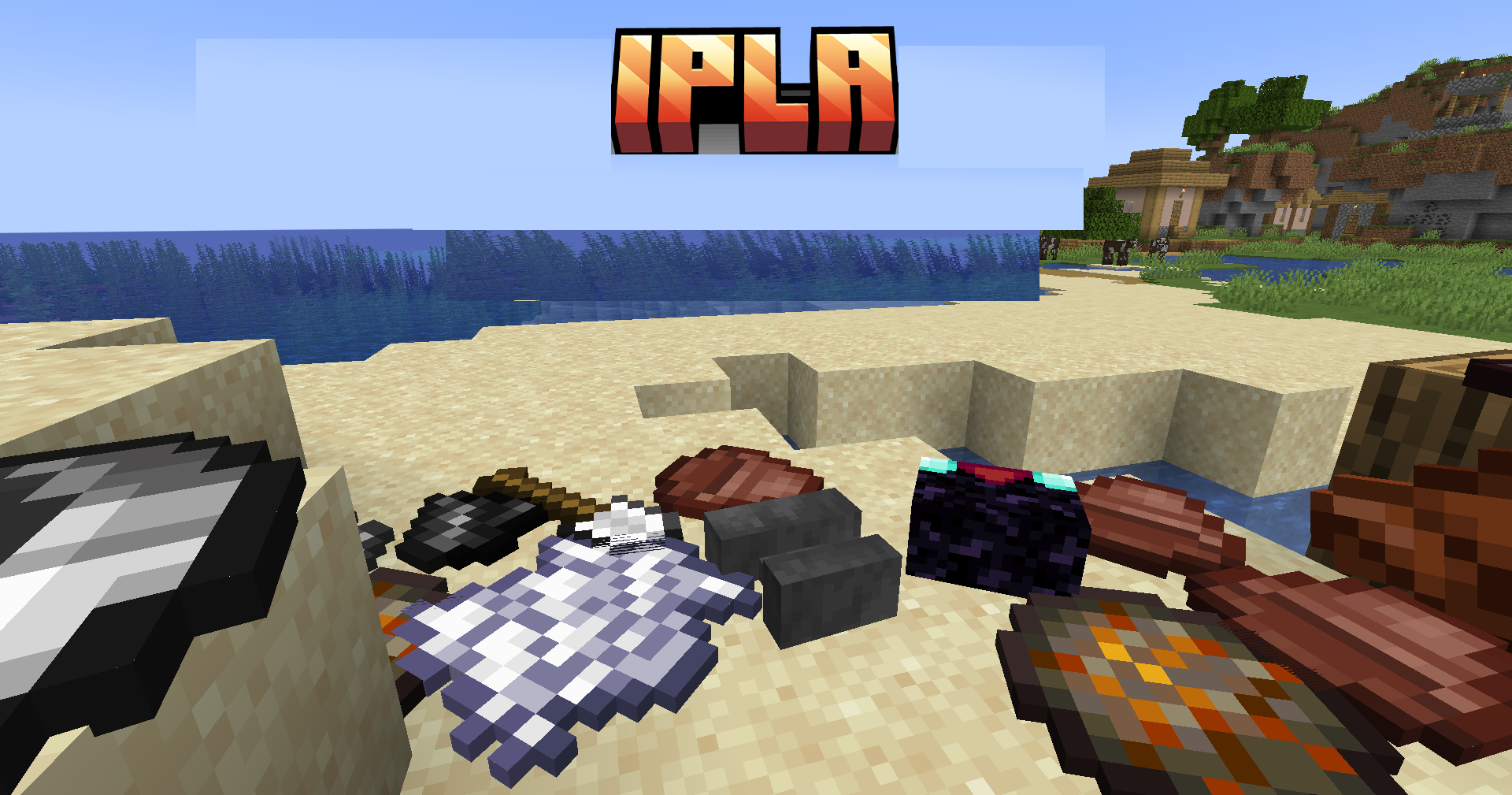
Decoration becomes more flexible when items can be placed not only in frames and on stands. Ipla allows items to be freely placed on walls, floors, ceilings, and even in midair, after which their position can be precisely adjusted. The V key places an item, Ctrl + V enables a mode for displaying up to 24 items, and combinations with Alt and the mouse wheel allow an object to be rotated, tilted, and turned around in a circle.
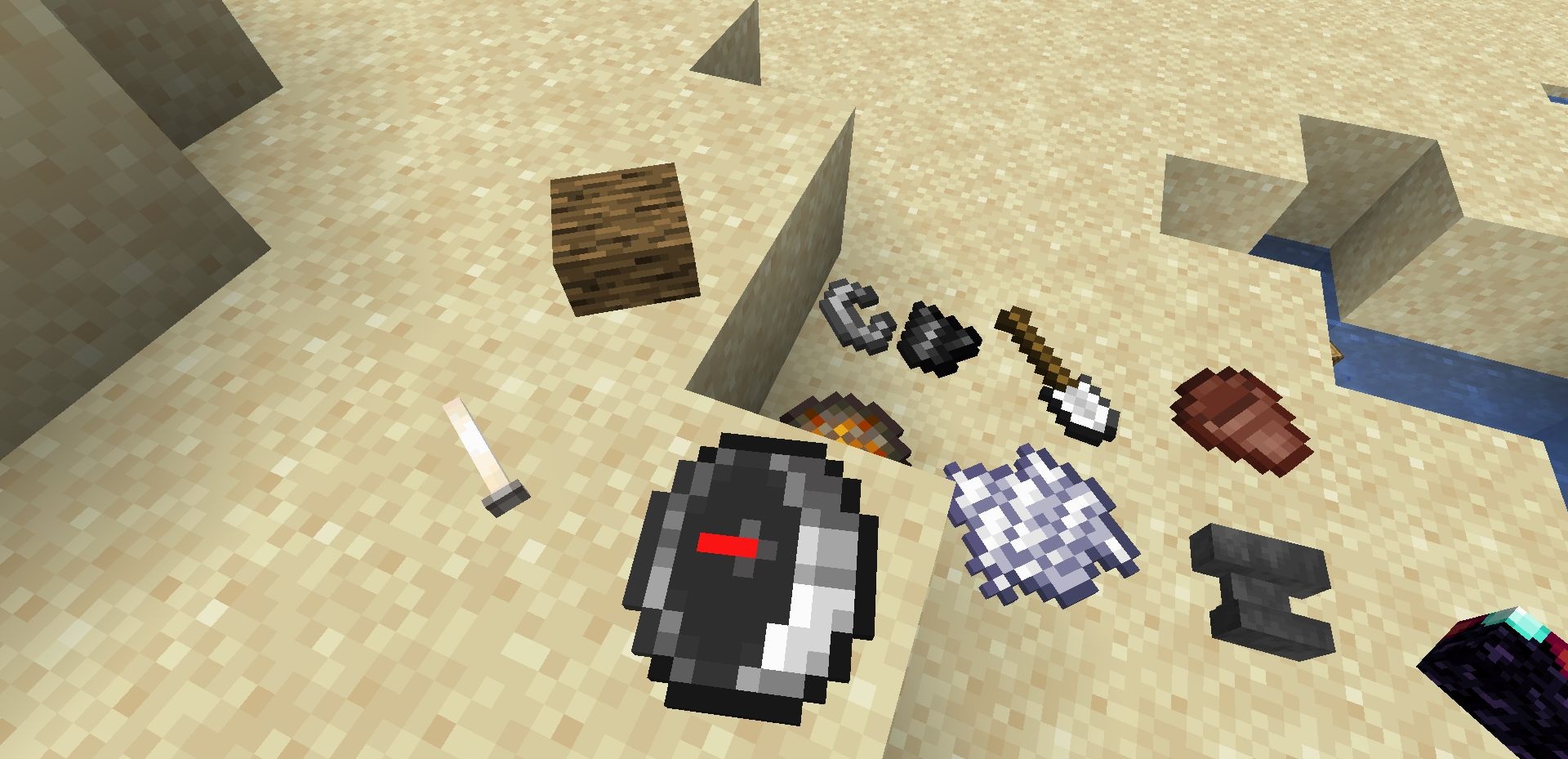
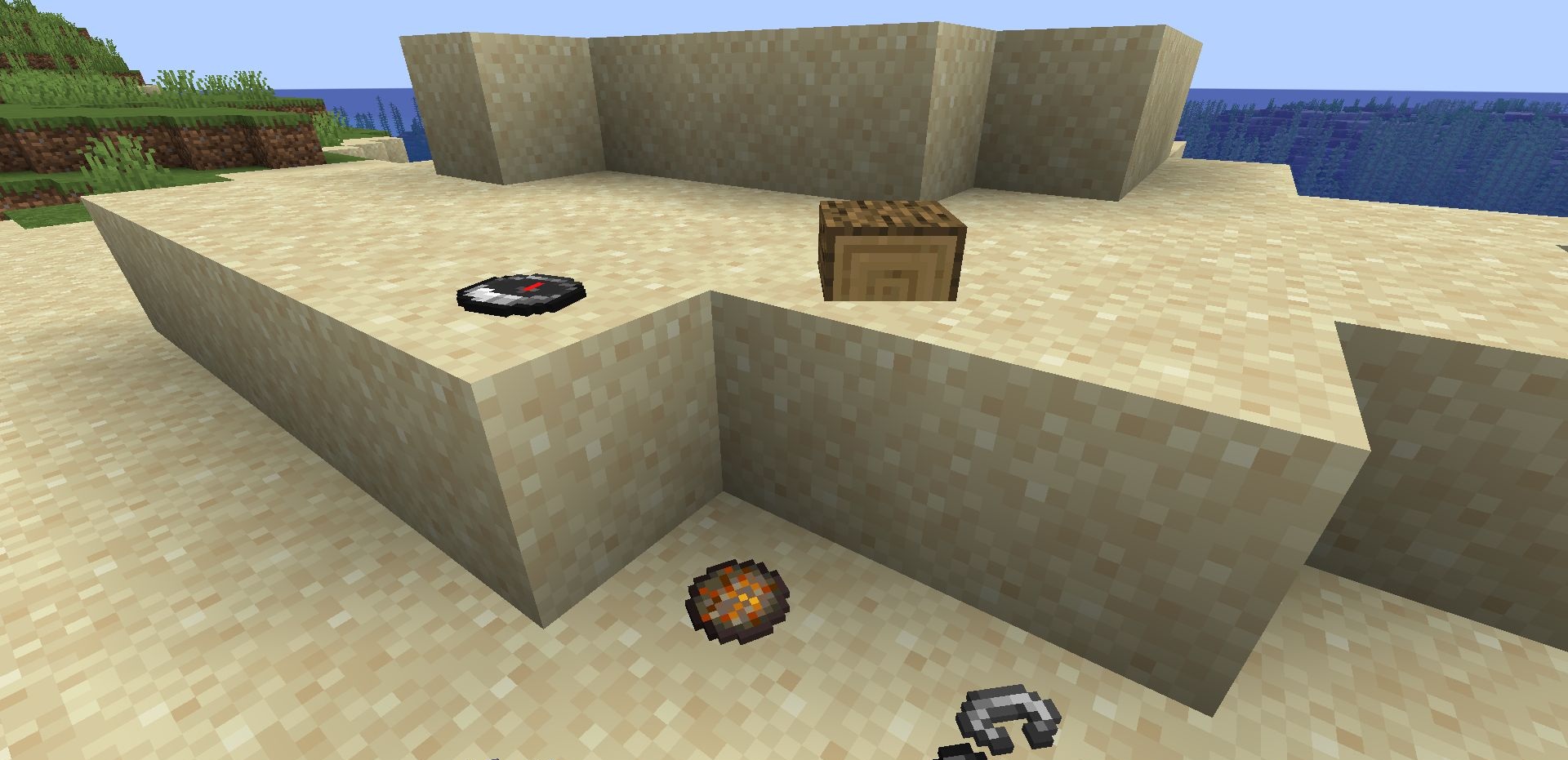
Placed items remain stationary and are preserved after the world is reloaded. The mod provides more possibilities for interiors, display cases, workshops, warehouses, kitchens, magical rooms, and decorative scenes. The add-on turns ordinary items into full-fledged elements of interior decoration.
How to install the modification:
First step: download and install Fabric и Fabric API.
Second step: download the mod file.
Third step: copy Ipla mod package to the .minecraft/mods folder (if it does not exist, install Forge again or create it yourself).
Comments (0)