



ItemZoom for Minecraft 26.2
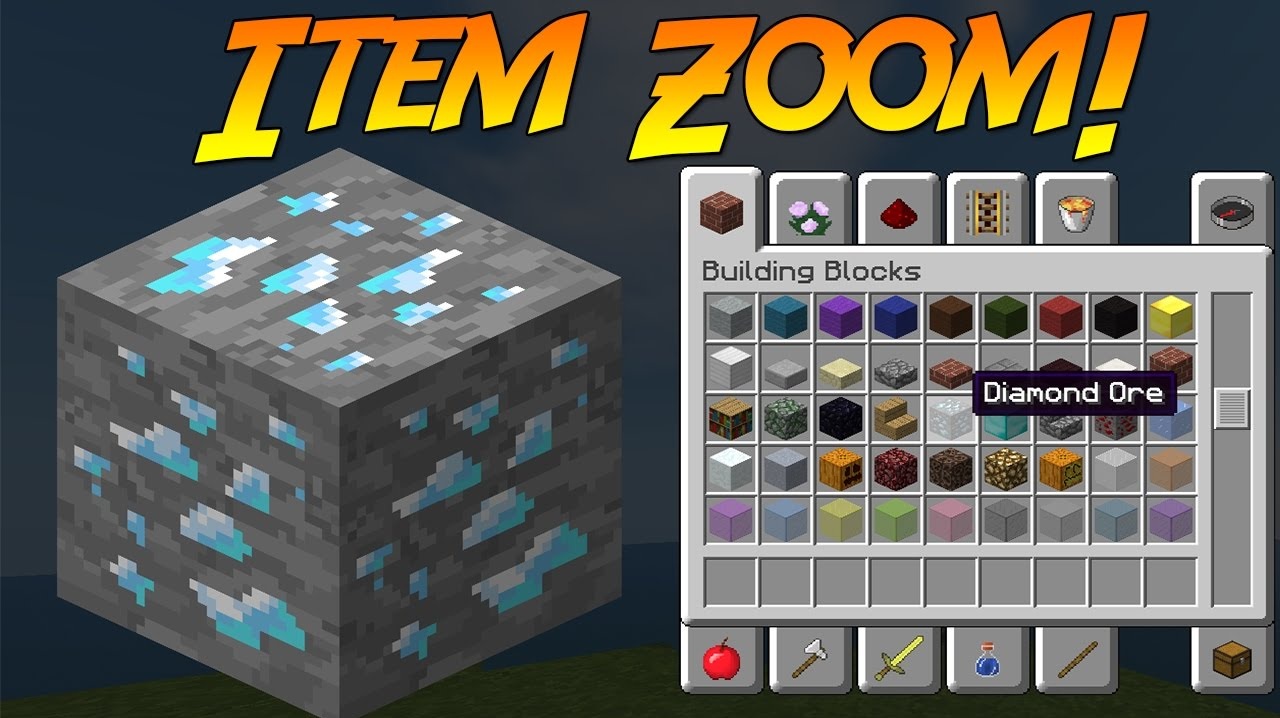
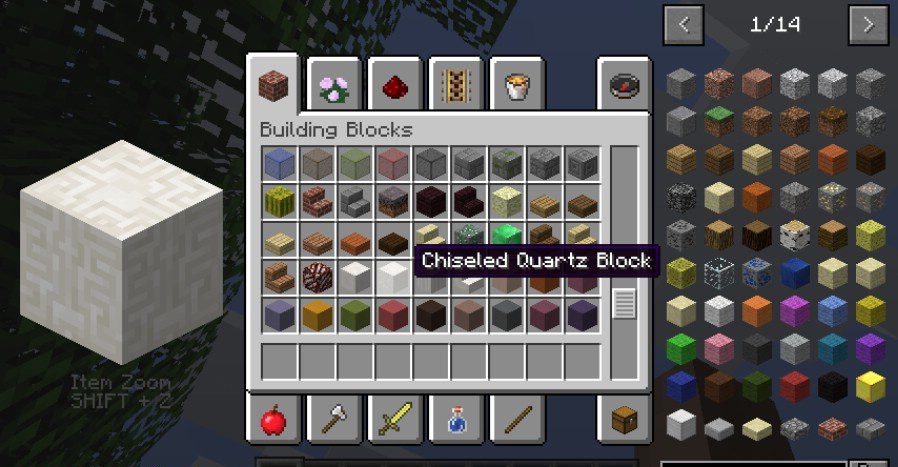
ItemZoom displays an enlarged model of the item that the cursor is hovering over in the inventory. This helps you examine a block's pattern, a tool's shape, or small details of a decorative object before using it. The feature is especially convenient for builders who have to compare similar materials.
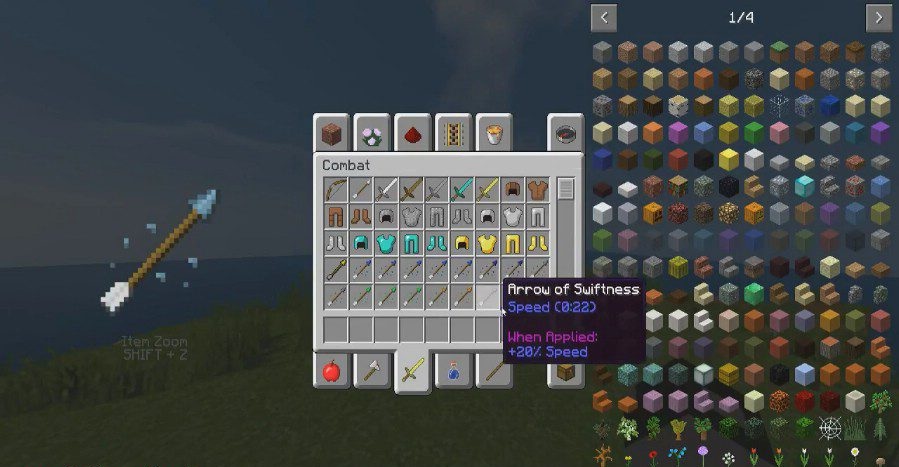
Zooming is activated with Shift + Z, but the key can be changed in the control settings. You can also assign a separate button that makes the enlarged view appear only while it is held down. The image size is adjusted with hotkeys or through the configuration file. The mod works on the client side, so it can be used on servers where it is not installed.
How to install the modification:
First step: download and install NeoForge.
Second step: download the mod file.
Third step: copy ItemZoom mod package to the .minecraft/mods folder (if it does not exist, install Forge again or create it yourself).
Comments (1)