



Lighty for Minecraft 26.2

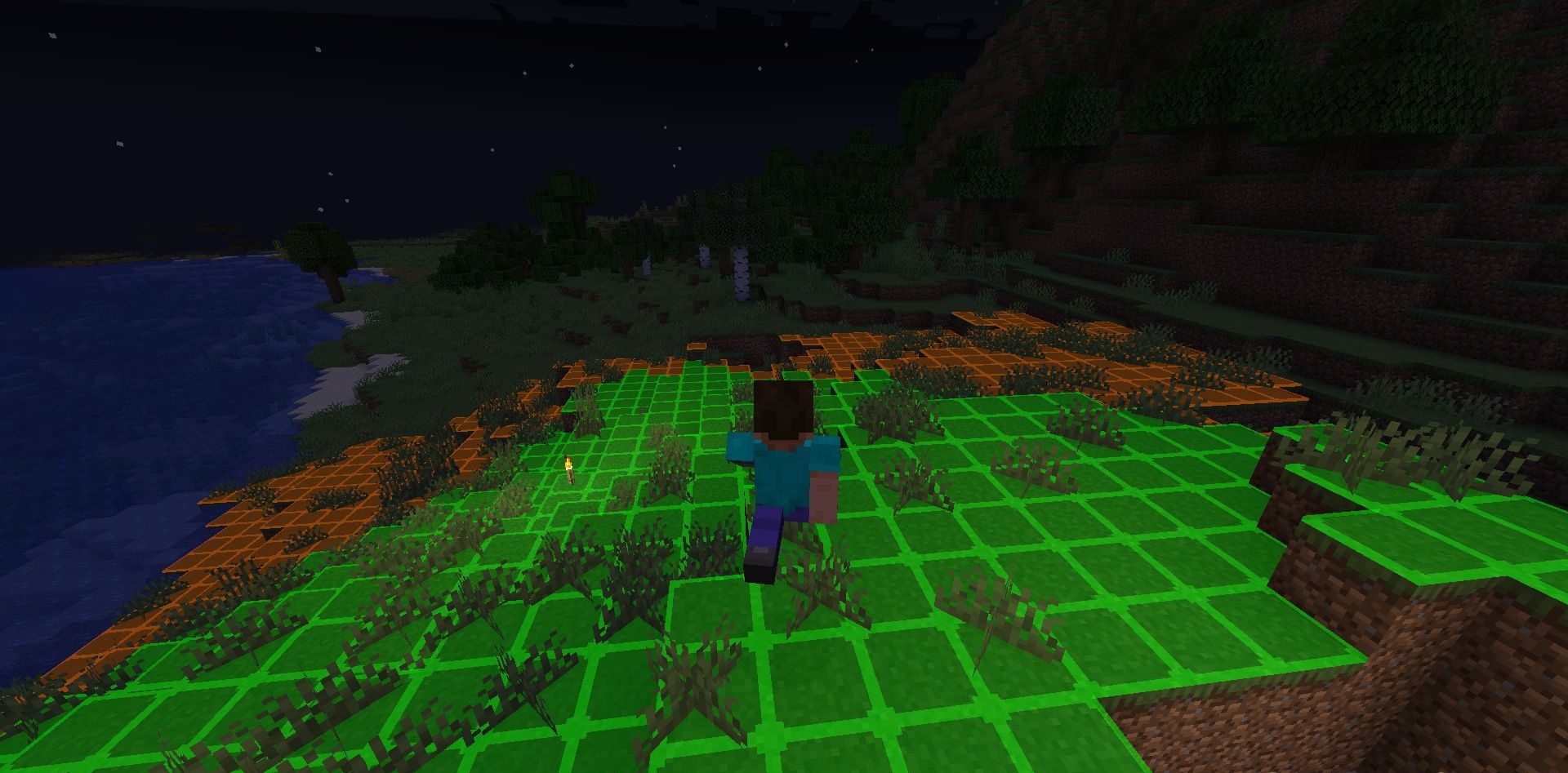
Lighty helps players quickly understand where mobs can spawn in the world. Instead of ordinary crosses or plain numbers, the mod displays a transparent block highlight resembling a carpet, so dangerous areas can be read directly on the surface.
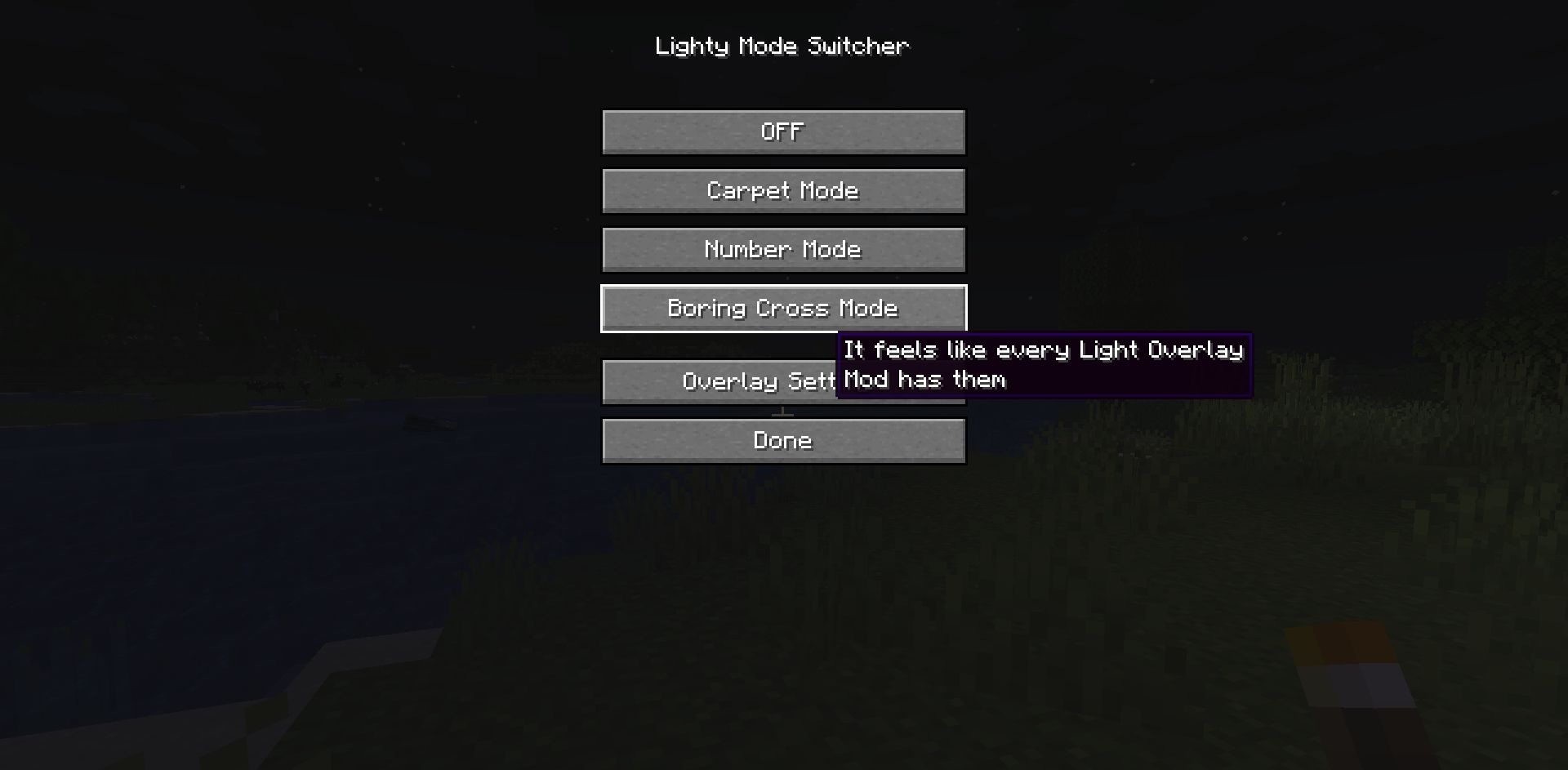
Colors indicate the level of risk: green means complete safety, orange warns of possible spawning at night, and red marks places where hostile mobs can appear at any time. Players can switch to a classic mode with numbers or crosses if desired. Brightness, display range, and other parameters can be changed through the settings. The F7 key opens the configuration mode, while F8 quickly enables or disables the display.
How to install the modification:
First step: download and install Fabric и Fabric API.
Second step: download the mod file.
Third step: copy Lighty mod package to the .minecraft/mods folder (if it does not exist, install Forge again or create it yourself).
Comments (0)