



Mod Name Tooltip for Minecraft 26.2
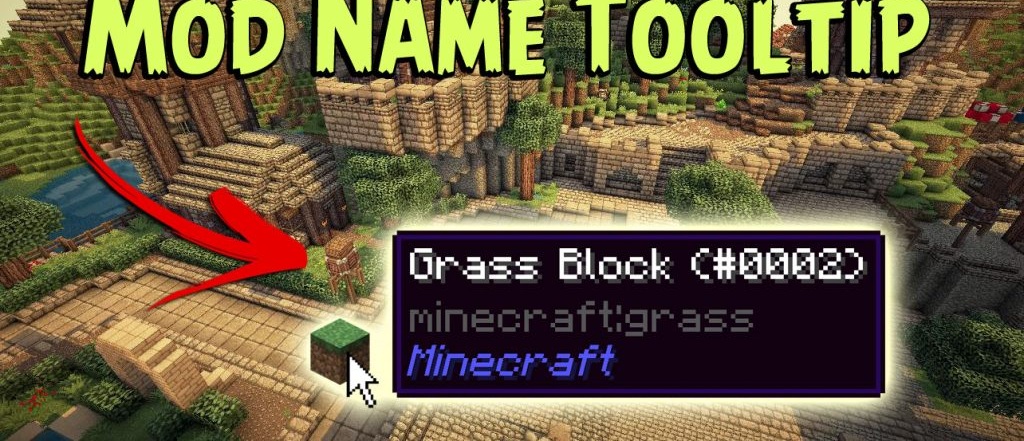
In large modpacks, it is easy to get confused: an item may look familiar, but it is not clear which mod it comes from, where to look for the recipe, and which system it belongs to. Mod Name Tooltip adds the name of the mod an item belongs to into the item description.
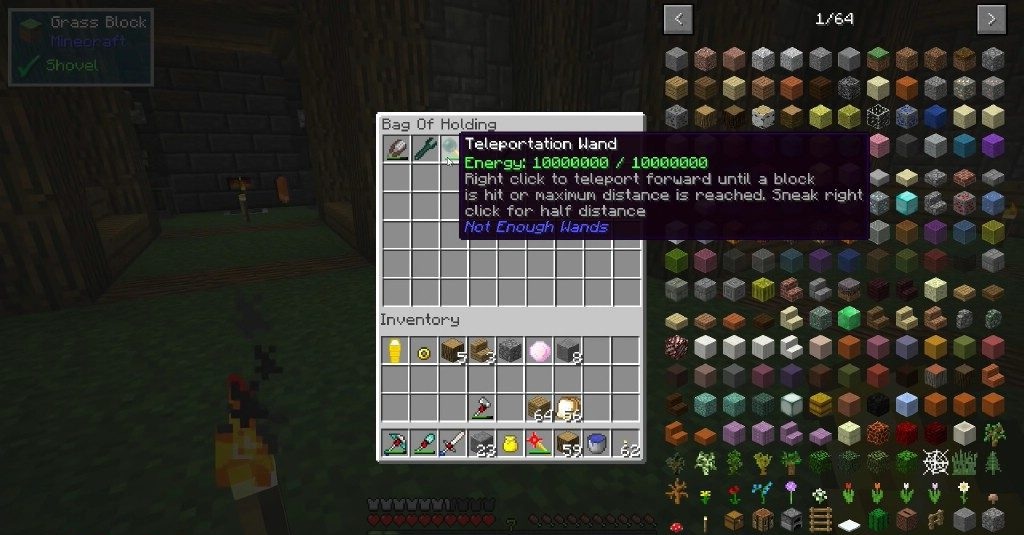
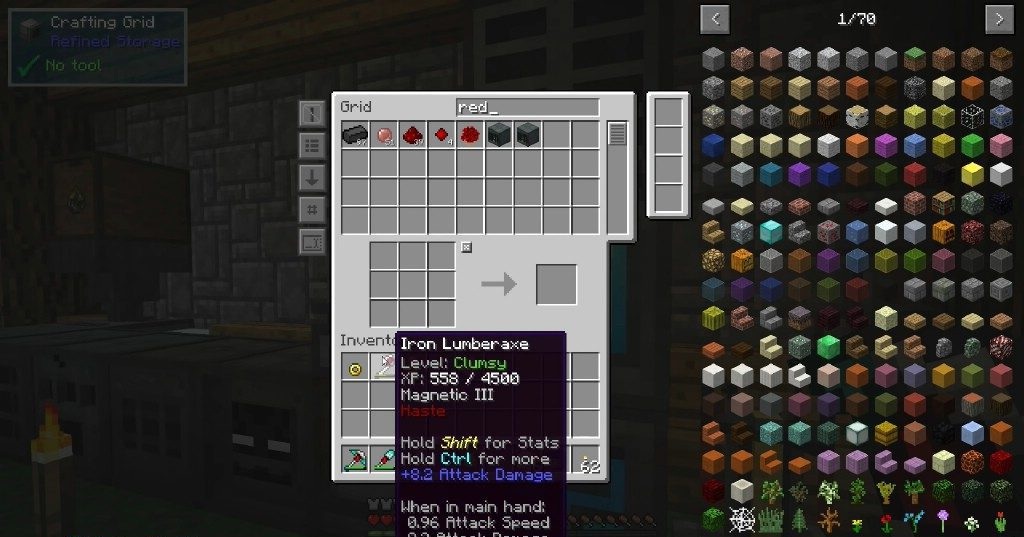
It is enough to hover the cursor, and the needed line appears in the tooltip. The function is small, but in the inventory, chests, creative mode, and recipe search, it saves a lot of time. The label can be configured for yourself: you can change the color, make the text bold, italic, or underlined. There is also mod search through the “@” symbol in the creative inventory, so items from the needed set can be filtered faster.
How to install the modification:
First step: download and install Fabric и Fabric API.
Second step: download the mod file.
Third step: copy Mod Name Tooltip mod package to the .minecraft/mods folder (if it does not exist, install Forge again or create it yourself).
Comments (0)