



Paginated Advancements for Minecraft 26.2
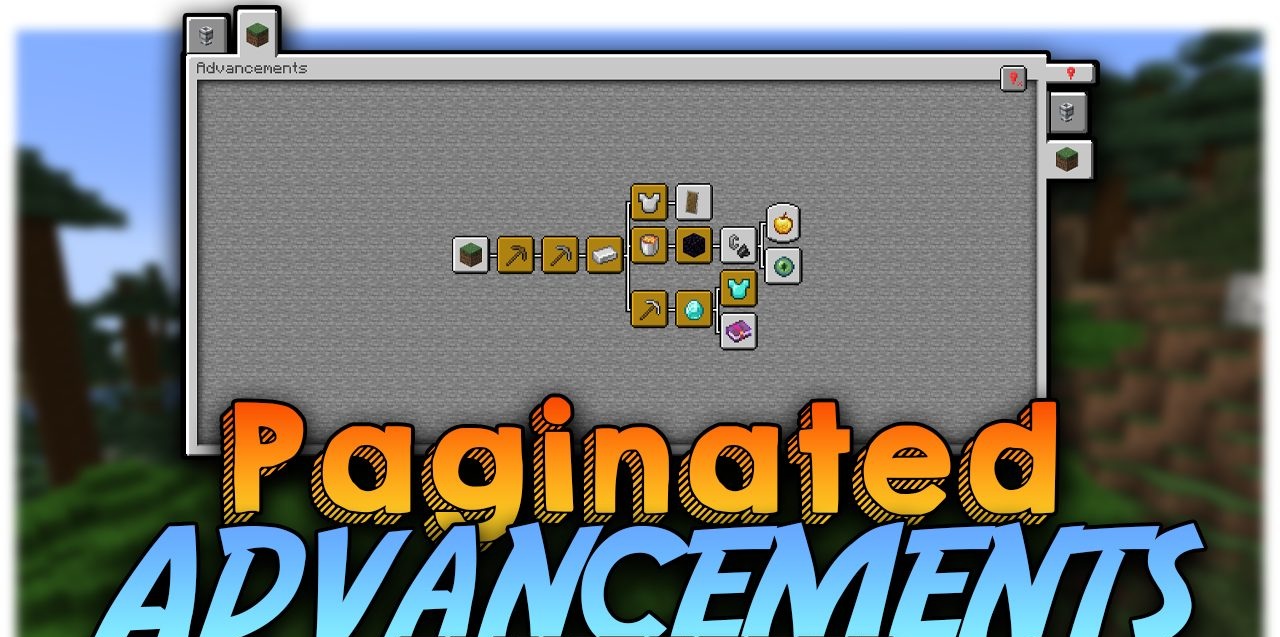
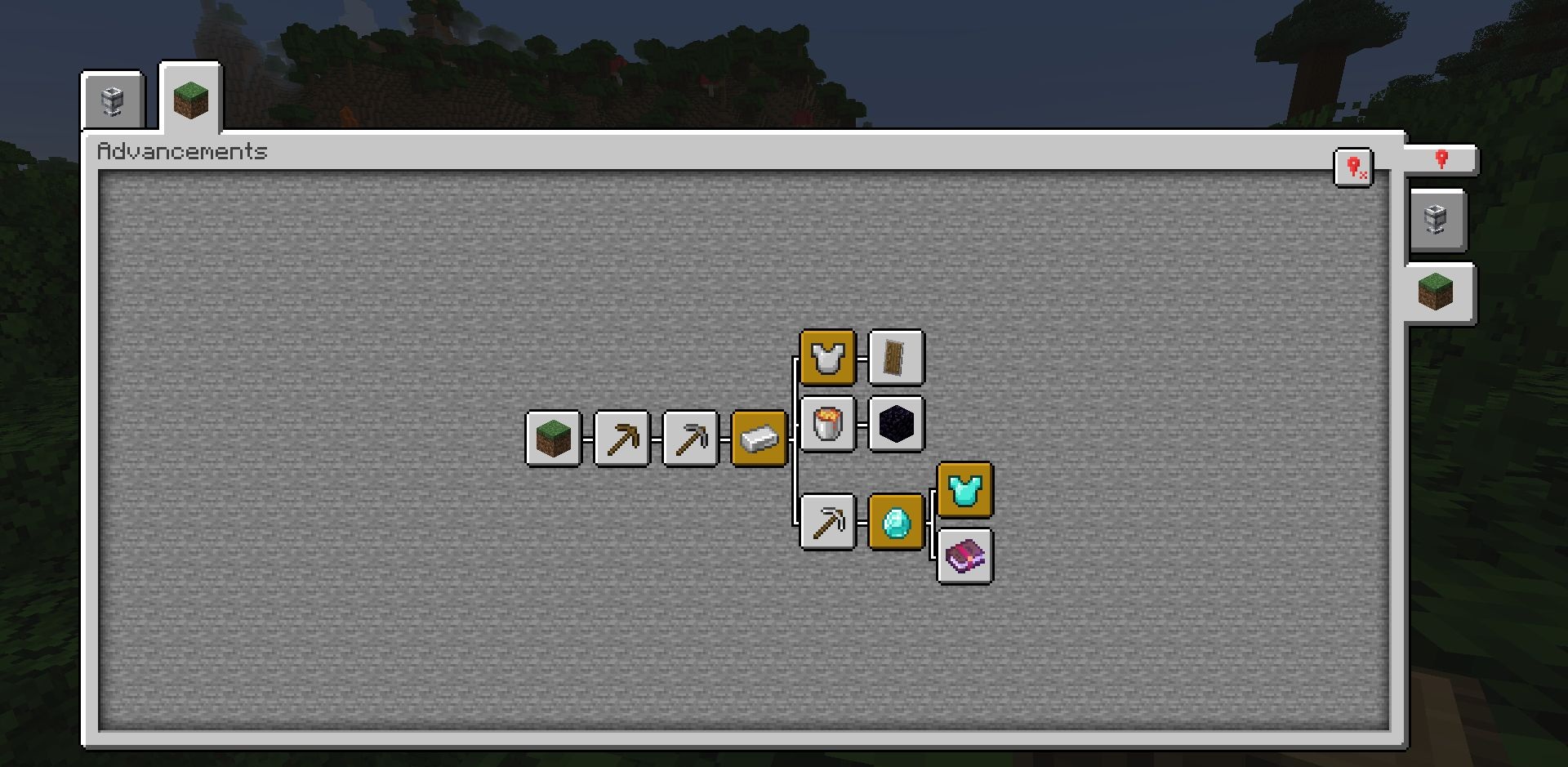
In large modpacks, advancement tabs quickly stop fitting on the standard screen. Paginated Advancements enlarges the window, distributes sections across separate pages, and prevents them from overlapping each other. Necessary tabs can be pinned to make it easier to return to current tasks and track progress.
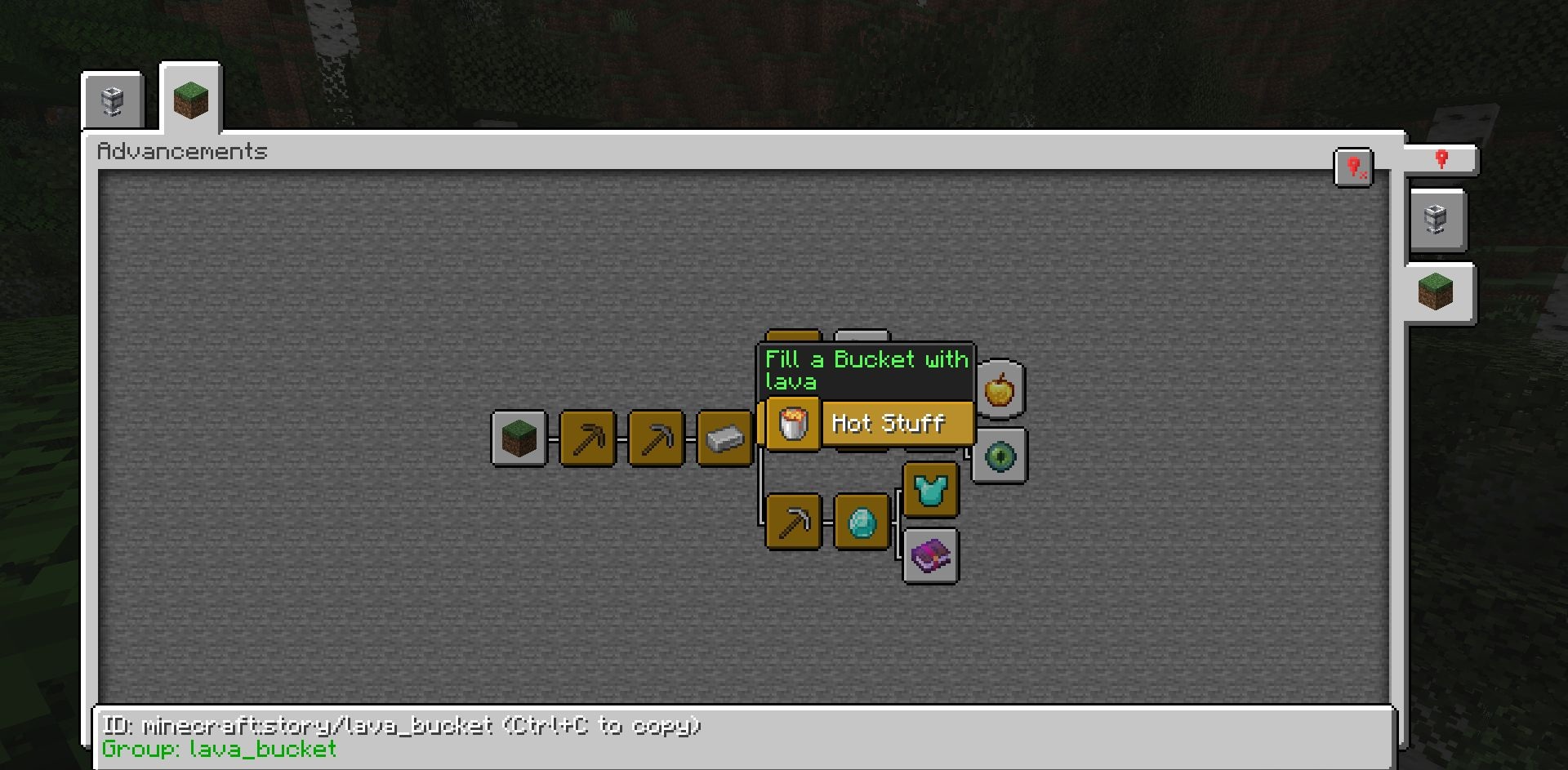
The interface remembers its position, so after reopening it, there is no need to search for the required branch again. The settings allow you to change the spacing between tabs, the placement of elements, and the background dimming. Data packs and other mods can add their own frames, colors, and styles for both standard and new advancements.
How to install the modification:
First step: download and install Fabric и Fabric API.
Second step: download the mod file.
Third step: copy Paginated Advancements mod package to the .minecraft/mods folder (if it does not exist, install Forge again or create it yourself).
Comments (0)