



Picture Mode for Minecraft 26.2
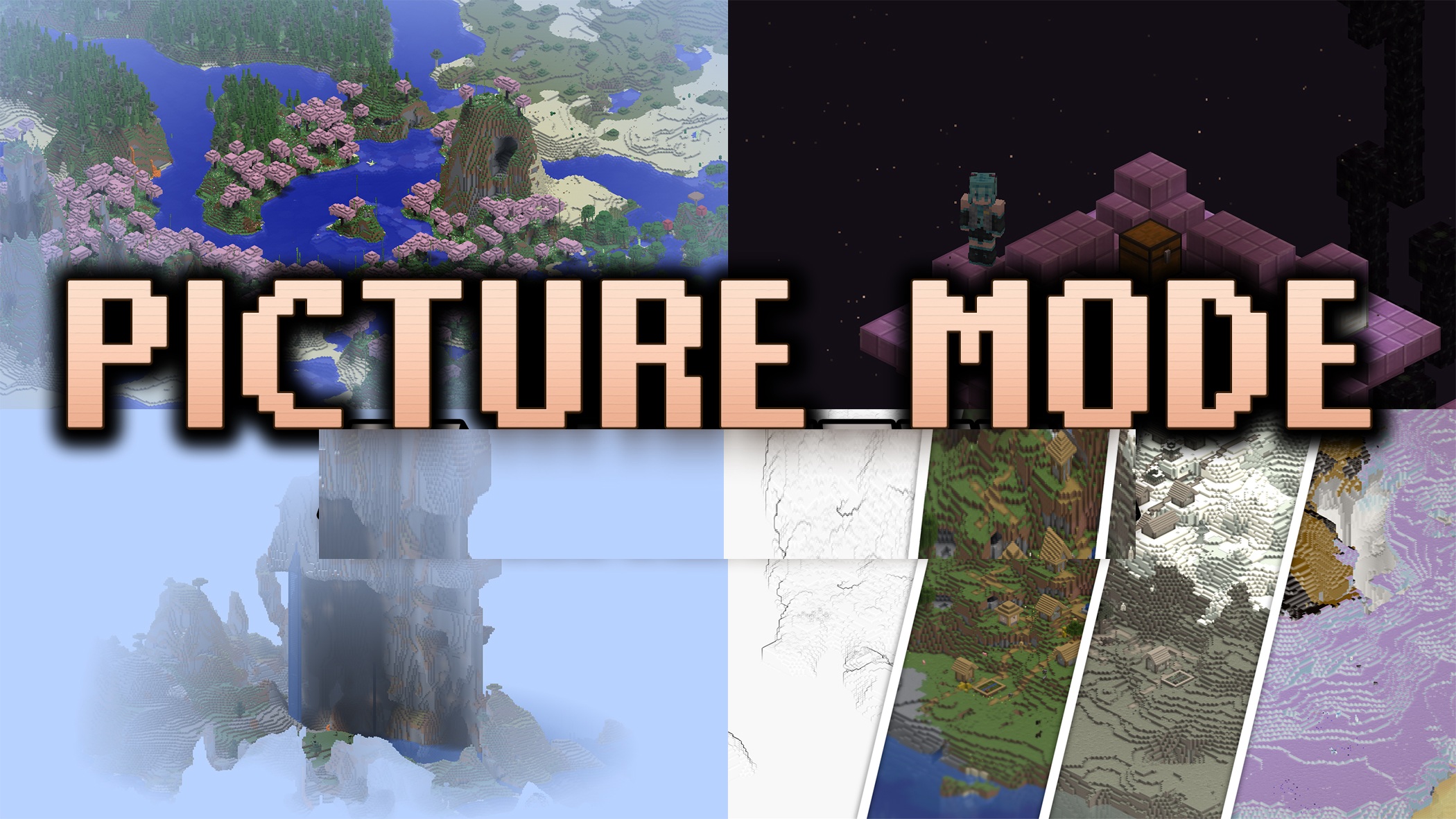
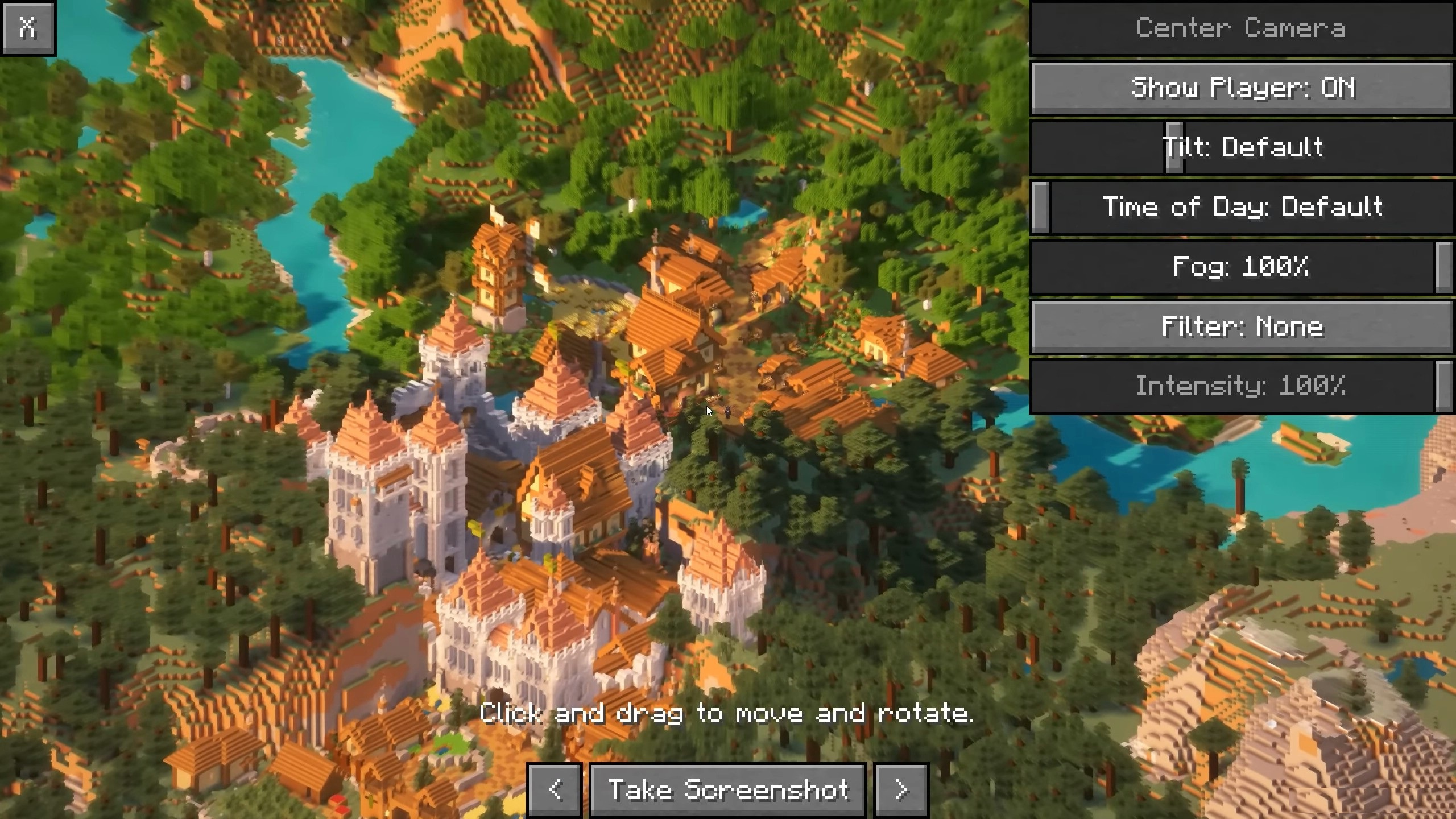
Picture Mode adds a separate mode for taking shots of builds and landscapes. Instead of a regular screenshot from the player’s view, you can enable an isometric camera, rotate it, choose the orientation, and adjust the environment. This is convenient for large houses, cities, castles, farms, islands, and decorative scenes that do not fit well into a standard angle.
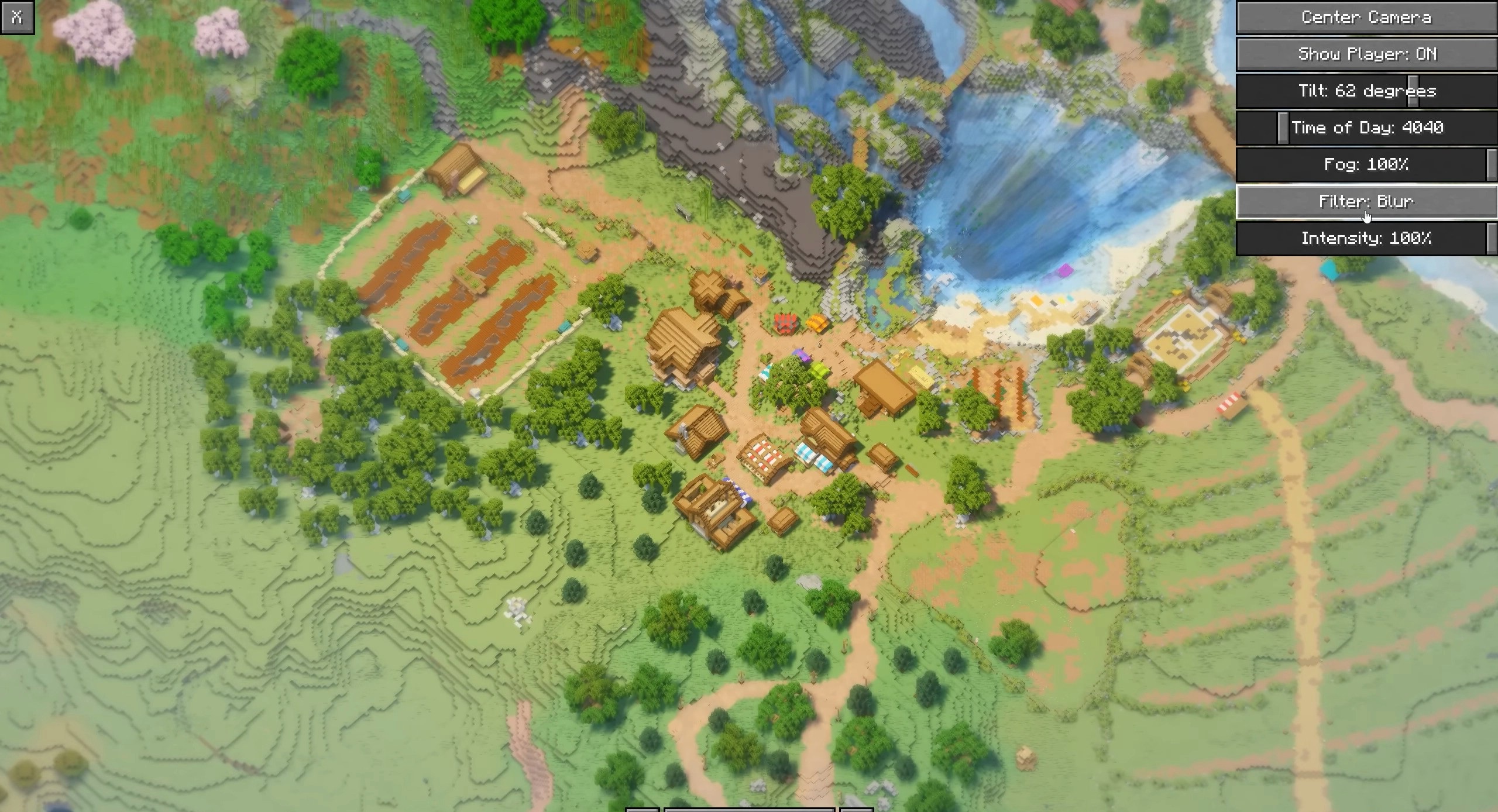
Filters help you get the needed look immediately without editing outside the game. The mod does not affect survival, mobs, or blocks, but it changes the way building results are shown. It is interesting not only for beautiful shots: the isometric view helps evaluate the layout, symmetry, roof, roads, and the overall placement of zones on the map.
How to install the modification:
First step: download and install Fabric и Fabric API.
Second step: download the mod file.
Third step: copy Picture Mode mod package to the .minecraft/mods folder (if it does not exist, install Forge again or create it yourself).
Comments (0)