



Potion Bar for Minecraft 26.2
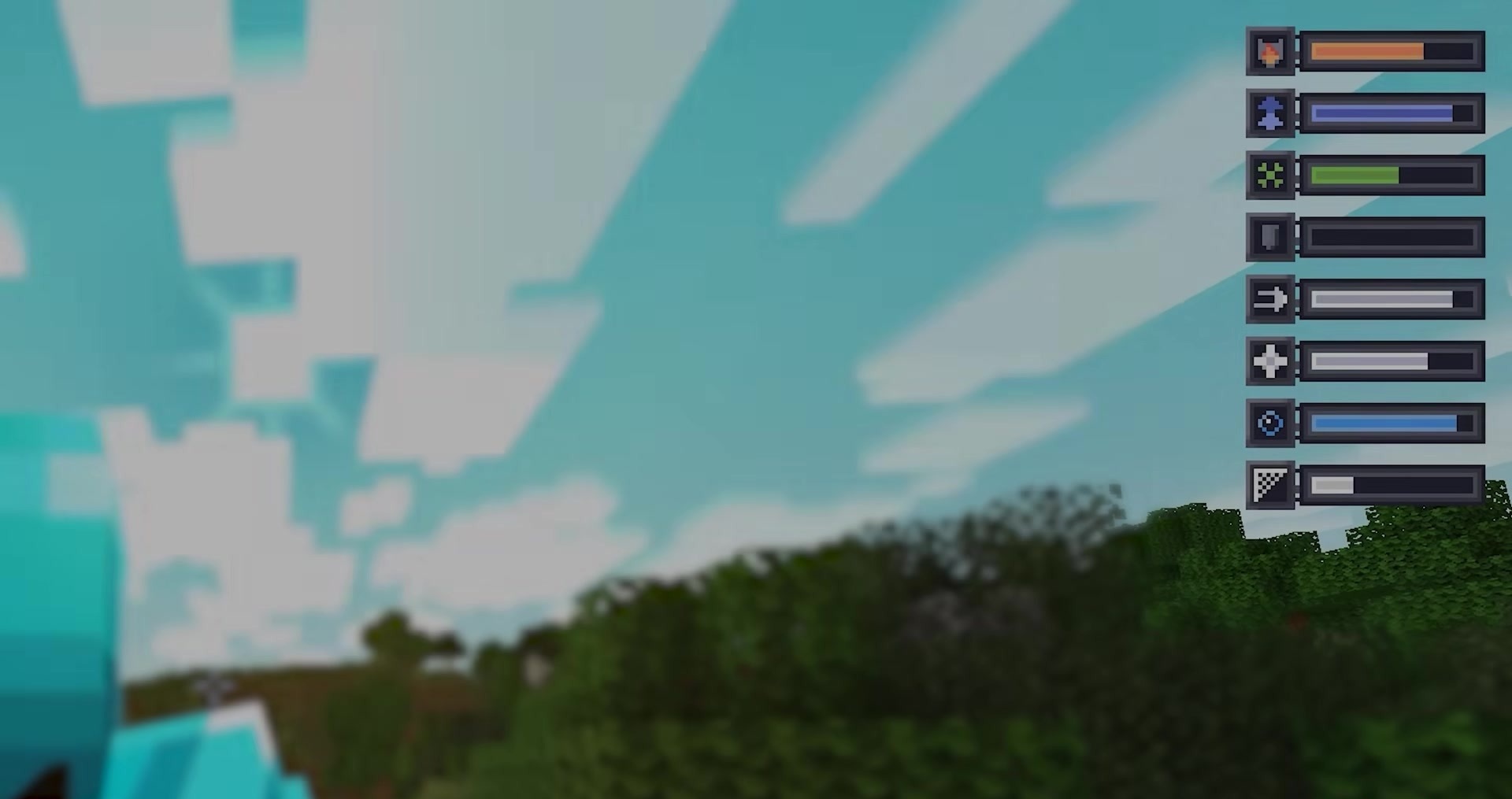
Potion Bar makes active potion effects easier to understand directly on the screen. Instead of constantly opening the inventory or relying on small icons, the player sees a progress bar with a timer and an effect icon. The color of the bar changes depending on the potion type, making different effects easier to distinguish during combat, mining, or exploration.
Commands can be used to configure the panel position, the display of standard effects, the timer, and custom icons. The add-on improves control over already active buffs when it is important to know how many seconds remain before speed, strength, regeneration, or night vision expires.
How to install the modification:
First step: download and install Fabric и Fabric API.
Second step: download the mod file.
Third step: copy Potion Bar mod package to the .minecraft/mods folder (if it does not exist, install Forge again or create it yourself).
Comments (0)