



Simple Swap for Minecraft 26.2
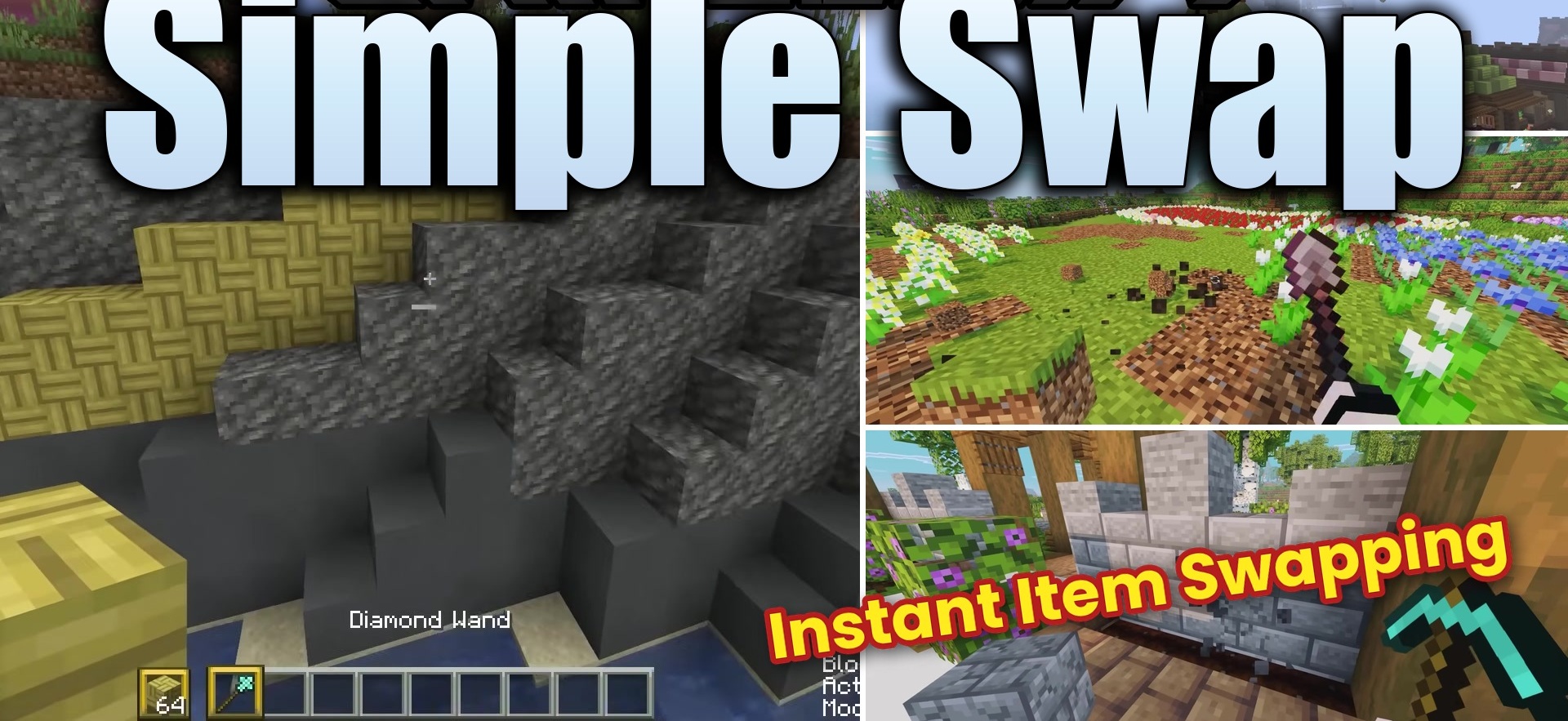
Simple Swap speeds up block replacement while building or modifying completed structures. Instead of following the usual process of breaking a block, selecting a new one, and placing it manually, the mod immediately places the block held by the player in the position of the destroyed block.
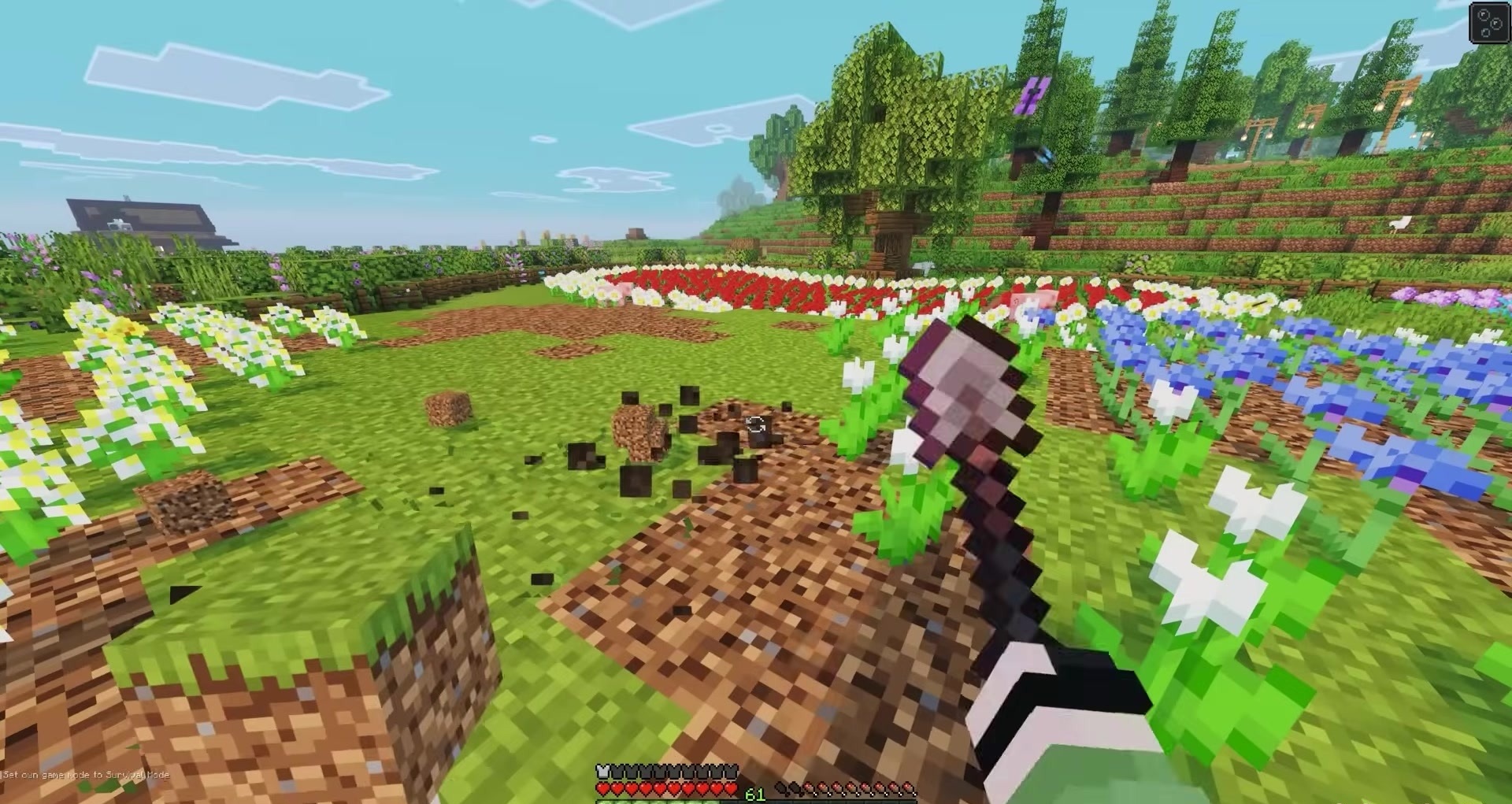
To do this, the player must hold the Simple Swap key, which is Left Alt by default, and break the required block. The new material can be held in either the main hand or the off-hand. This mechanic is convenient when replacing walls, floors, ceilings, paths, or accidentally placed blocks, especially when the same area must be corrected many times. The mod does not add new items or change the blocks themselves, but it reduces the number of actions required during construction.
How to install the modification:
First step: download and install Fabric и Fabric API.
Second step: download the mod file.
Third step: copy Simple Swap mod package to the .minecraft/mods folder (if it does not exist, install Forge again or create it yourself).
Comments (0)