



Snowy Biomes Enhanced for Minecraft 26.2
Snowy biomes look too flat: there is a white layer on the ground, but the environment does not always feel truly wintery. Snowy Biomes Enhanced improves exactly this part of the world. Snow appears under trees, leaves get a snow-covered look, and the terrain becomes smoother and more natural.
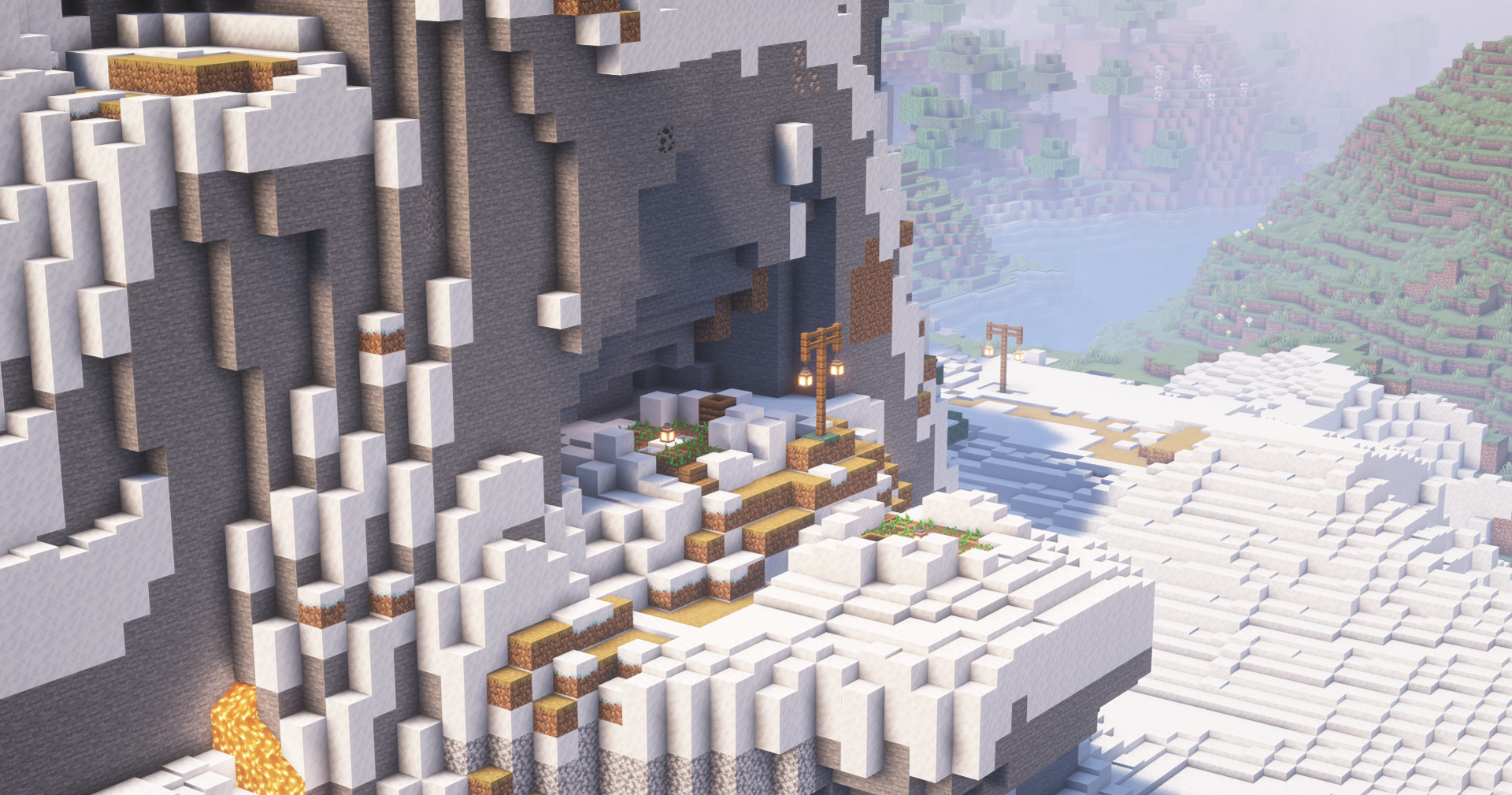
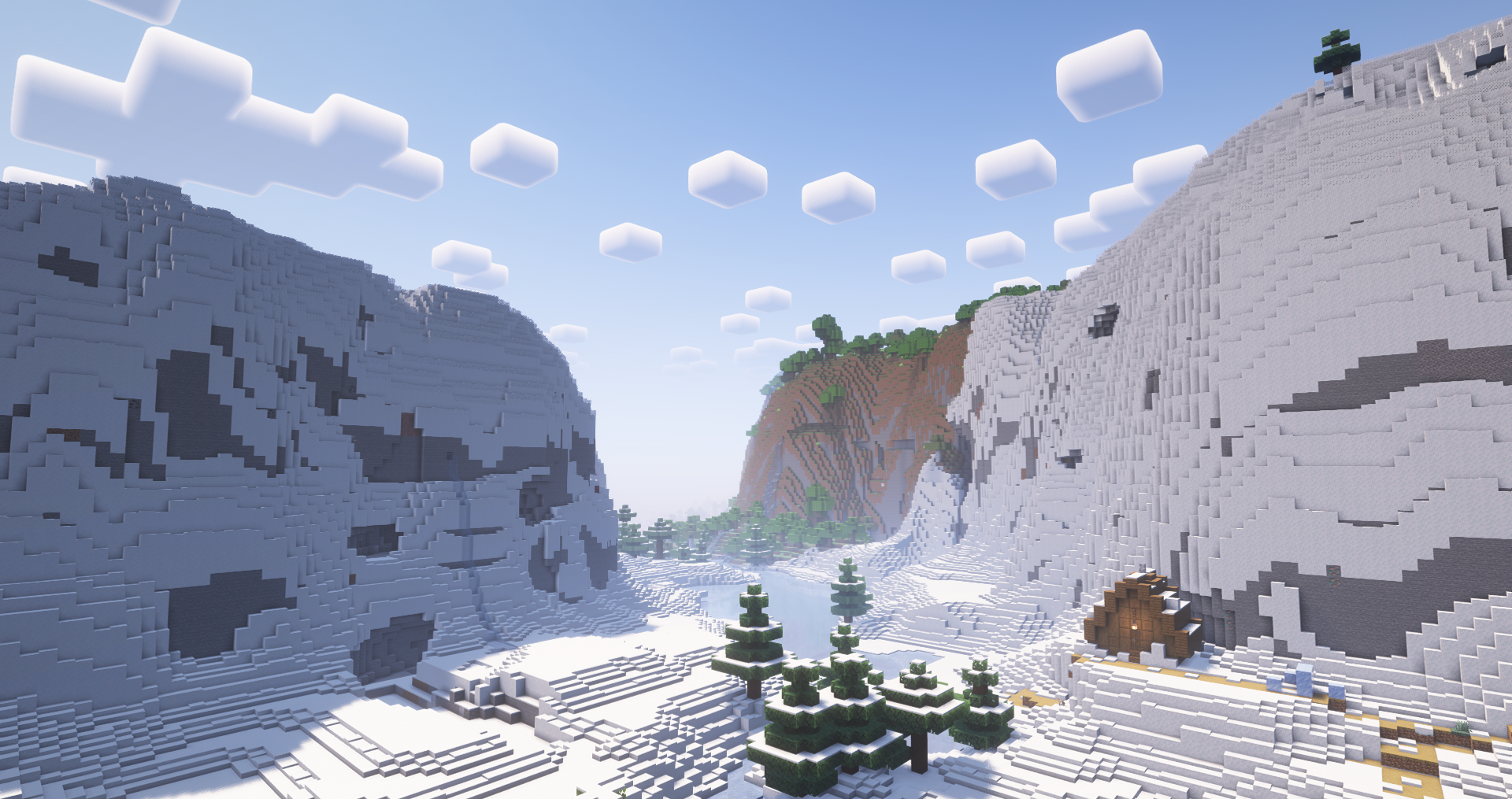
Cold forests, taiga, and other snowy zones begin to look as if snow has really fallen onto the area, instead of simply covering separate blocks. The mod does not add complex mechanics and does not directly change survival, but it strongly affects the impression of the biomes. Winter settlements, paths, hunting cabins, and bases in the snow look better without manually reworking every area.
How to install the modification:
First step: download and install Fabric и Fabric API.
Second step: download the mod file.
Third step: copy Snowy Biomes Enhanced mod package to the .minecraft/mods folder (if it does not exist, install Forge again or create it yourself).
Comments (0)