



Third Person for Minecraft 26.2
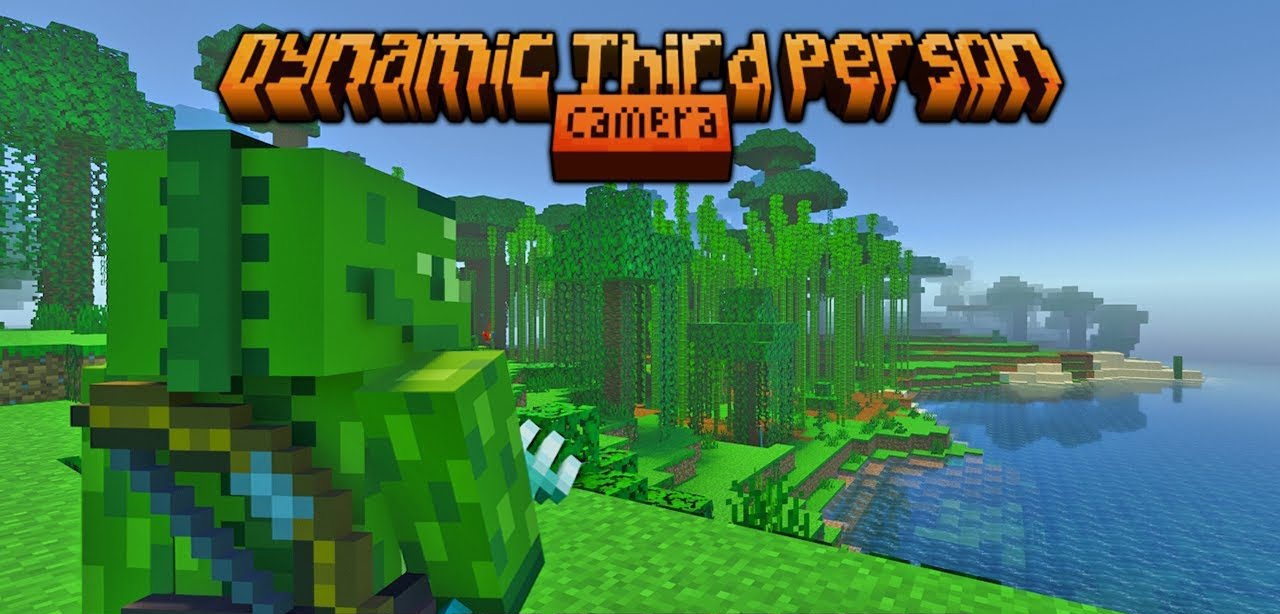
Third Person makes it easier to control the camera freely behind the character. The F5 key switches between the usual viewing modes, while holding Z allows the mouse to change the character’s position on the screen. The scroll wheel adjusts the camera distance, allowing it to be moved closer in enclosed spaces or farther away during journeys.
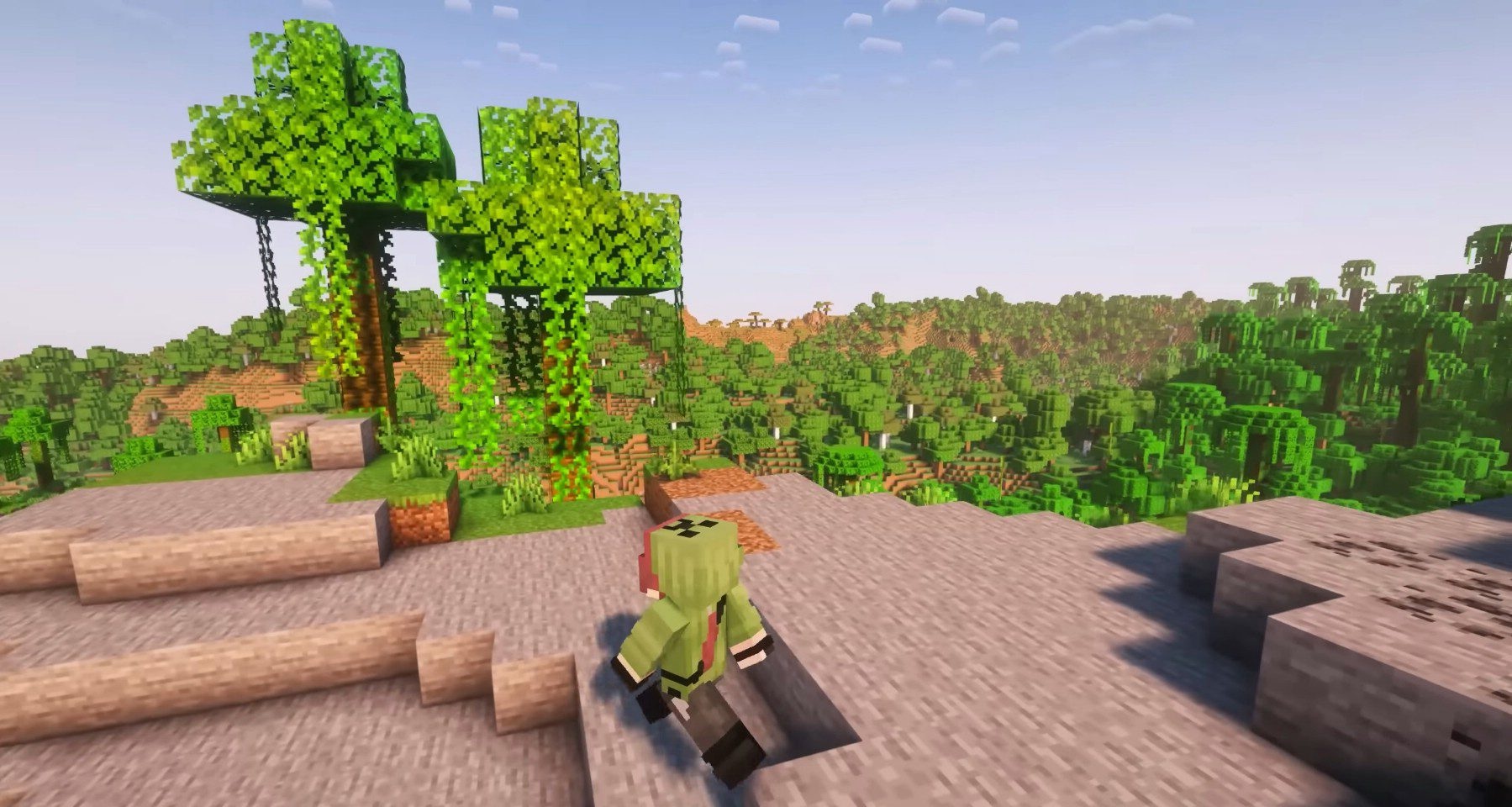
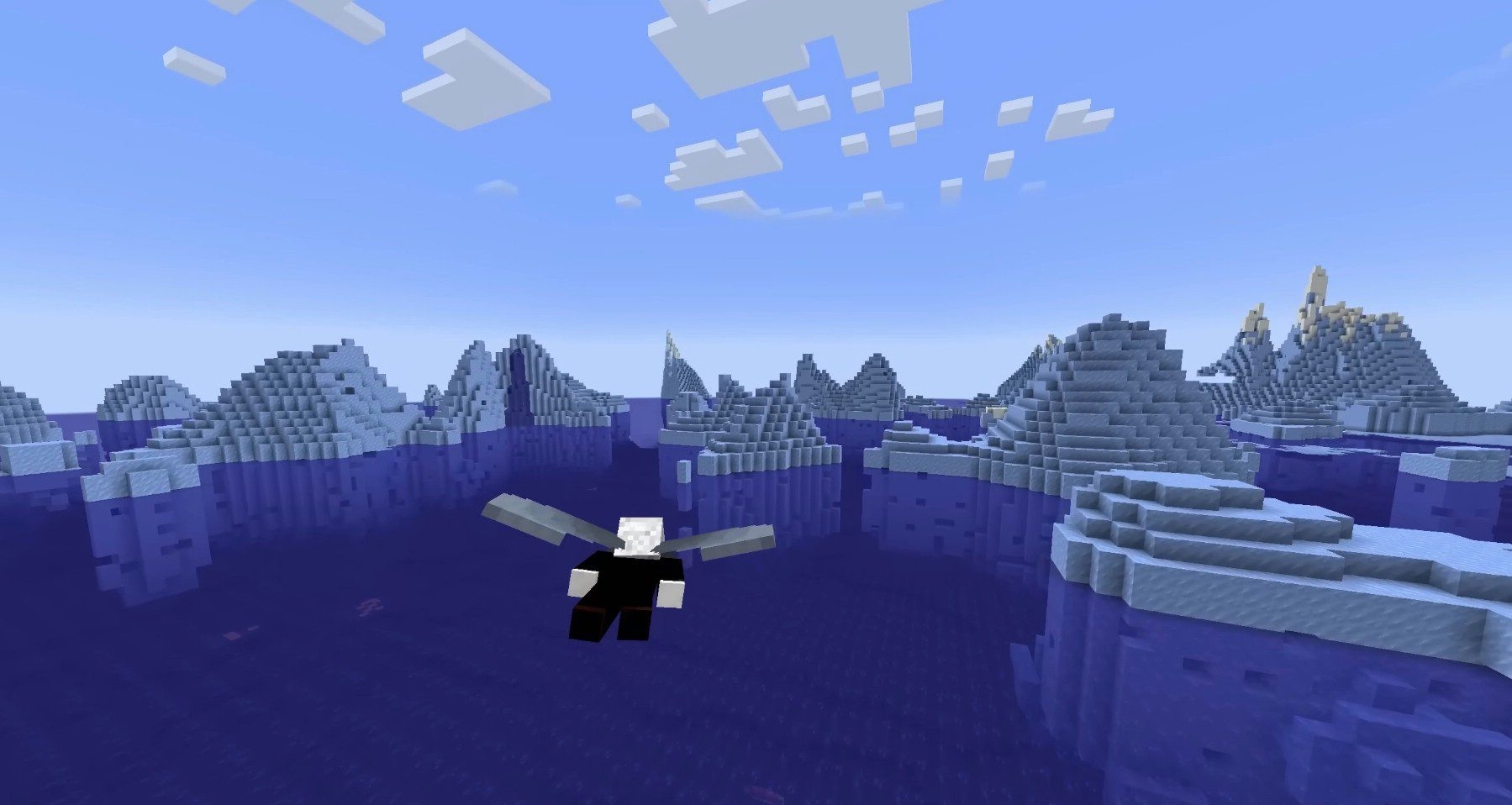
Caps Lock smoothly shifts the view from one shoulder to the other and returns the character to the center. When using a bow, crossbow, or trident, a separate aiming mode is activated, directing the character model toward the crosshair. If the camera gets too close, the character becomes semi-transparent.
How to install the modification:
First step: download and install Fabric и Fabric API.
Second step: download the mod file.
Third step: copy Third Person mod package to the .minecraft/mods folder (if it does not exist, install Forge again or create it yourself).
Comments (0)