



Better Freecam for Minecraft 26.3
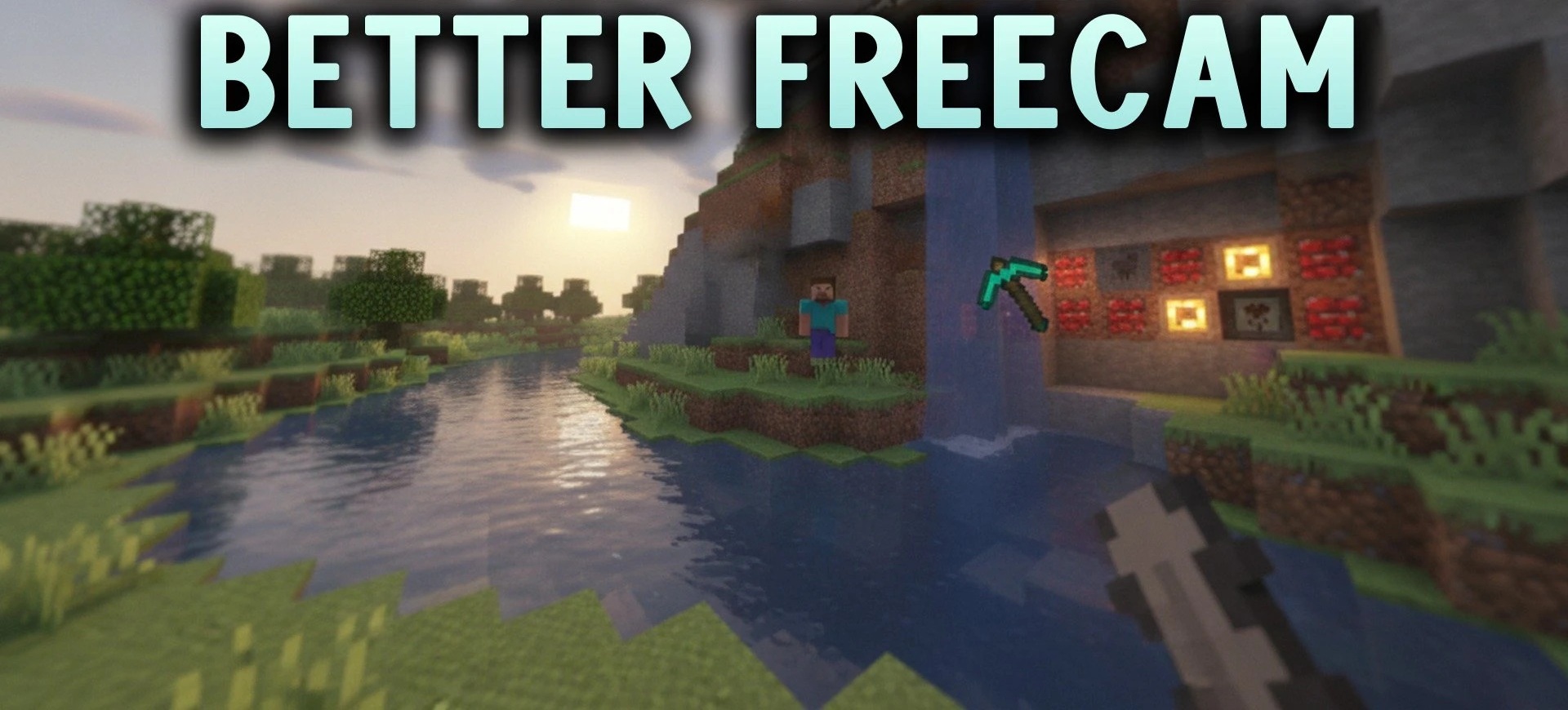
In Better Freecam, the camera can move freely without being tied to the character. The player stays in place while the viewpoint flies around buildings and across the landscape. You can use this mode to find the right angle for a screenshot, look at structures from different sides, or rise above the terrain without moving your character.
Hold Alt and scroll the mouse wheel to adjust the flight speed. A small panel displays its current value. Space and Shift move the camera up and down, while the sprint key lets you fly faster. The normal first-person view is disabled while freecam is active. Once you turn it off, your previous settings and perspective are restored.
How to install the modification:
First step: download and install Fabric и Fabric API.
Second step: download the mod file.
Third step: copy Better Freecam mod package to the .minecraft/mods folder (if it does not exist, install Forge again or create it yourself).
Comments (0)