



Name Tag Upgrade for Minecraft 26.3
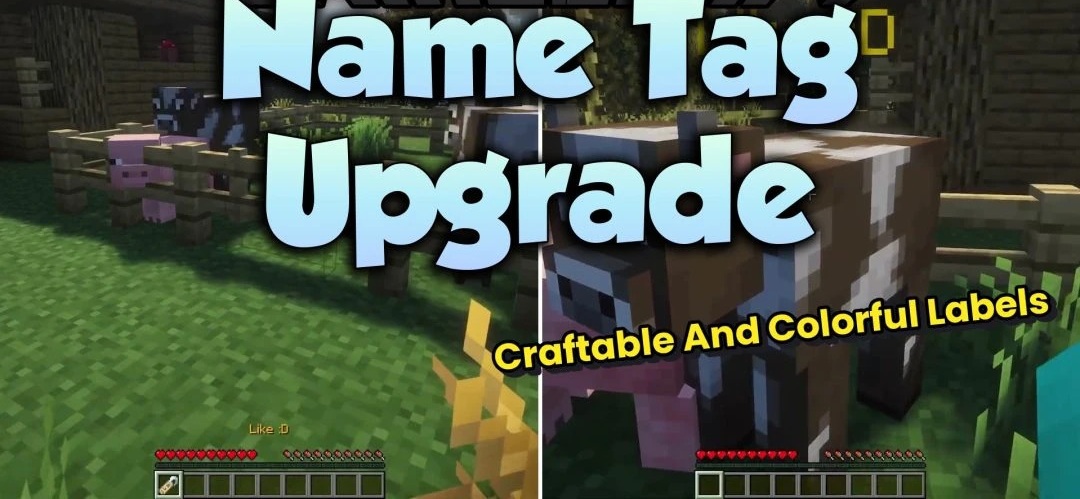
Using an anvil is no longer necessary for every name tag after installing Name Tag Upgrade. Activating the item opens a separate window where a new name can be entered directly during gameplay, and the text can additionally be styled with colors, bold formatting, or italics using formatting codes.
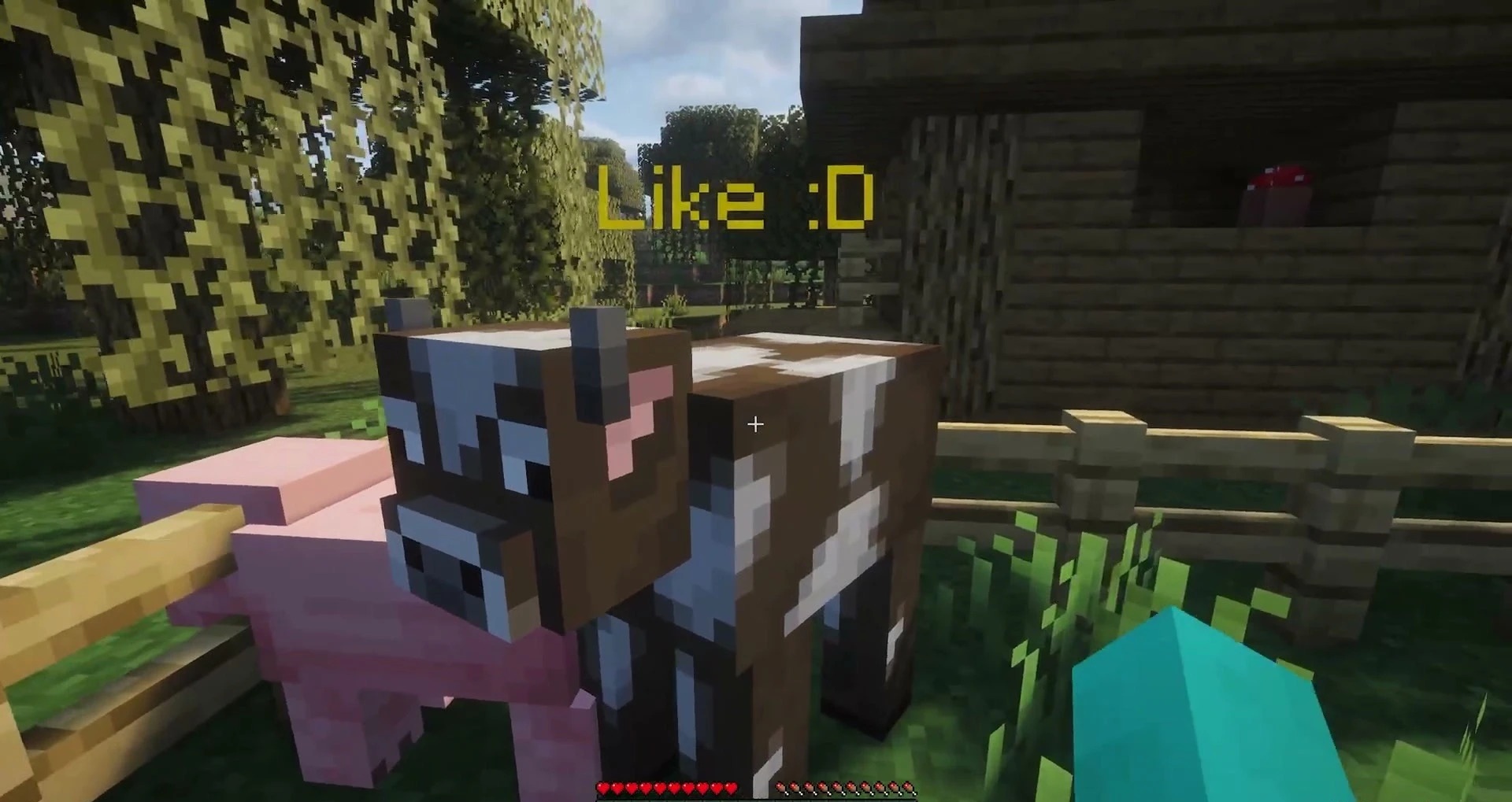
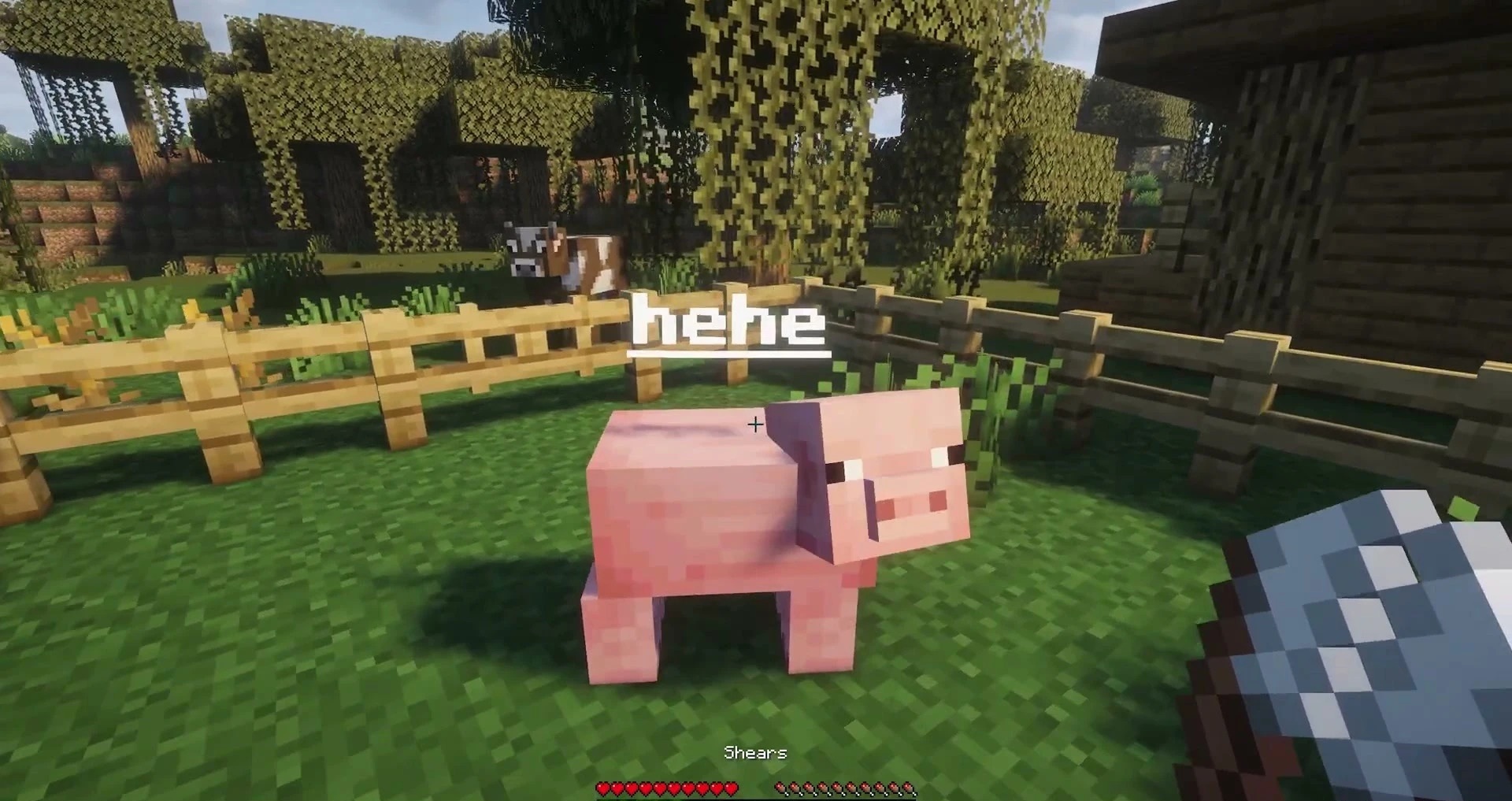
If you try to assign an existing name to a mob, the name tag is not wasted. Previous names are also handled more carefully: when renaming an already named entity, the previous name tag is returned to the player. Shears allow you to remove a custom name and retrieve the tag, while a named mob drops its name tag upon death.
How to install the modification:
First step: download and install Fabric и Fabric API.
Second step: download the mod file.
Third step: copy Name Tag Upgrade mod package to the .minecraft/mods folder (if it does not exist, install Forge again or create it yourself).
Comments (0)