



Quick Resource Pack for Minecraft 26.3
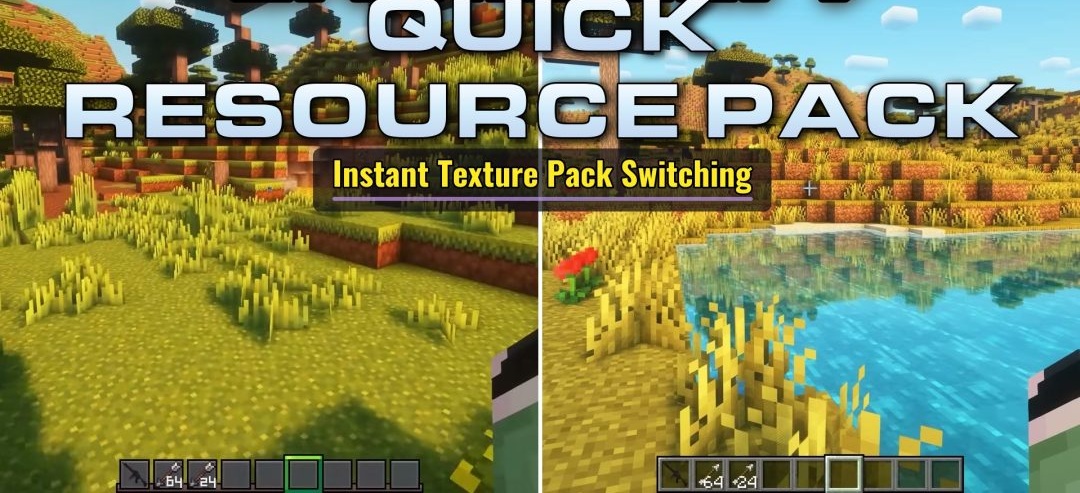
Quick Resource Pack lets players switch their selected resource pack directly during gameplay. Instead of opening the settings and manually searching for the pack, they only need to press the assigned key, which is R by default. The mod allows a previously selected pack to be quickly enabled or disabled, which is useful when comparing different visual styles or temporarily returning to the default textures.
Resources are reloaded in the background to reduce freezes and sudden performance drops when changing the appearance. On-screen notifications indicate the current state: the pack is loading, has been activated, or has been disabled.
How to install the modification:
First step: download and install Fabric и Fabric API.
Second step: download the mod file.
Third step: copy Quick Resource Pack mod package to the .minecraft/mods folder (if it does not exist, install Forge again or create it yourself).
Comments (0)