



Skincraft for Minecraft 26.3
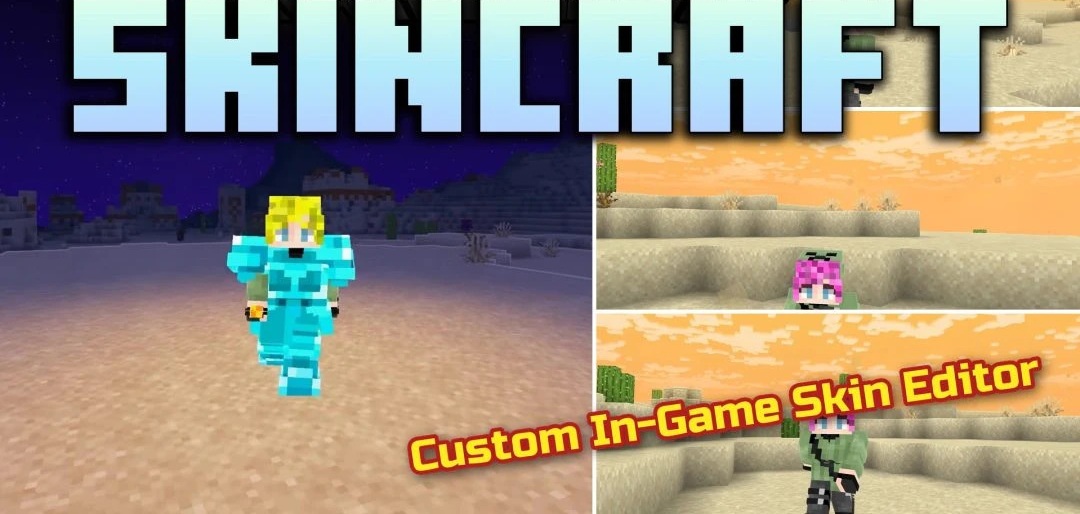
Skincraft lets you edit your character's appearance without leaving Minecraft. The mod adds a fully featured skin editor with both a flat pixel grid and a three-dimensional character model. You can change the design one pixel at a time while checking how it looks on the character.
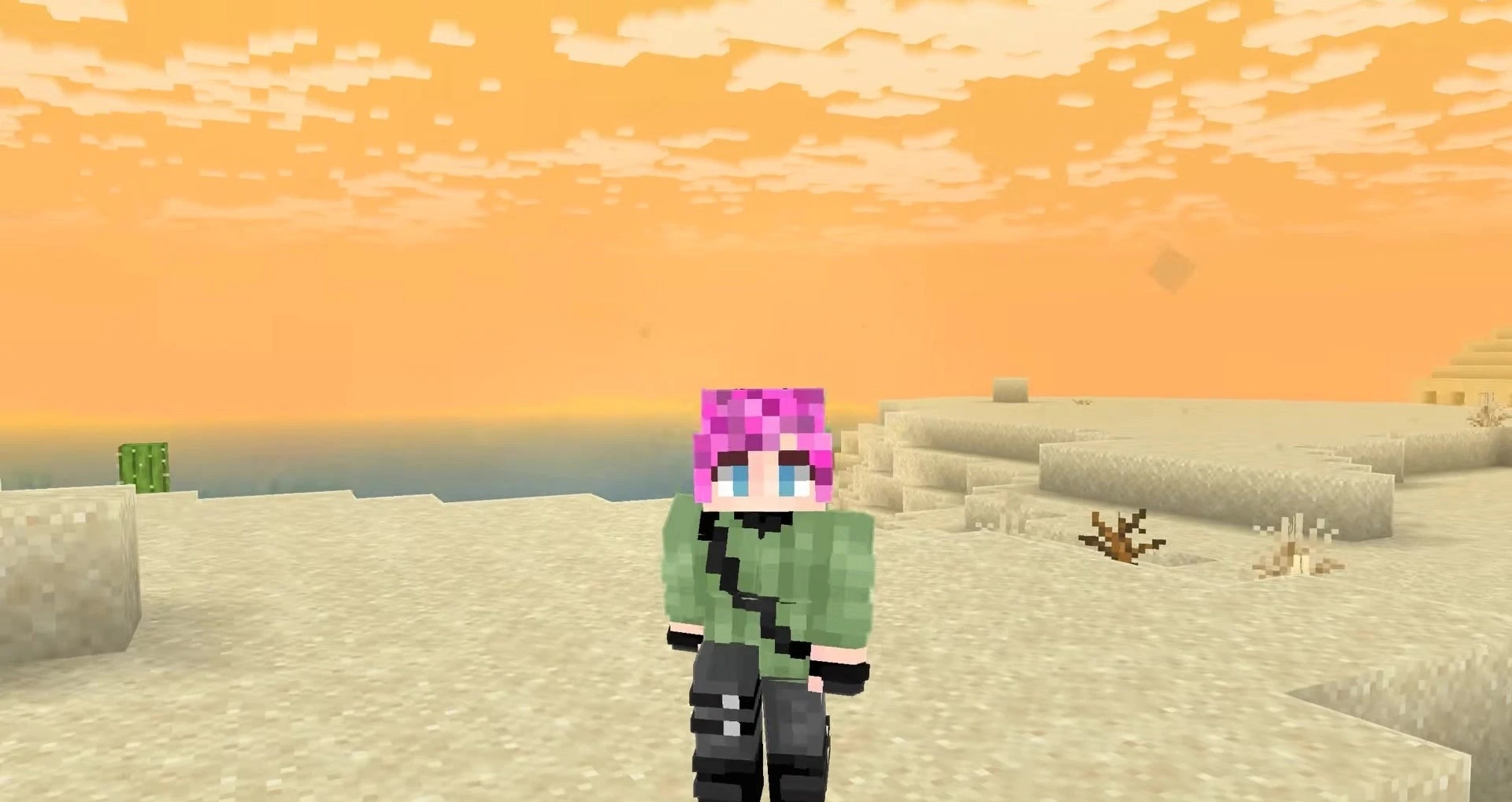
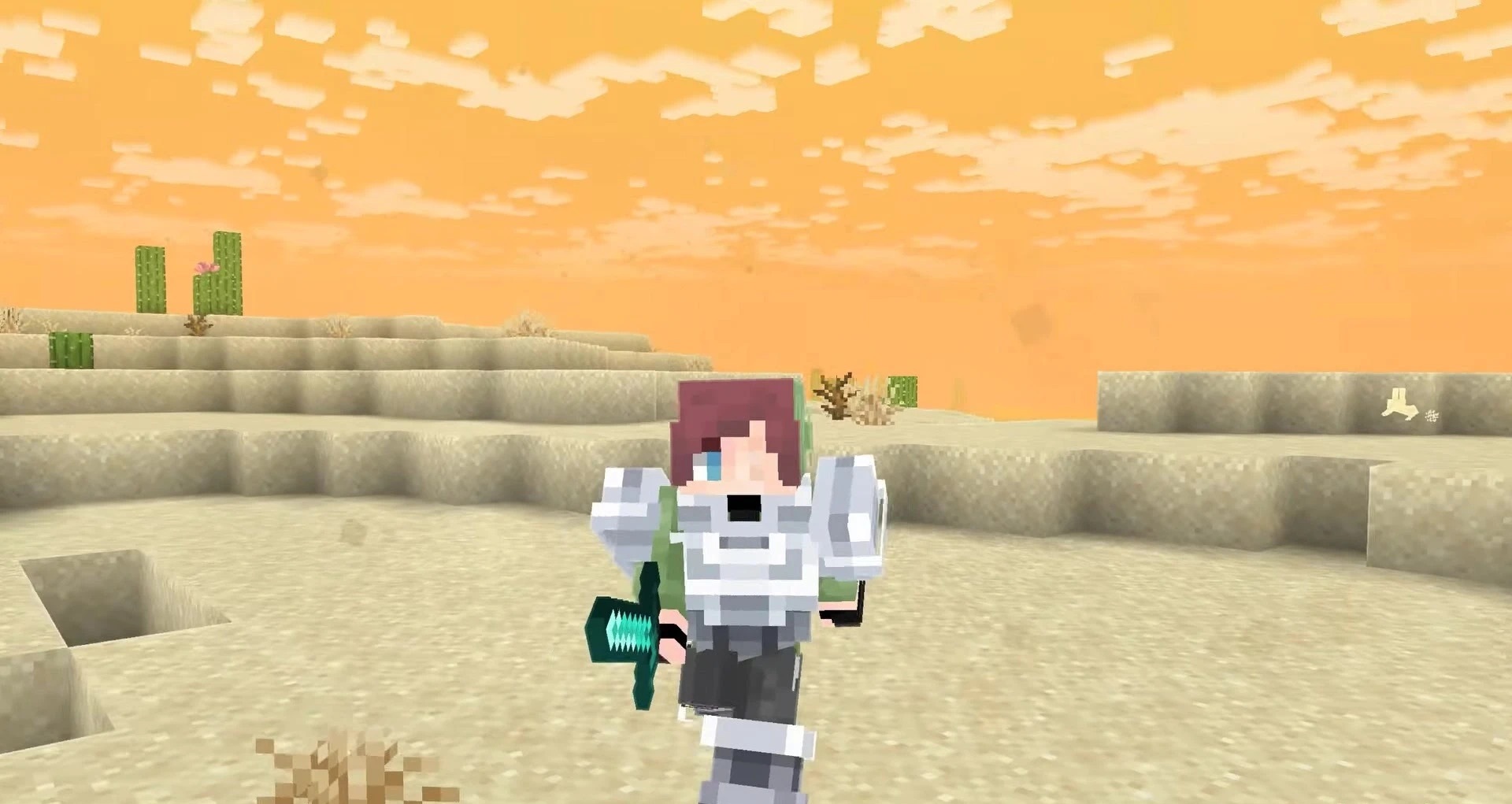
Editing tools include an eyedropper, a color picker, and an undo function. If you'd rather not make an outfit yourself, you can browse a community library of ready-made designs and apply one with a single click. There is also a selection of capes featuring different designs, including a Creeper face and a golden heart.
How to install the mod:
Step one: download and install Fabric and Fabric API.
Step two: download the mod file.
Step three: copy the Skincraft mod package to the .minecraft/mods folder (if this folder does not exist, reinstall Forge or create it yourself).
Comments (0)