



Mysticraft for Minecraft Pocket Edition 1.19
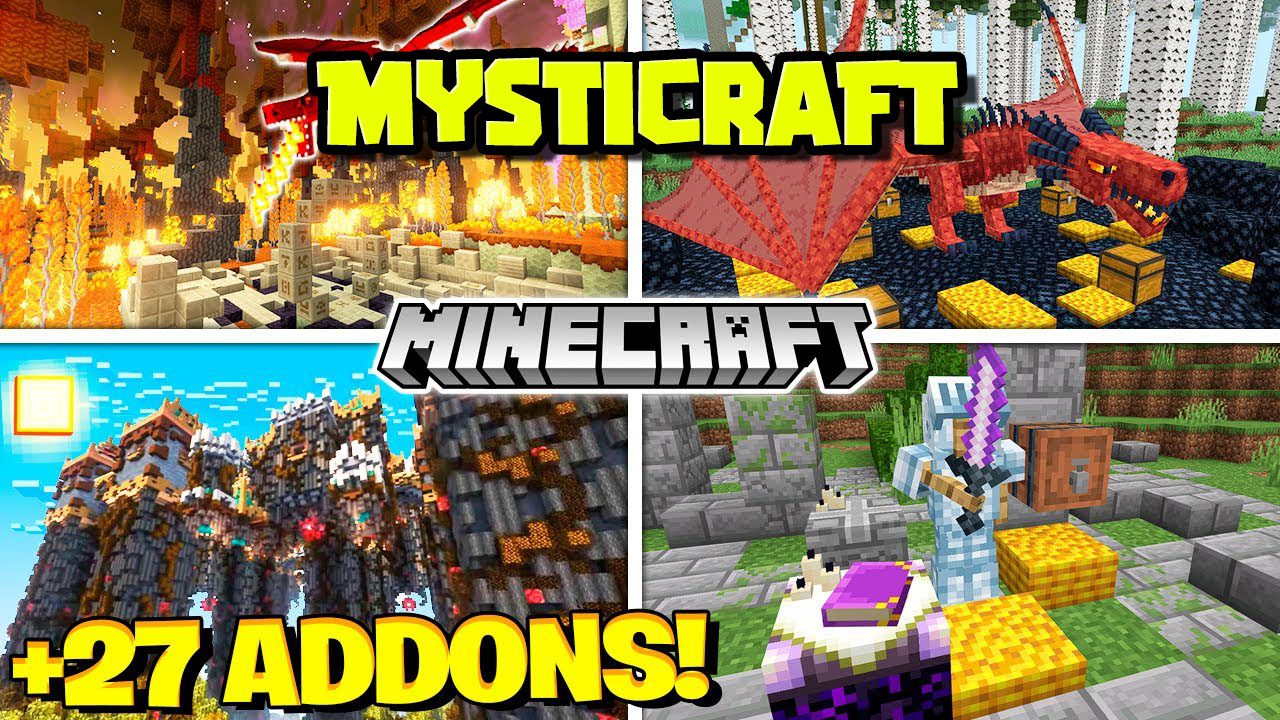
Global modifications are usually unique since they can add many different content elements. Therefore, we invite you to pay attention to Mysticraft for Minecraft. This add-on introduces a large amount of varied content that will surely help you to succeed in your gaming adventure.
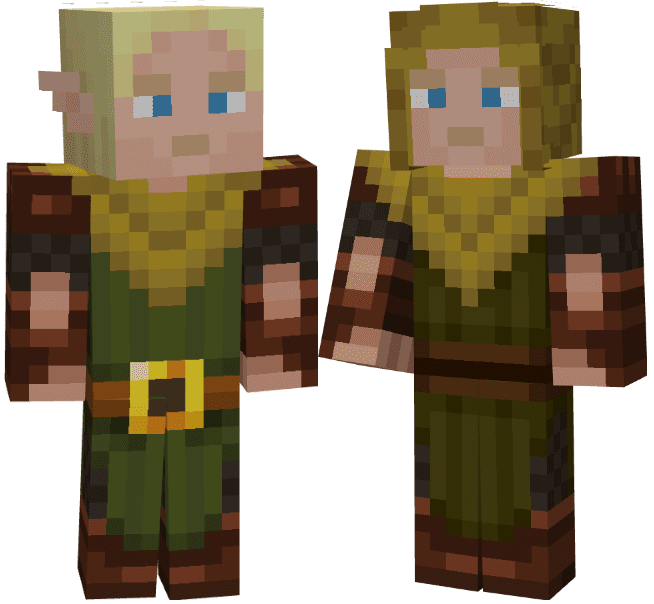
The newly added content includes hundreds of new creatures, high-quality structures, and other well-developed game elements. The main thing is to use the content effectively and do your best to succeed in your adventure. You will have many more options to have a good time and make your gaming environment more convenient. We wish you good luck and a pleasant game!
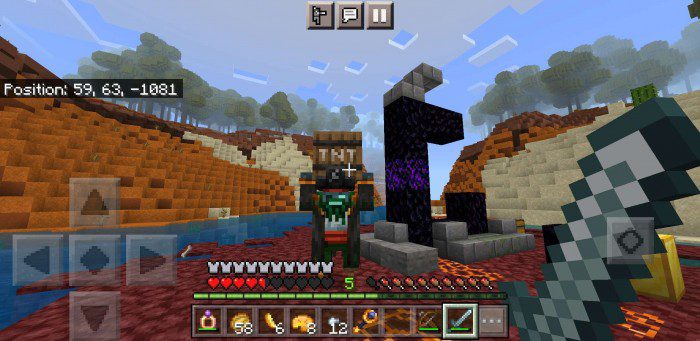
Installing Mysticraft:
The first step is to run the downloaded file and import the addon/texture into MCPE.
Second step: open Minecraft Pocket Edition and go to the settings of the world.
Third step: install the imported resource sets and add-ons for the world.
Step four: select the imported resource packages/add-on in each section and restart the mobile client.
Comments (1)