



Auto Machinery for Minecraft Pocket Edition 1.21
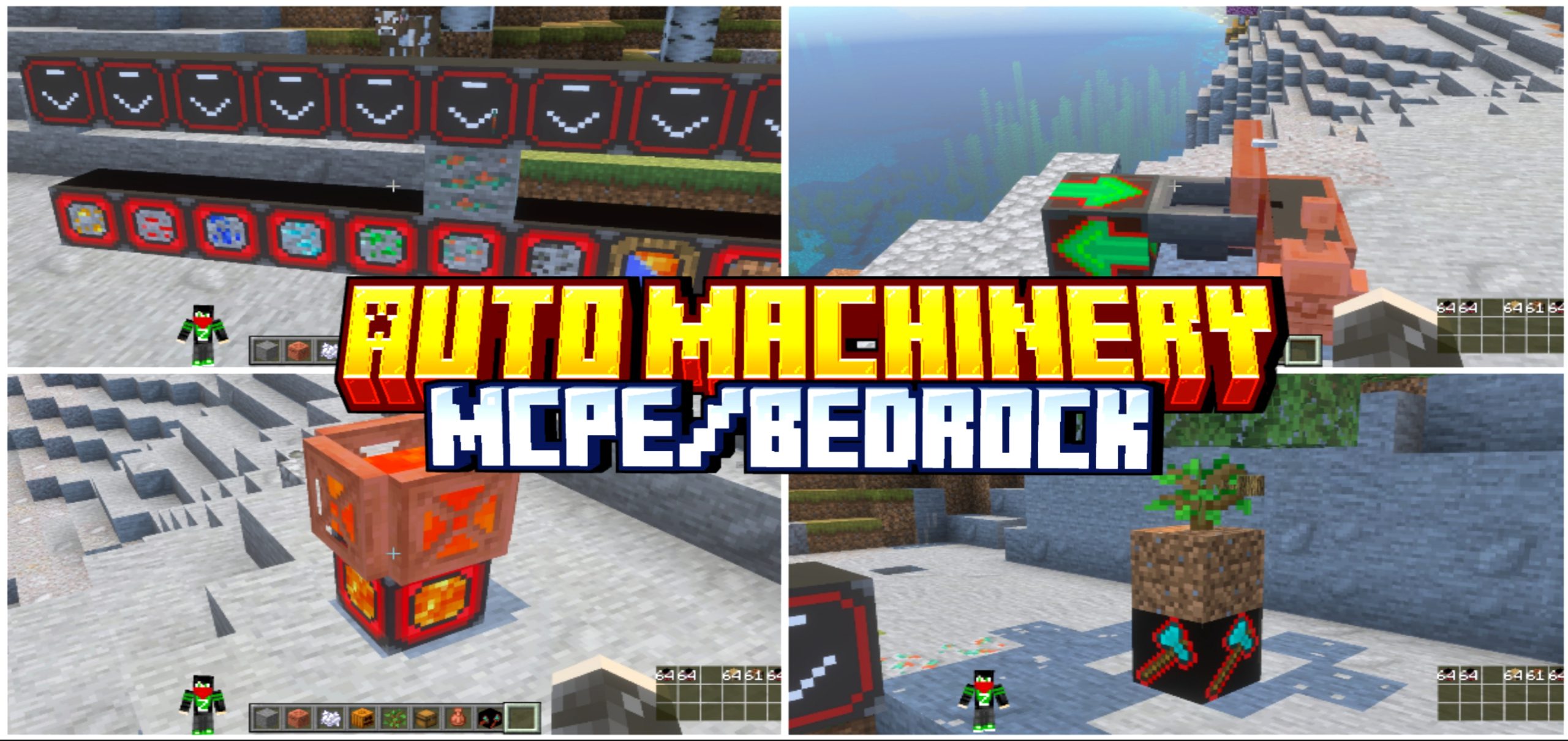
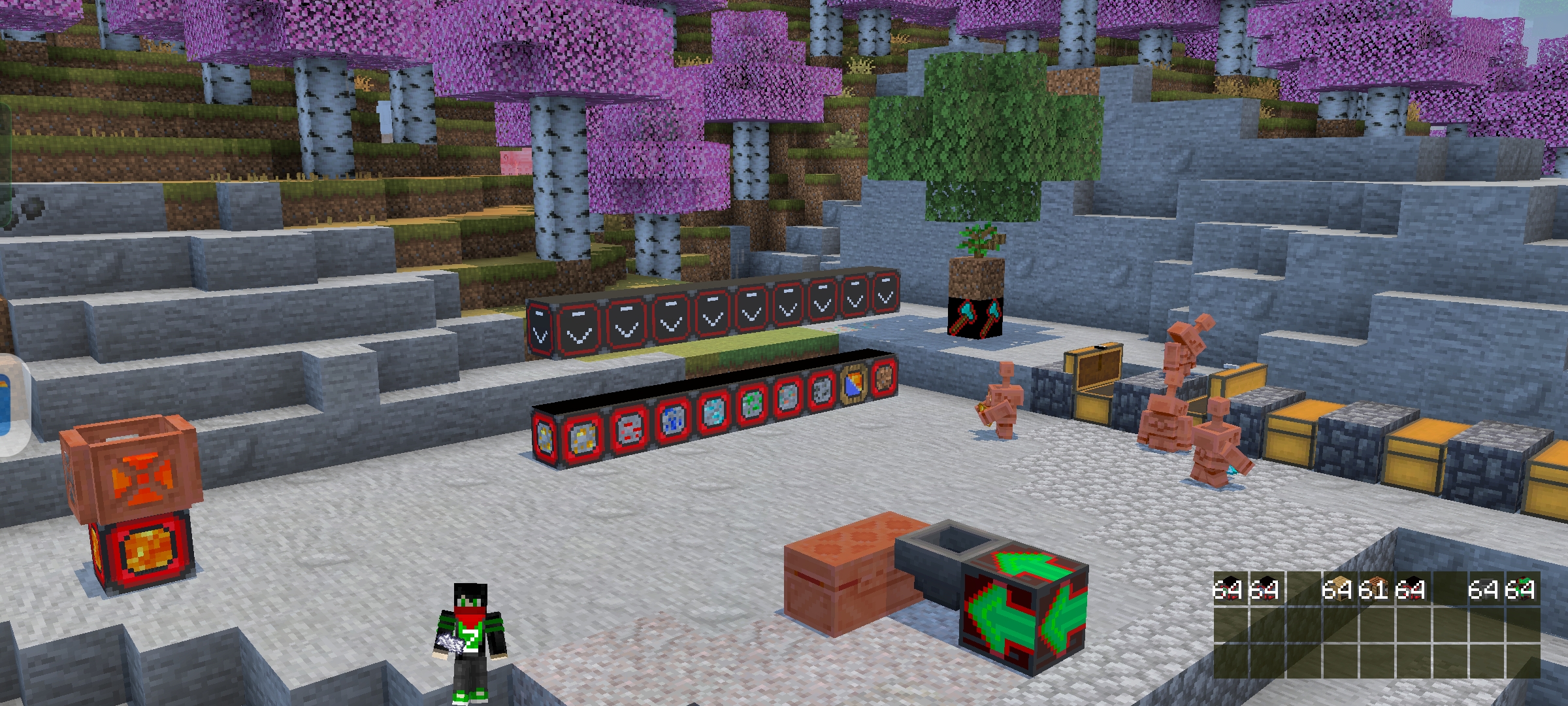
Auto Machinery for Minecraft is an excellent opportunity to gain access to a large number of different devices. Thanks to them, you can significantly simplify your survival and progression. For example, you will have access to as many as ten machines with automatic resource collection, which will save time and provide you with larger supplies of materials.
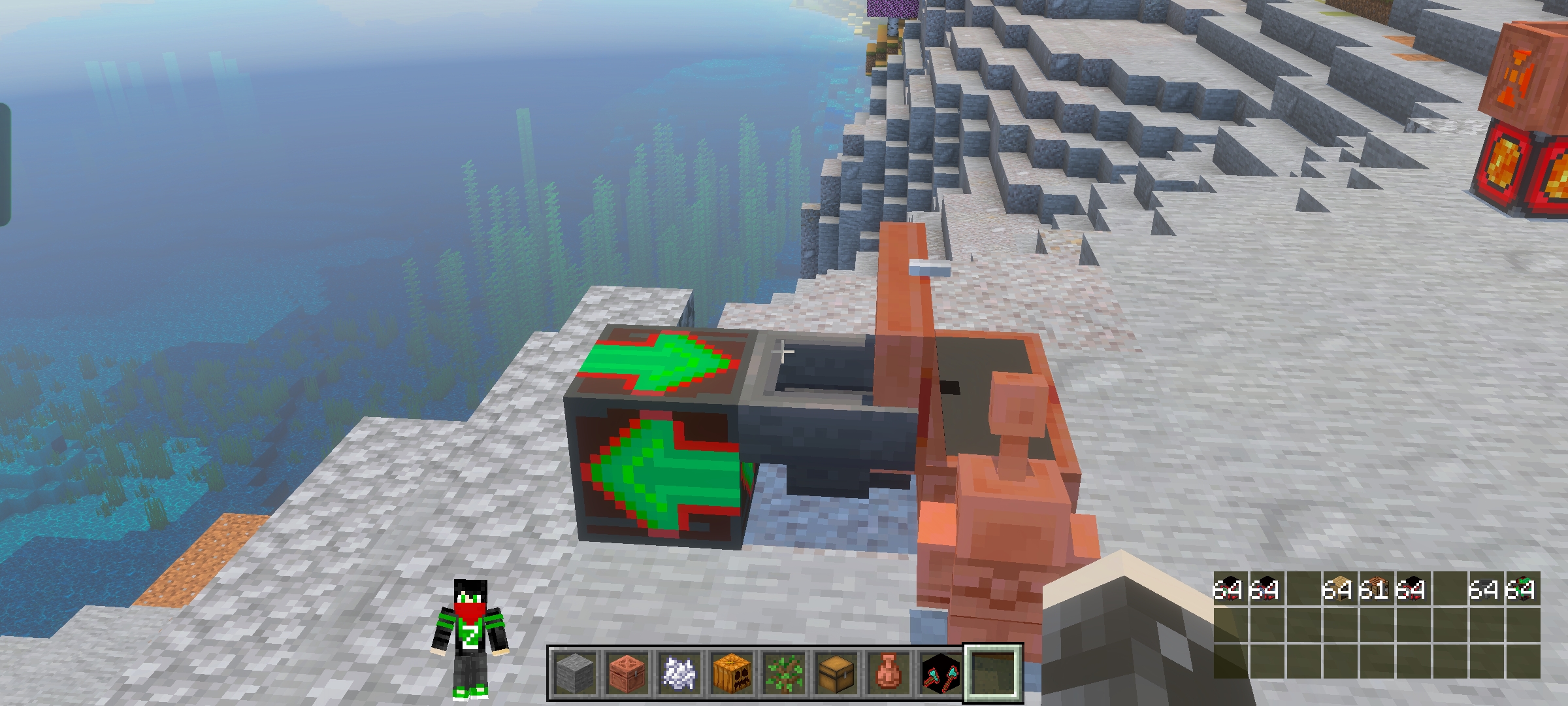
In addition, there will be various automated devices for processing certain types of resources. Proper use of such technologies will greatly improve the development process, make it easier, and open up great opportunities for experimentation.
Installing Auto Machinery:
The first step is to run the downloaded file and import the addon/texture into MCPE.
Second step: open Minecraft Pocket Edition and go to the settings of the world.
Third step: install the imported resource sets and add-ons for the world.
Step four: select the imported resource packages/add-on in each section and restart the mobile client.
Comments (0)