



Buildorama Variety for Minecraft Pocket Edition 1.21
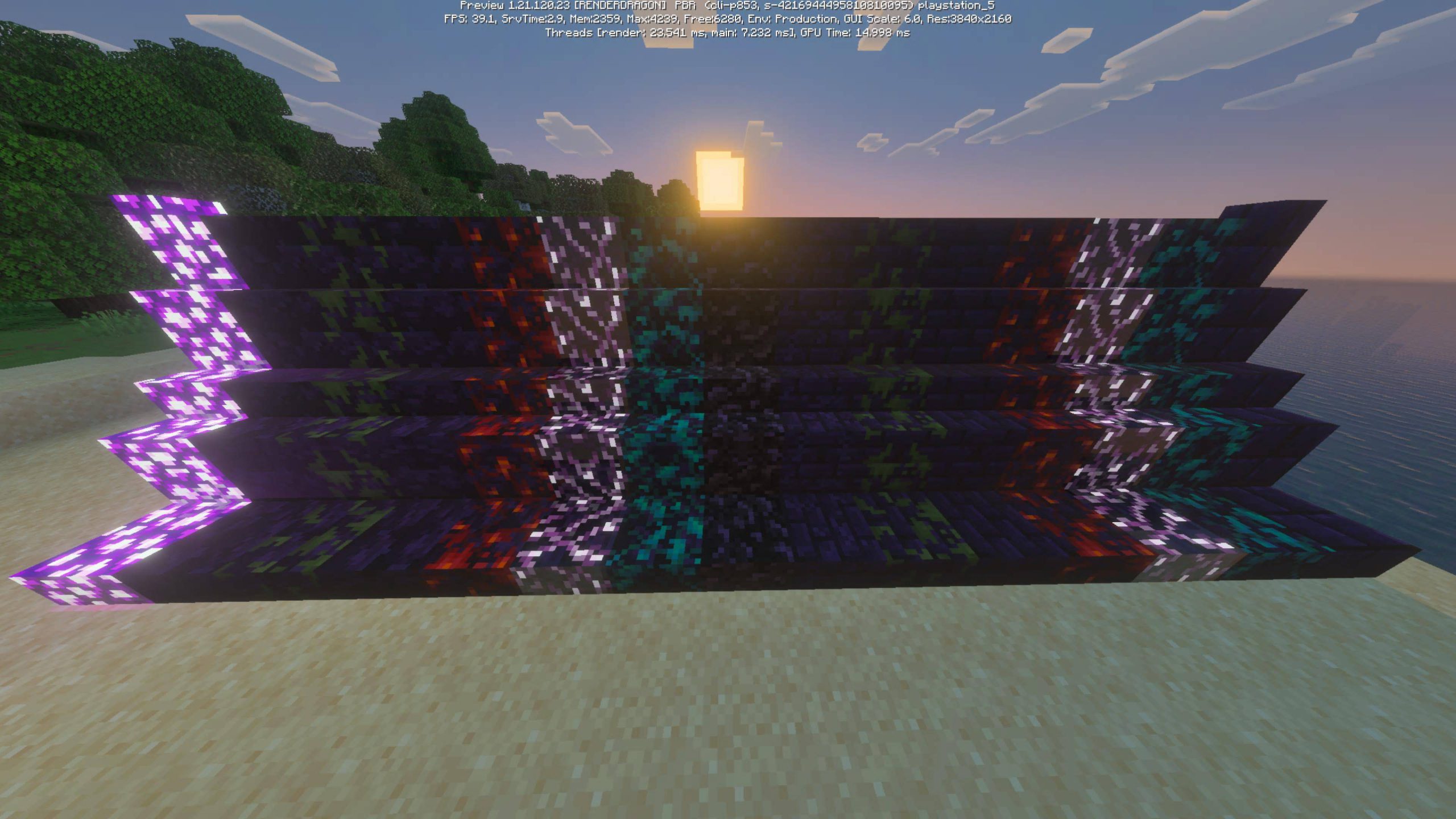
Surely, during construction, you’ve often thought about beautifully decorating your buildings and making them more appealing. To achieve this, we recommend paying attention to Buildorama Variety add-on for Minecraft. The main feature of this enhancement is the ability to actively use decorative versions of existing blocks, which will look several times more attractive.
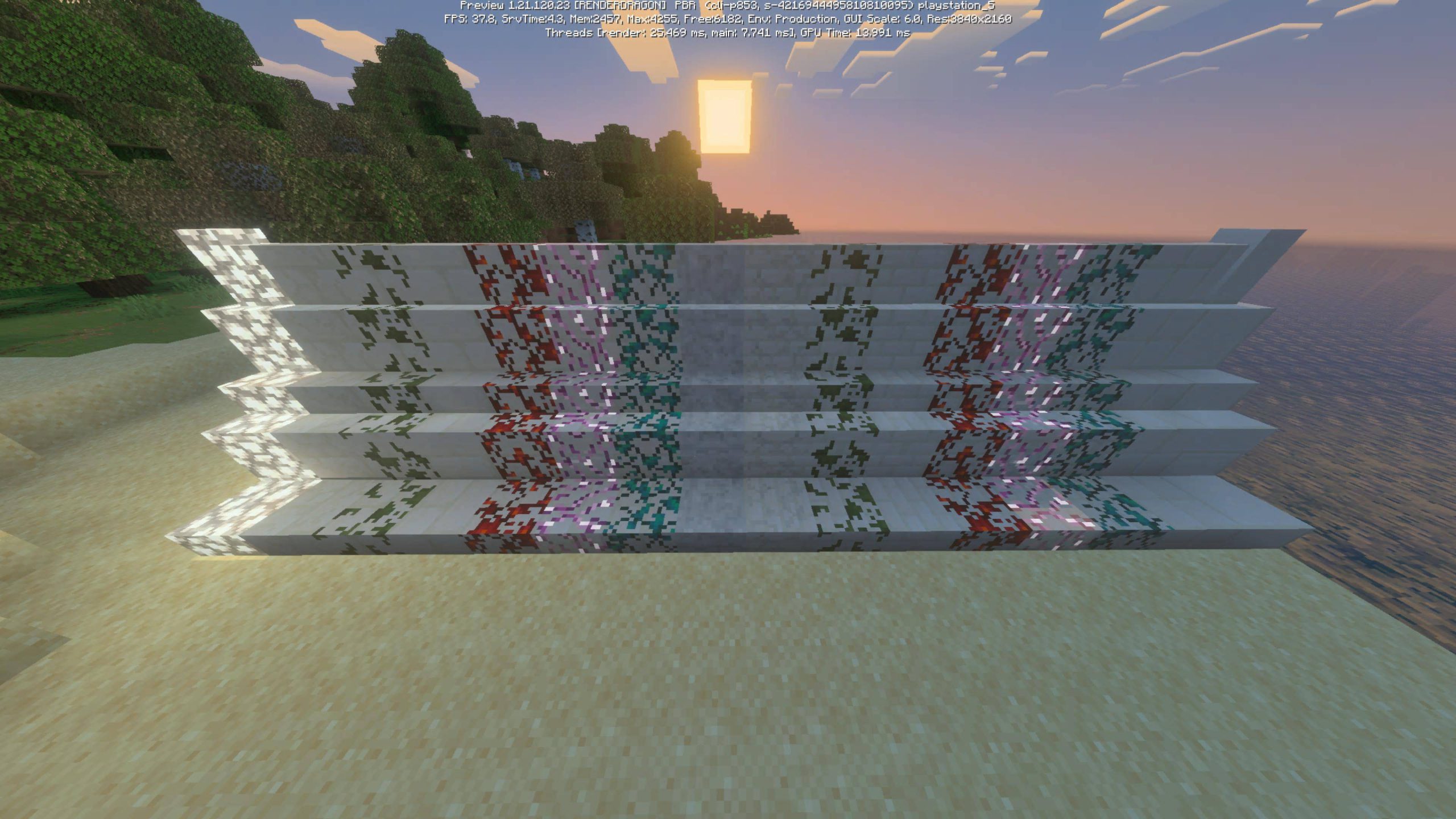
Now they will have a variety of surface textures, glowing effects, and several available variations for use. All that’s left is to apply them — and your buildings will look much better and more pleasant.
Installing Buildorama Variety:
The first step is to run the downloaded file and import the addon/texture into MCPE.
Second step: open Minecraft Pocket Edition and go to the settings of the world.
Third step: install the imported resource sets and add-ons for the world.
Step four: select the imported resource packages/add-on in each section and restart the mobile client.
Comments (0)