



Easy Cinematic for Minecraft Pocket Edition 1.21
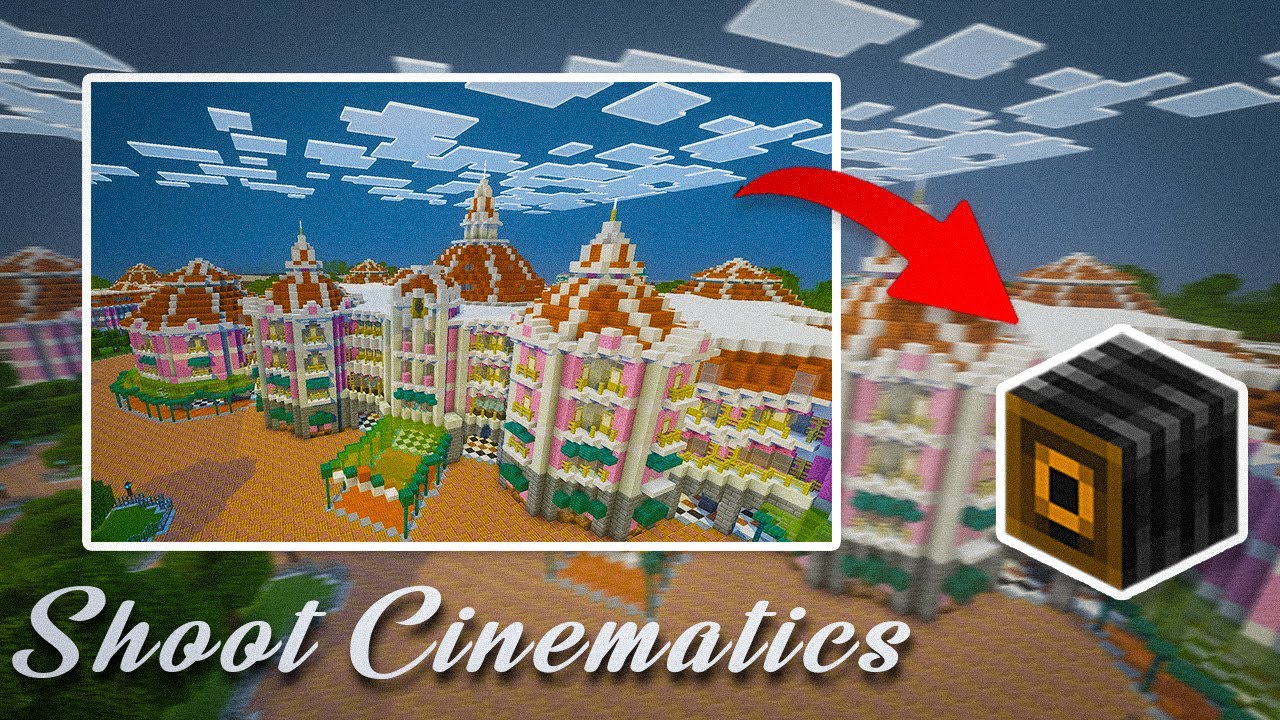
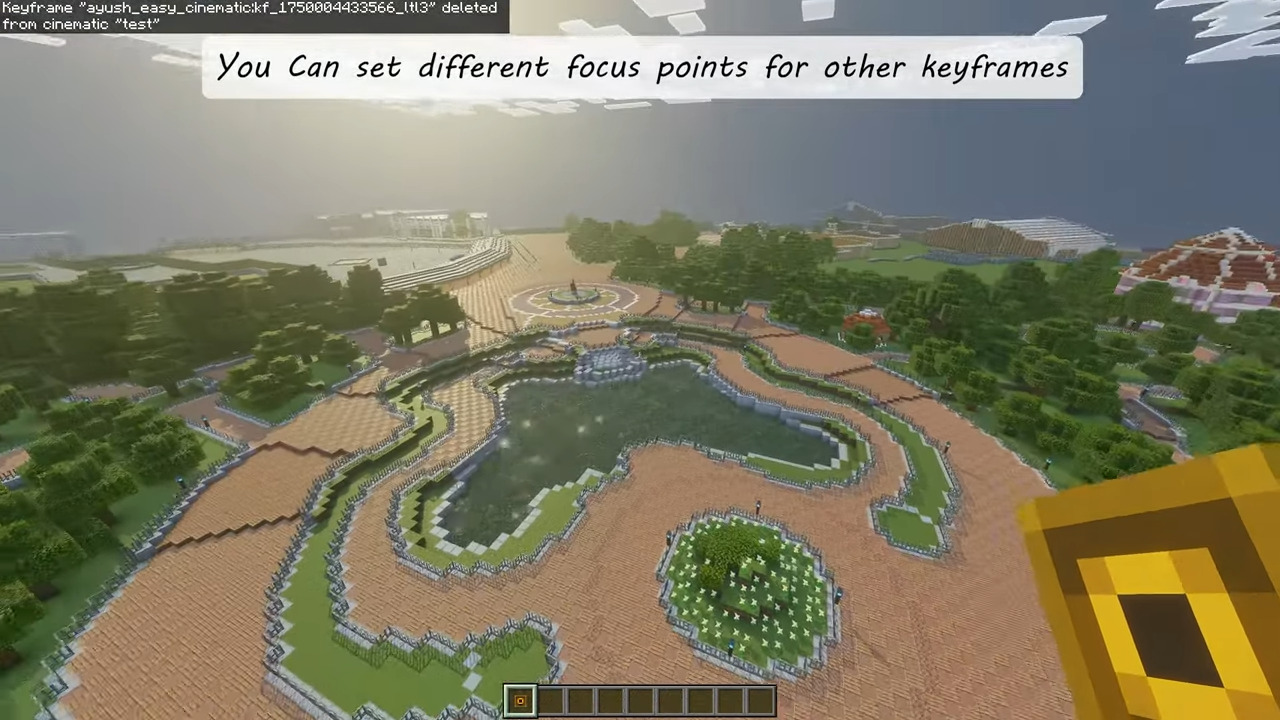
Creating beautiful shots can be a difficult task, especially if you need to achieve smooth camera movement. This is exactly why Easy Cinematic mod was created. It adds convenient tools that allow you to quickly set up cinematic scenes directly in the game. With its help, you can record smooth camera flyovers, showcase buildings, or create impressive opening shots for videos.
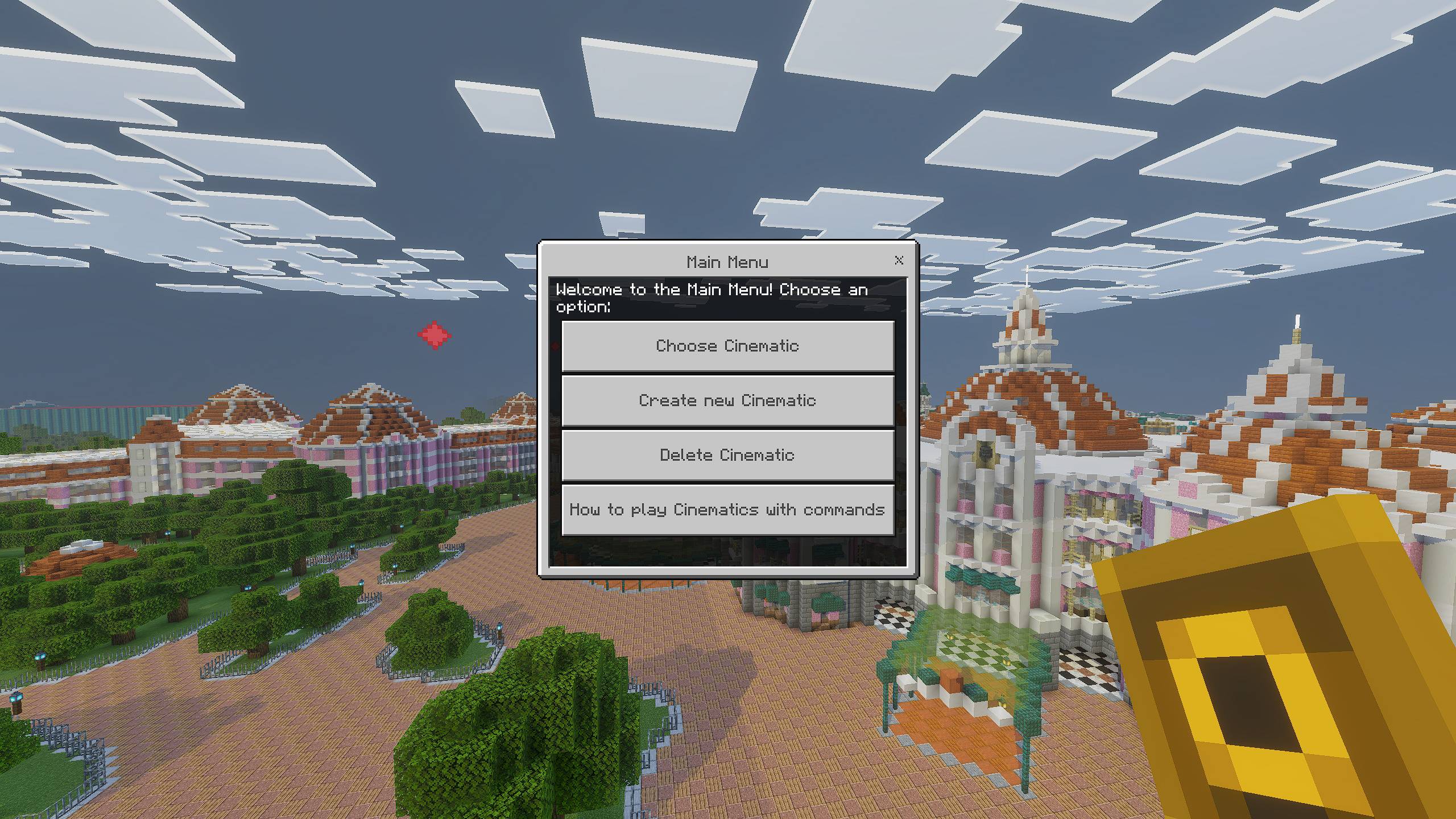
At the same time, the mod is focused on ease of use. Even players without experience will be able to understand the controls and start creating high-quality scenes. The settings allow you to control camera movement and achieve a professional result without complicated commands.
Installing Easy Cinematic:
The first step is to run the downloaded file and import the addon/texture into MCPE.
Second step: open Minecraft Pocket Edition and go to the settings of the world.
Third step: install the imported resource sets and add-ons for the world.
Step four: select the imported resource packages/add-on in each section and restart the mobile client.
Comments (0)