



Express Transport for Minecraft Pocket Edition 1.21
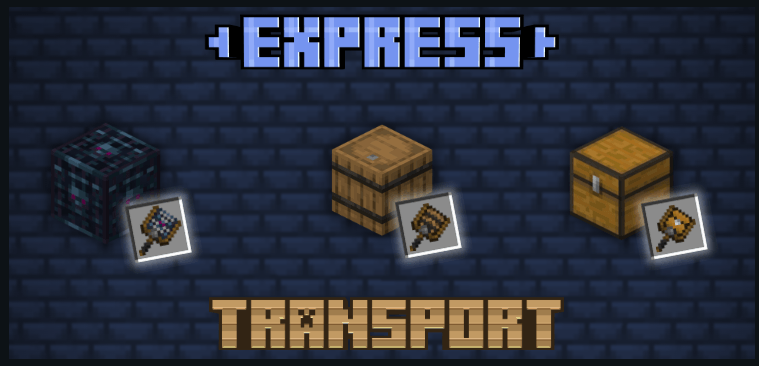
Express Transport for Minecraft is a special improvement, the functionality of which will be focused exclusively on the ability to actively transport various boxes and other highly useful items.

To do this, it will be enough to create a special item called a Transporter. After that, you will be able to actively use your capabilities and simply boldly transport everything you need. The main thing is just to know exactly where you want to move everything, and only then implement all your plans.
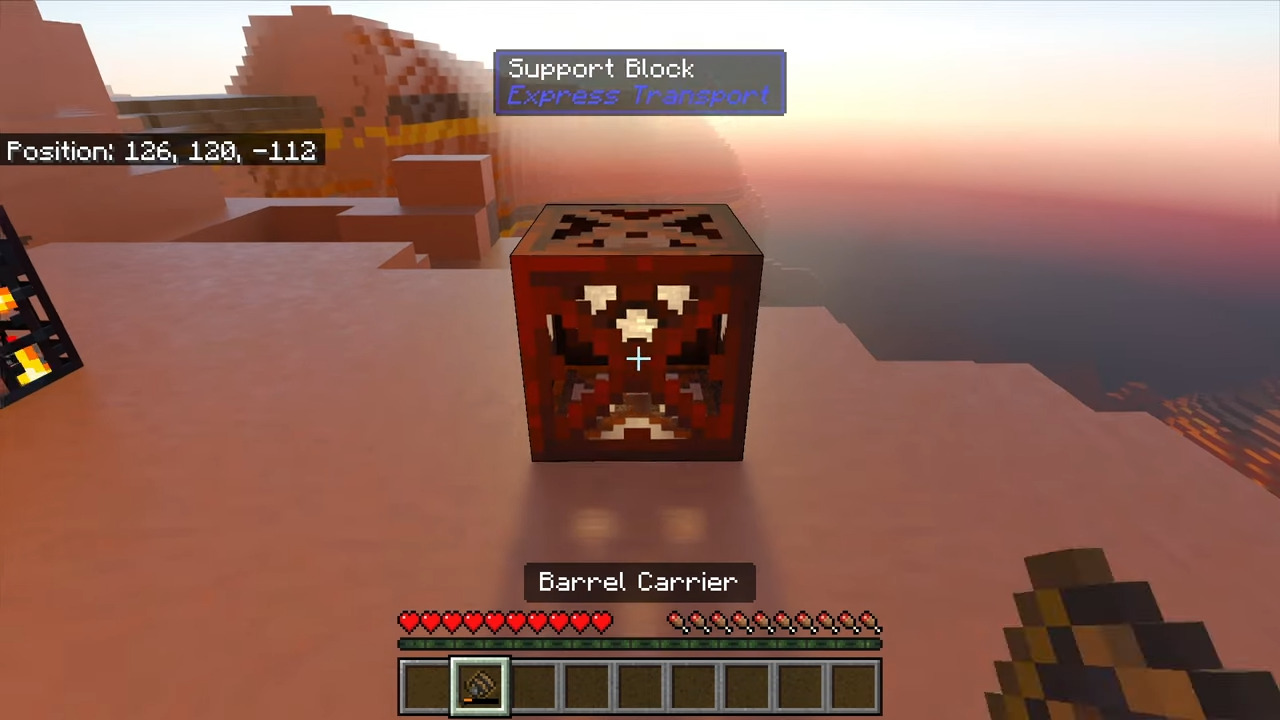
Installing Express Transport:
The first step is to run the downloaded file and import the addon/texture into MCPE.
Second step: open Minecraft Pocket Edition and go to the settings of the world.
Third step: install the imported resource sets and add-ons for the world.
Step four: select the imported resource packages/add-on in each section and restart the mobile client.
Comments (0)