



Flappyguy’s Blocky Pets for Minecraft Pocket Edition 1.21
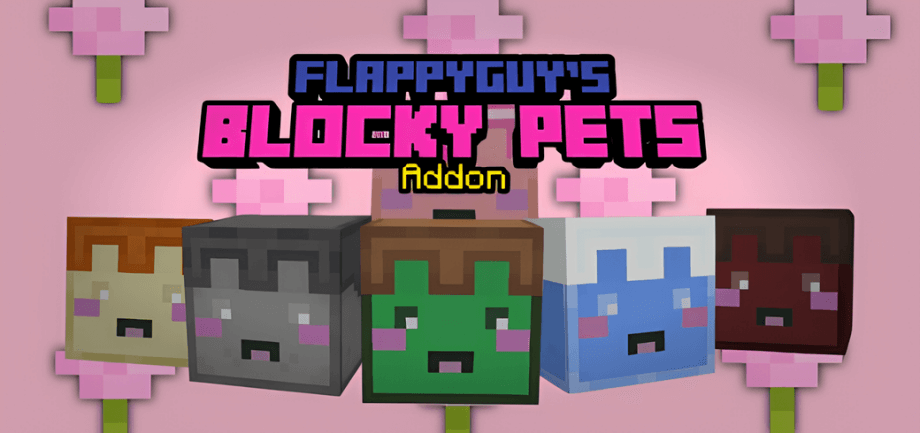
Flappyguy’s Blocky Pets is a collection of charming creatures that bring the game world to life with their vibrant shapes and soft visual style. Each pet is modelled on a specific block or biome, so they blend naturally into the landscape. You can encounter them everywhere: in deserts, caves, snowy mountains and even in the Nether.
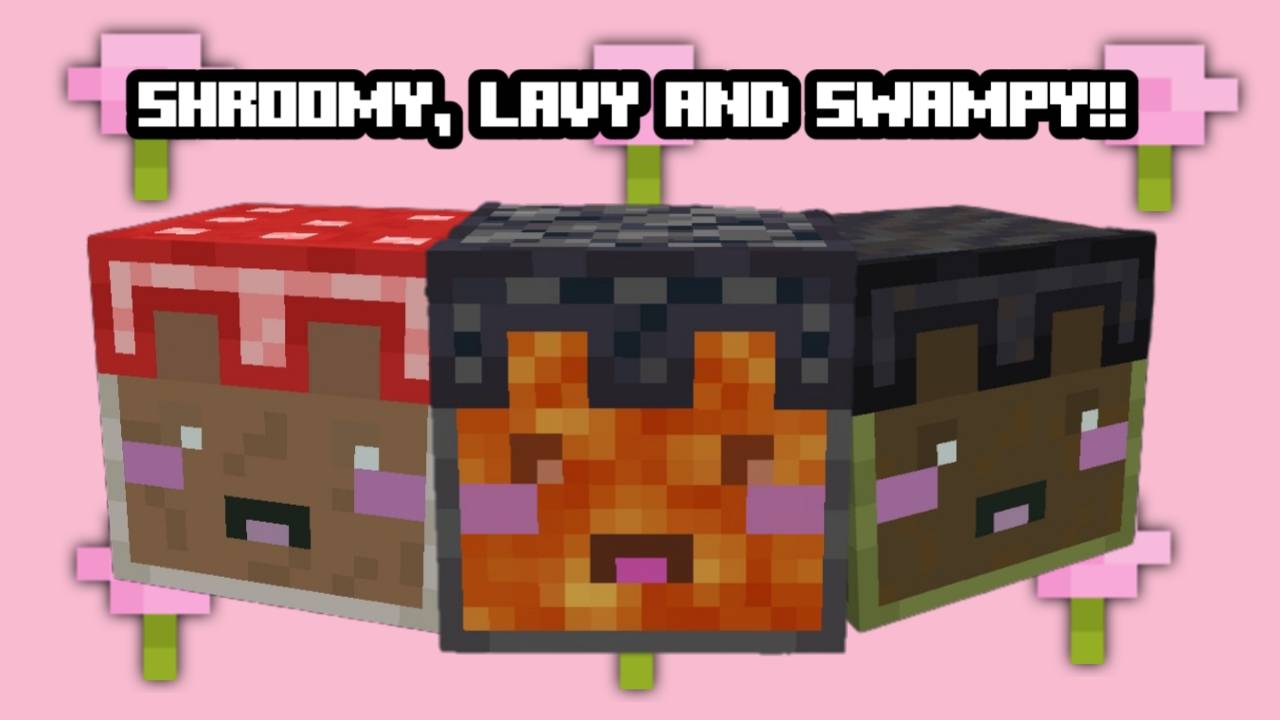
Some are easy to tame, while others simply add to the world’s beauty with their appearance. Variants such as the Copper or Creaking pet are particularly interesting — they look distinctive and bring a breath of fresh air to the world. This add-on is perfect for those who appreciate atmosphere and want to make their adventures cosier and more entertaining.
Installing Flappyguy’s Blocky Pets:
Step 1: Run the downloaded file to import the add-on/texture into MCPE.
Step 2: Open Minecraft Pocket Edition and go to the world settings.
Step 3: Apply the imported resource and add-on packs to the world.
Step 4: Select the imported resource packs/add-ons in each section and restart the mobile client.
Comments (0)