



GLC for Minecraft Pocket Edition 1.21
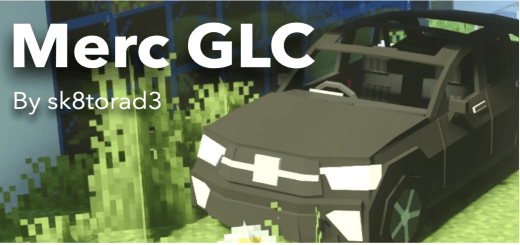
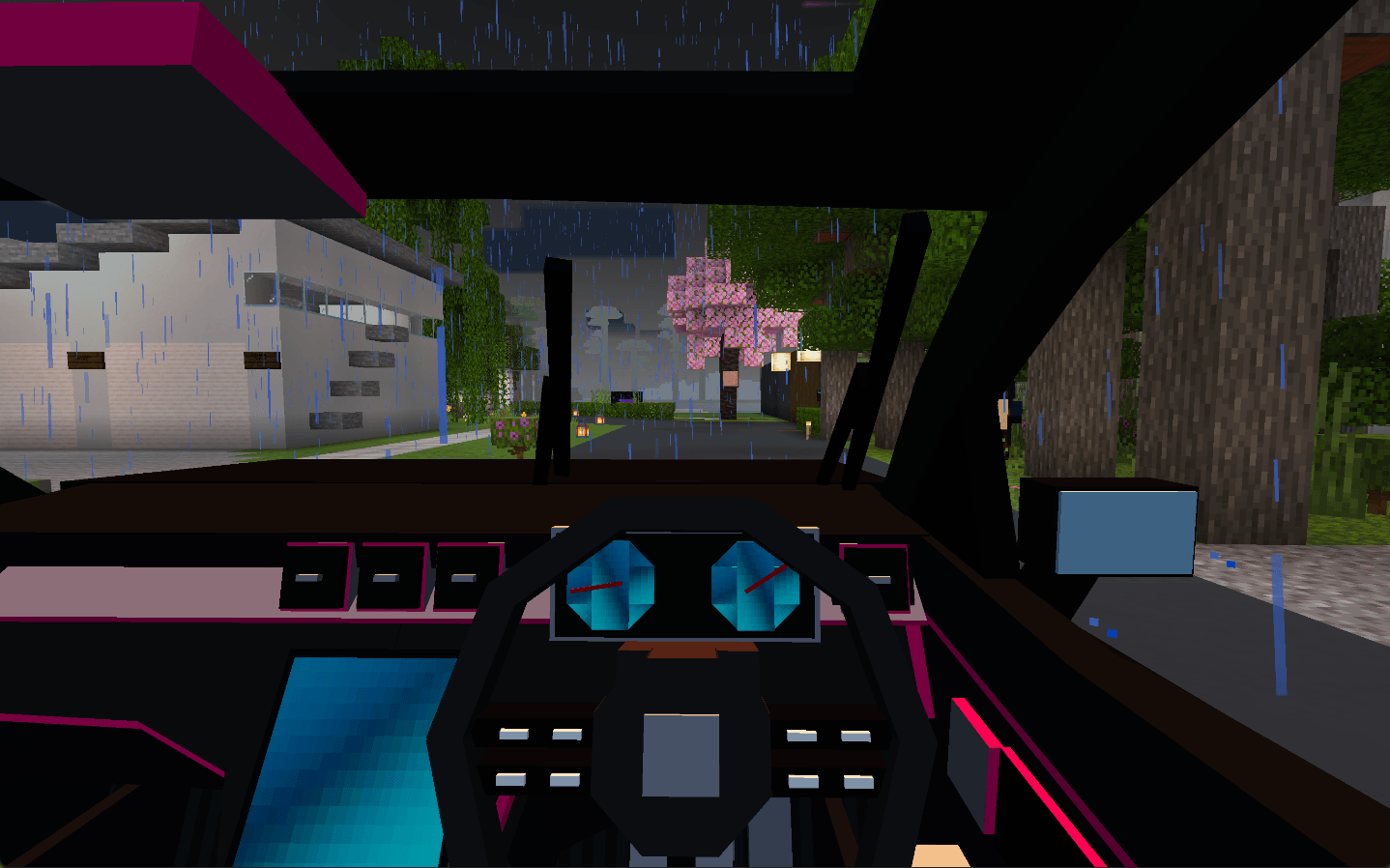
To successfully move across various locations, it is enough to use GLC add-on for Minecraft. This time, you will have a full-fledged off-road vehicle at your disposal, thanks to which you will be able to travel around locations without any problems. It not only looks good, but also features special controls, good suspension, and can accommodate up to four players inside.
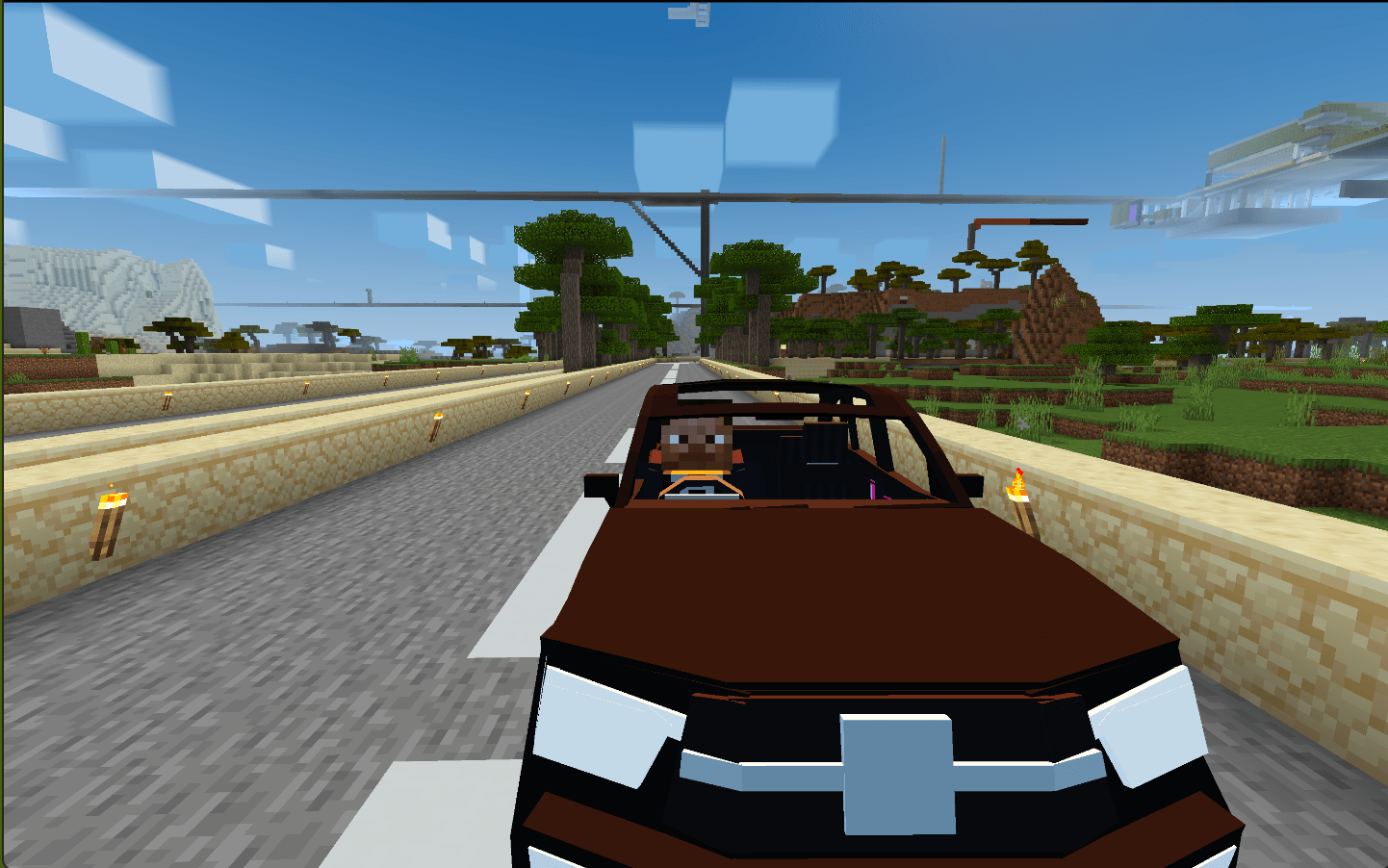
All of this will surely allow you to have fun, drive around different areas, and gain plenty of pleasant impressions from the ride. Therefore, feel free to use the new vehicle and set off on a new journey across the virtual world.
Installing GLC:
The first step is to run the downloaded file and import the addon/texture into MCPE.
Second step: open Minecraft Pocket Edition and go to the settings of the world.
Third step: install the imported resource sets and add-ons for the world.
Step four: select the imported resource packages/add-on in each section and restart the mobile client.
Comments (0)