



GLC for Minecraft Pocket Edition 1.21
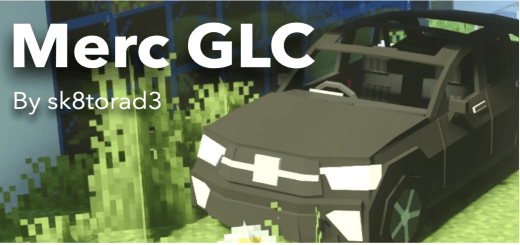
Traveling across the world of Minecraft PE can be done in many ways, but with GLC, familiar journeys reach an entirely new level. The game introduces an off-road vehicle with a well-designed structure: an automatic suspension system helps it confidently overcome uneven terrain, hills, and rough landscapes. The car feels stable and well-balanced — speed is combined with solid handling, which is especially important during long trips.
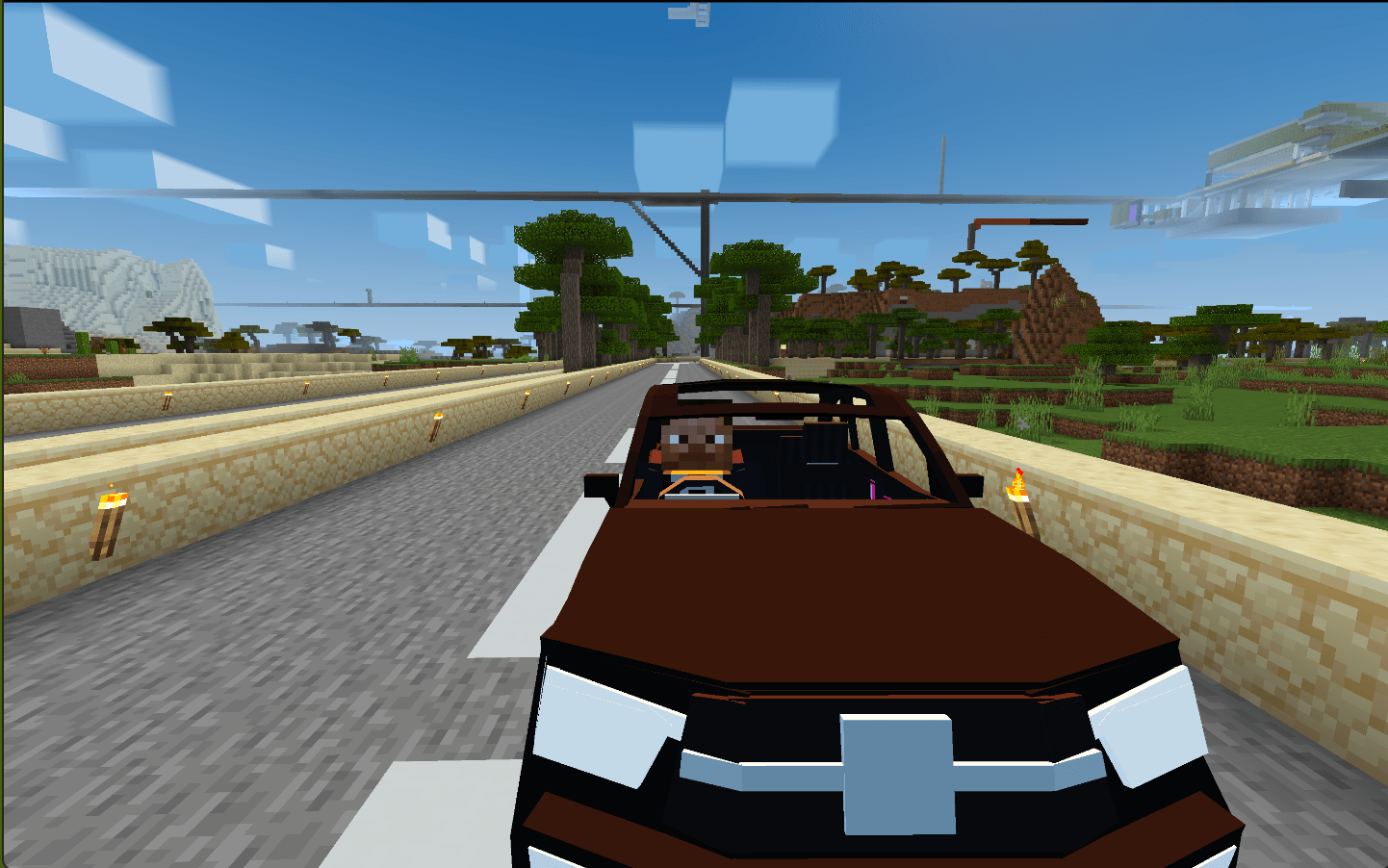
The interior is highly detailed, featuring a digital dashboard with an informative display. The vehicle has four seats, allowing you to explore the world together with friends.
Installing GLC:
The first step is to run the downloaded file and import the addon/texture into MCPE.
Second step: open Minecraft Pocket Edition and go to the settings of the world.
Third step: install the imported resource sets and add-ons for the world.
Step four: select the imported resource packages/add-on in each section and restart the mobile client.
Comments (3)