



Herobrine’s Horror Remake for Minecraft Pocket Edition 1.21
To diversify your adventures, it is enough to use Herobrine’s Horror Remake add-on for Minecraft. Thanks to this improvement, you can expect that many environmental elements will now be enhanced or become chaotic.
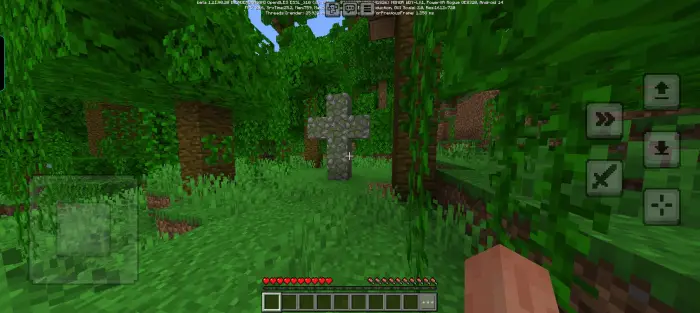
For example, doors may now open in different directions, wolves may unexpectedly switch to an aggressive mode, and light sources may flicker or go out completely. And this is only a small part of all the improvements, so feel free to set off on an exciting adventure and survive boldly in the new conditions.
Installing Herobrine’s Horror Remake:
The first step is to run the downloaded file and import the addon/texture into MCPE.
Second step: open Minecraft Pocket Edition and go to the settings of the world.
Third step: install the imported resource sets and add-ons for the world.
Step four: select the imported resource packages/add-on in each section and restart the mobile client.
Comments (0)