



Hogwarts Express for Minecraft Pocket Edition 1.21
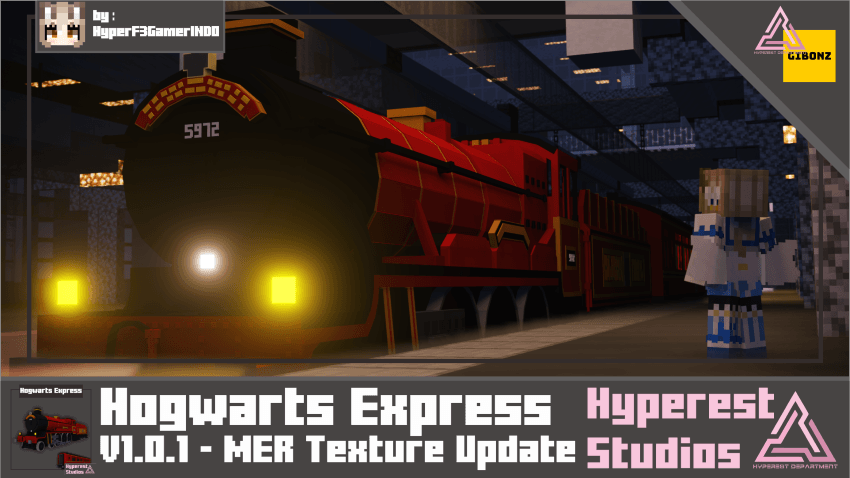
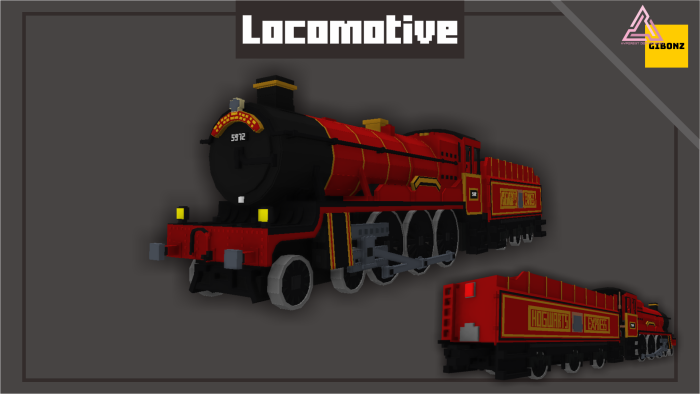
Sometimes a single element is enough to give the world the atmosphere of a true adventure — and that element is Hogwarts Express. The game introduces a train inspired by the legendary magical express, which can be used as both decorative and functional transportation. It moves smoothly through turns, confidently climbs uphill, and carefully descends while maintaining the feeling of realistic rail movement.
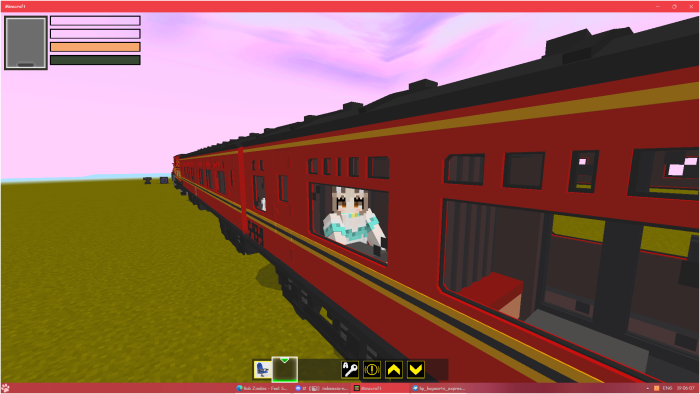
The mod looks especially impressive in themed builds: you can create your own station, design a platform, and add tunnels and bridges. It becomes the centerpiece around which an entire magical route can be built.
Installing Hogwarts Express:
The first step is to run the downloaded file and import the addon/texture into MCPE.
Second step: open Minecraft Pocket Edition and go to the settings of the world.
Third step: install the imported resource sets and add-ons for the world.
Step four: select the imported resource packages/add-on in each section and restart the mobile client.
Comments (0)