



MorphX for Minecraft Pocket Edition 1.21
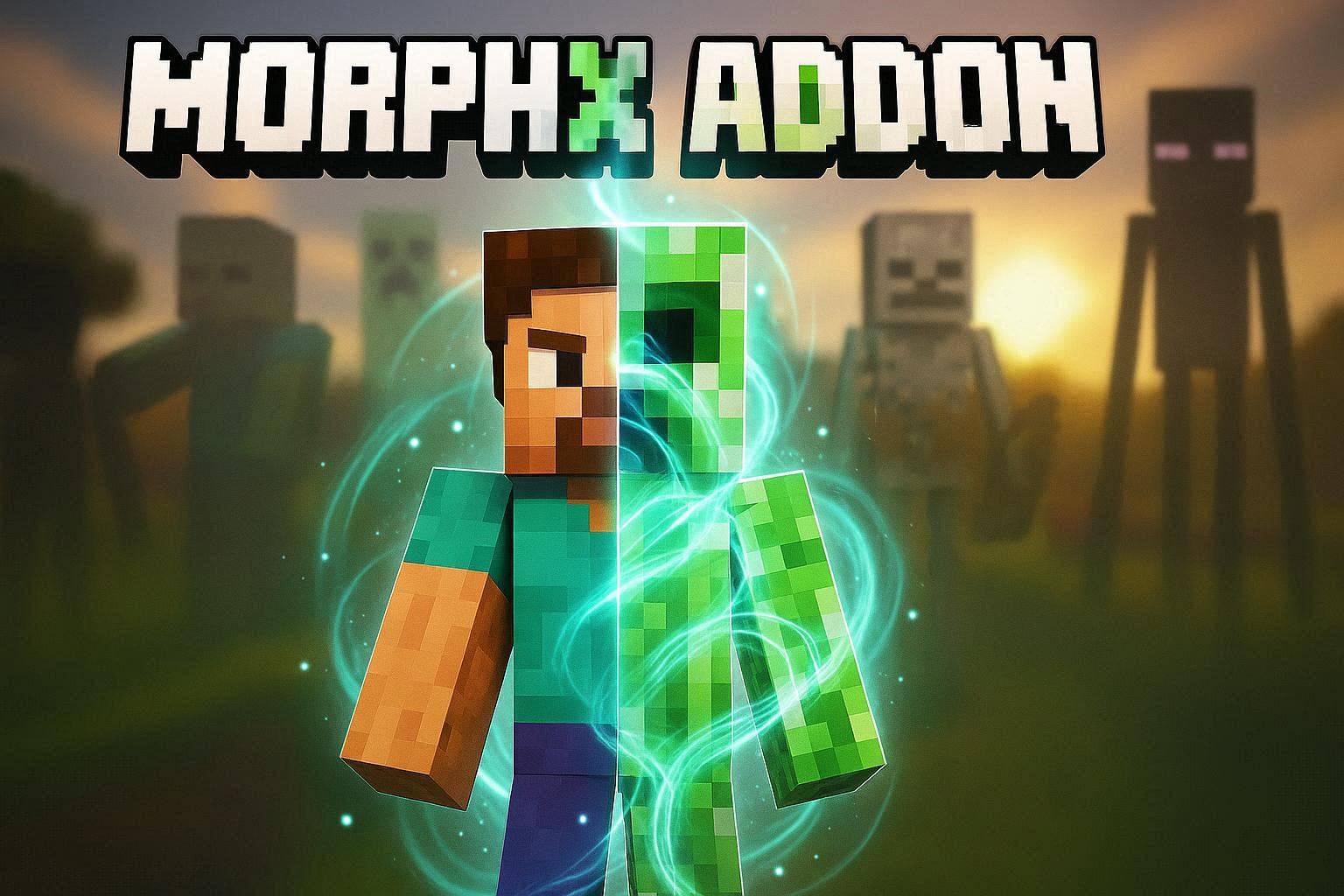
Sometimes you want to look at the world through the eyes of other creatures. MorphX mod provides exactly that possibility. It allows the player to transform into various mobs, animals, and even mechanical objects. In total, more than thirty transformation options are available. After transforming, the character receives the appearance of the chosen creature, as well as its features — size, movements, and unique abilities.
For example, you can take the form of an animal to move faster, or use the abilities of other creatures for survival. Switching happens instantly, so the player can change form right during adventures. Because of this, many new tactical possibilities appear.
Installing MorphX:
The first step is to run the downloaded file and import the addon/texture into MCPE.
Second step: open Minecraft Pocket Edition and go to the settings of the world.
Third step: install the imported resource sets and add-ons for the world.
Step four: select the imported resource packages/add-on in each section and restart the mobile client.
Comments (0)