



Movie Posters for Minecraft Pocket Edition 1.21
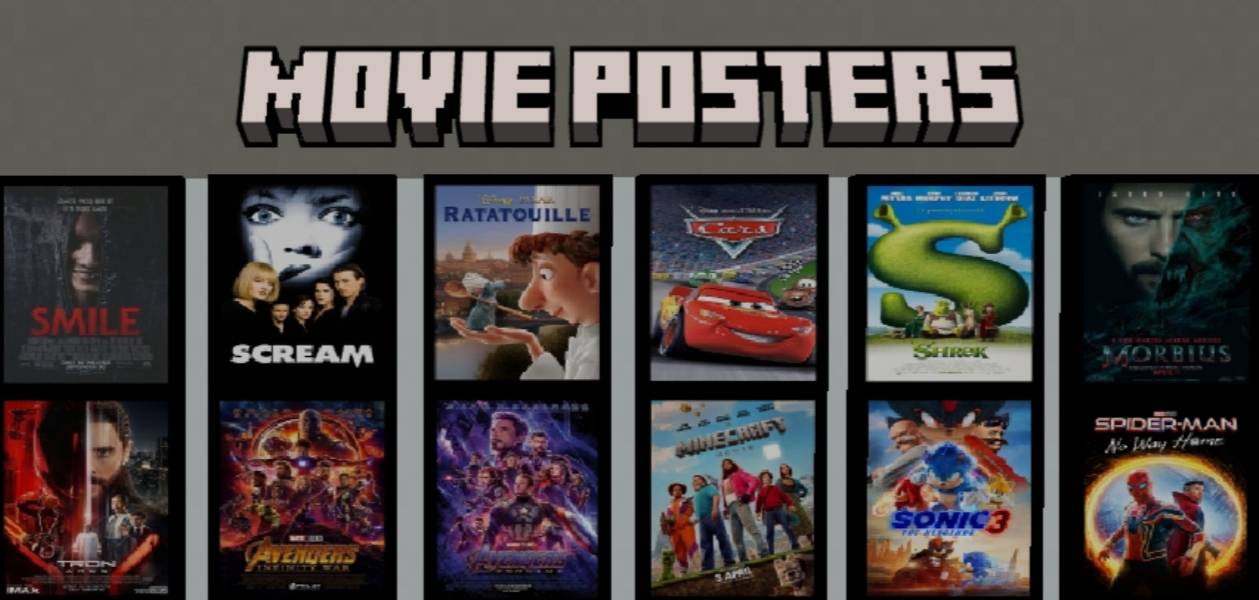
This add-on makes Minecraft PE interiors more recognizable and atmospheric through added details. Movie Posters introduces 20 film posters designed in the style of well-known movies. They fit perfectly on the walls of houses, cinemas, or themed builds, filling empty space with visual accents.
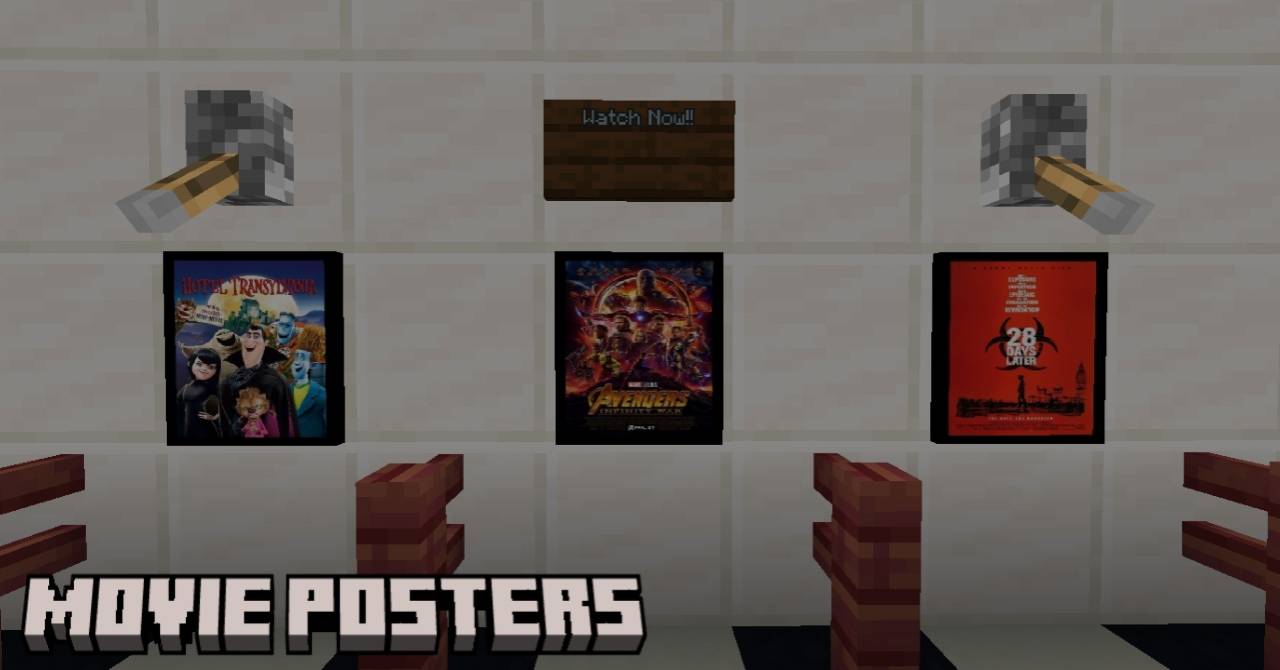
The posters do not affect game mechanics, but they noticeably enliven the environment and create a sense of a lived-in world. Thanks to the variety of images, they can be arranged into galleries, corridors, or entire halls, turning an ordinary room into a decorative space with character and mood.
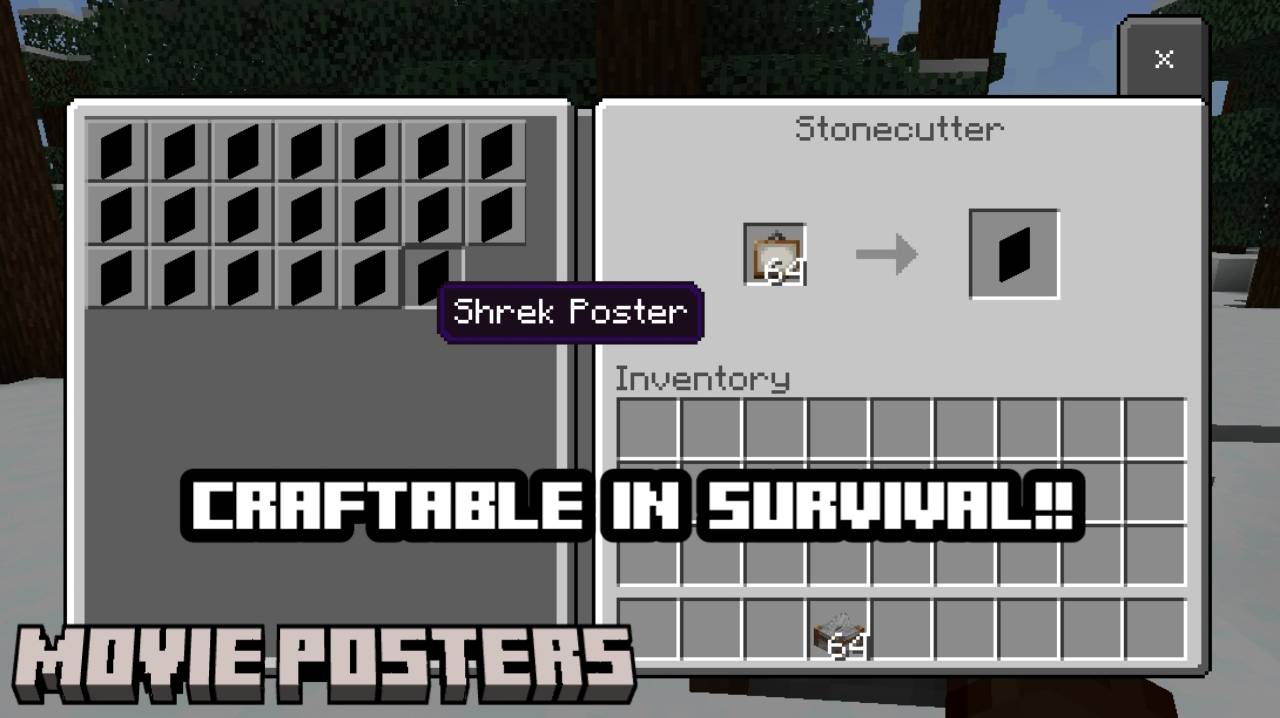
Installing Movie Posters:
The first step is to run the downloaded file and import the addon/texture into MCPE.
Second step: open Minecraft Pocket Edition and go to the settings of the world.
Third step: install the imported resource sets and add-ons for the world.
Step four: select the imported resource packages/add-on in each section and restart the mobile client.
Comments (0)