



MrCrayfish’s Furniture for Minecraft Pocket Edition 1.21
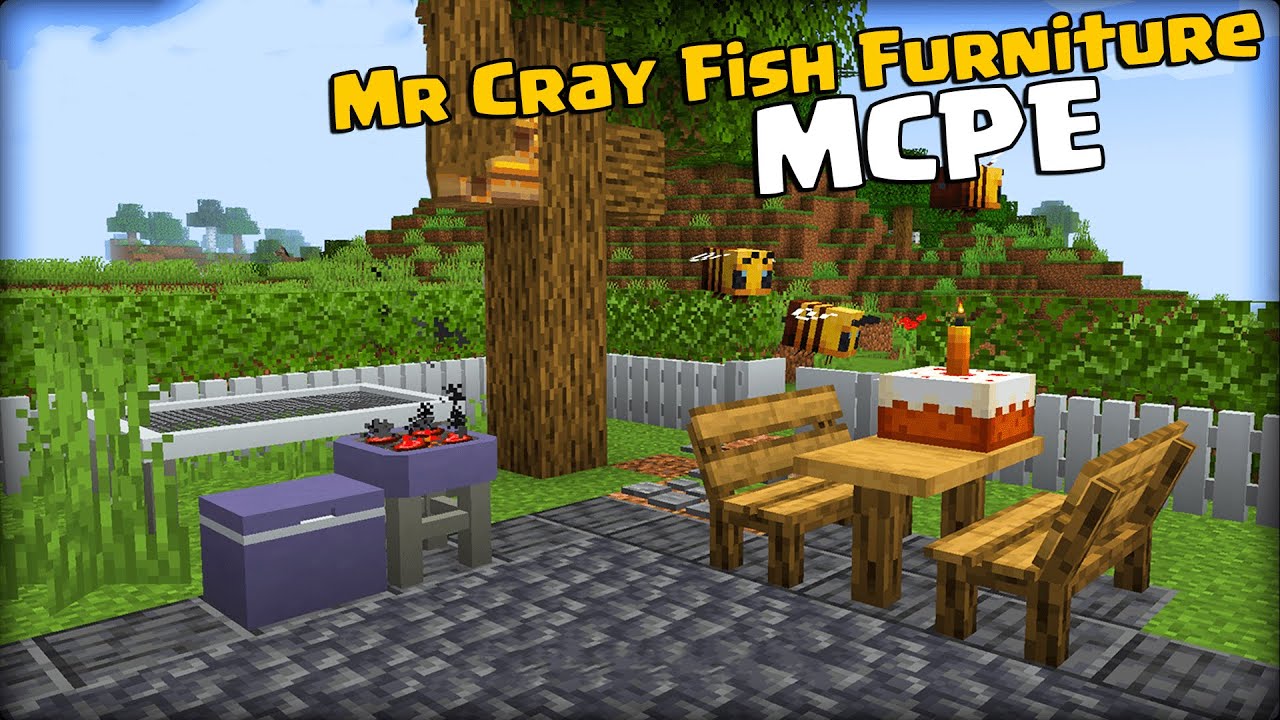
Modern interiors in Minecraft PE gain a new dimension thanks to a wide range of interactive elements. MrCrayfish’s Furniture adds pieces that not only decorate a house but can also be actively used: players can sit on chairs and sofas, cabinets and drawers function as storage, and lamps and ceiling lights illuminate the space.
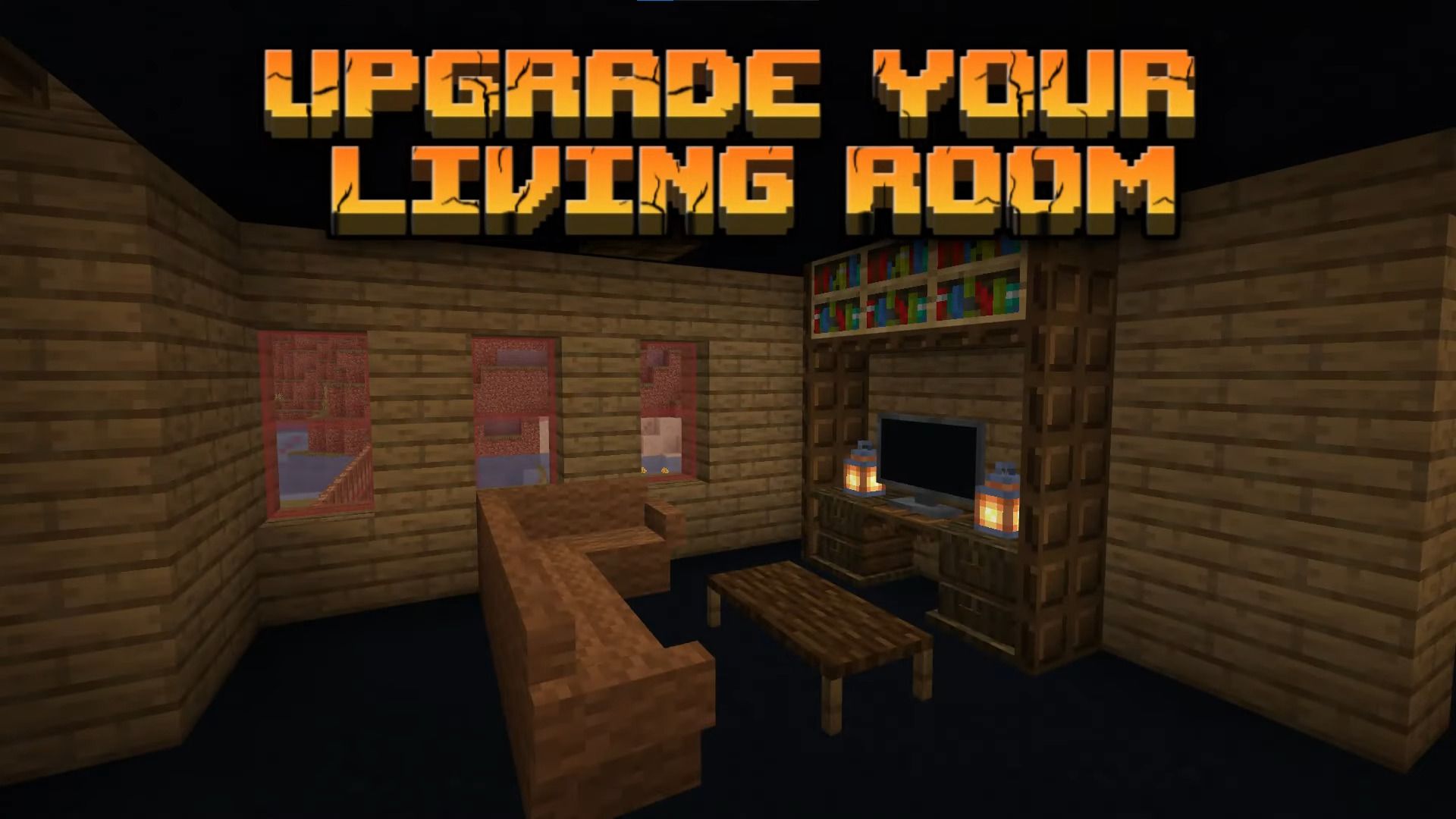
Special attention is given to details — curtains can be opened and closed, and kitchen elements look cohesive and neatly designed. Even at its current stage of development, the add-on significantly enhances the level of detail in builds, making homes more realistic and functional.
Installing MrCrayfish’s Furniture:
The first step is to run the downloaded file and import the addon/texture into MCPE.
Second step: open Minecraft Pocket Edition and go to the settings of the world.
Third step: install the imported resource sets and add-ons for the world.
Step four: select the imported resource packages/add-on in each section and restart the mobile client.
Comments (1)