



Night Vision Helmet for Minecraft Pocket Edition 1.21

Night Vision Helmet for Minecraft is a special improvement that allows you to modify the functions of the night-vision helmet. After installing the add-on, you can expect that when putting on the helmet, night vision will now activate automatically, and as soon as you take it off, the effect will disappear.
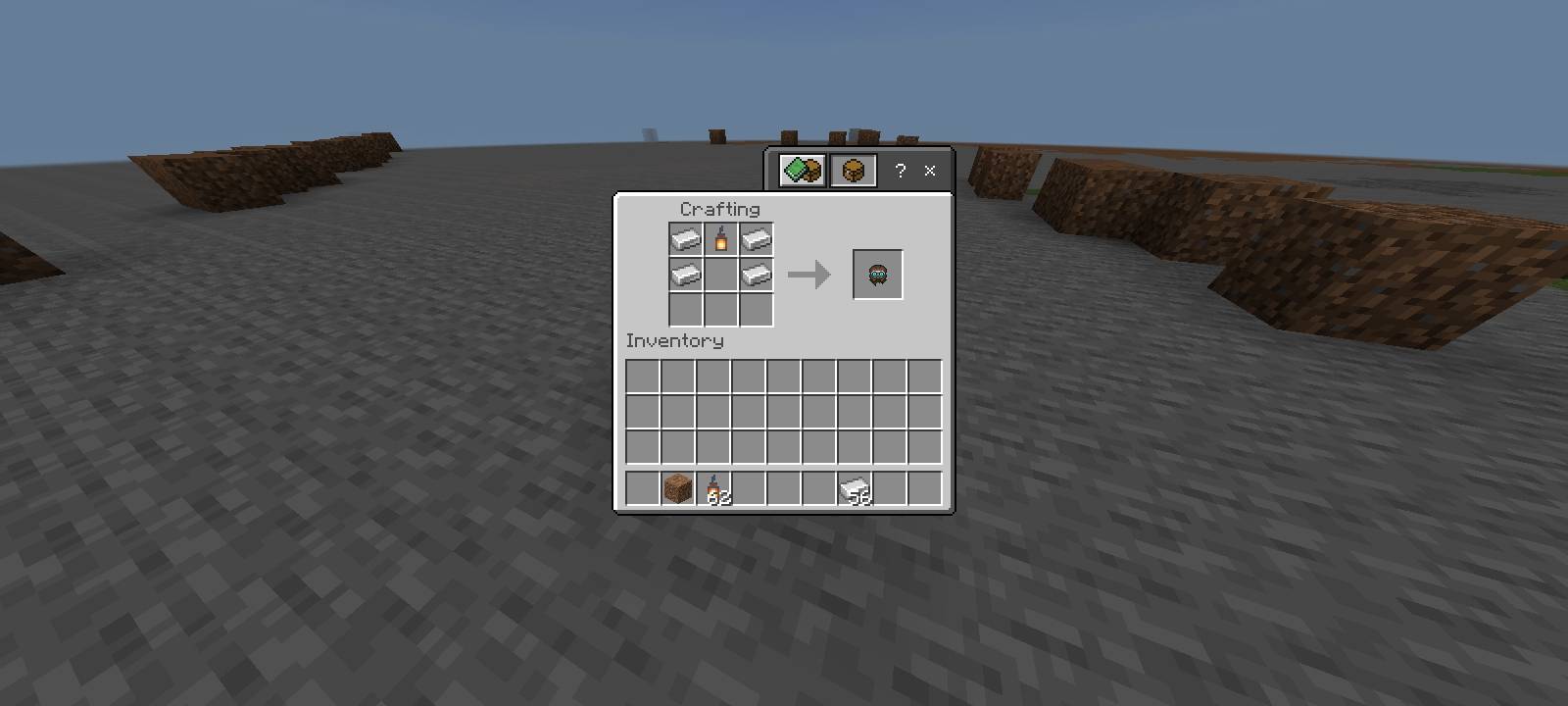
This approach is much more convenient, so it will surely not disappoint you and will allow you to get many more positive emotions from your adventures.

Installing Night Vision Helmet:
The first step is to run the downloaded file and import the addon/texture into MCPE.
Second step: open Minecraft Pocket Edition and go to the settings of the world.
Third step: install the imported resource sets and add-ons for the world.
Step four: select the imported resource packages/add-on in each section and restart the mobile client.
Comments (0)