



One Piece Skin for Minecraft Pocket Edition 1.21
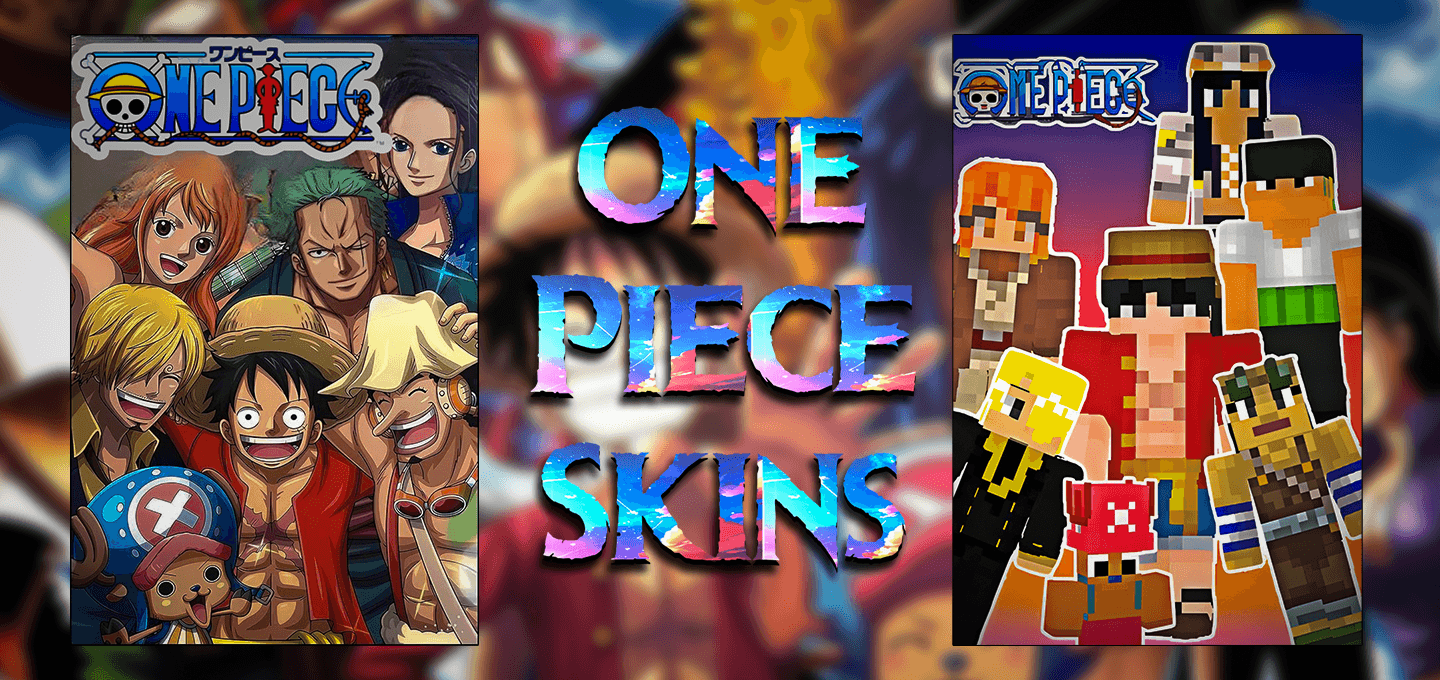
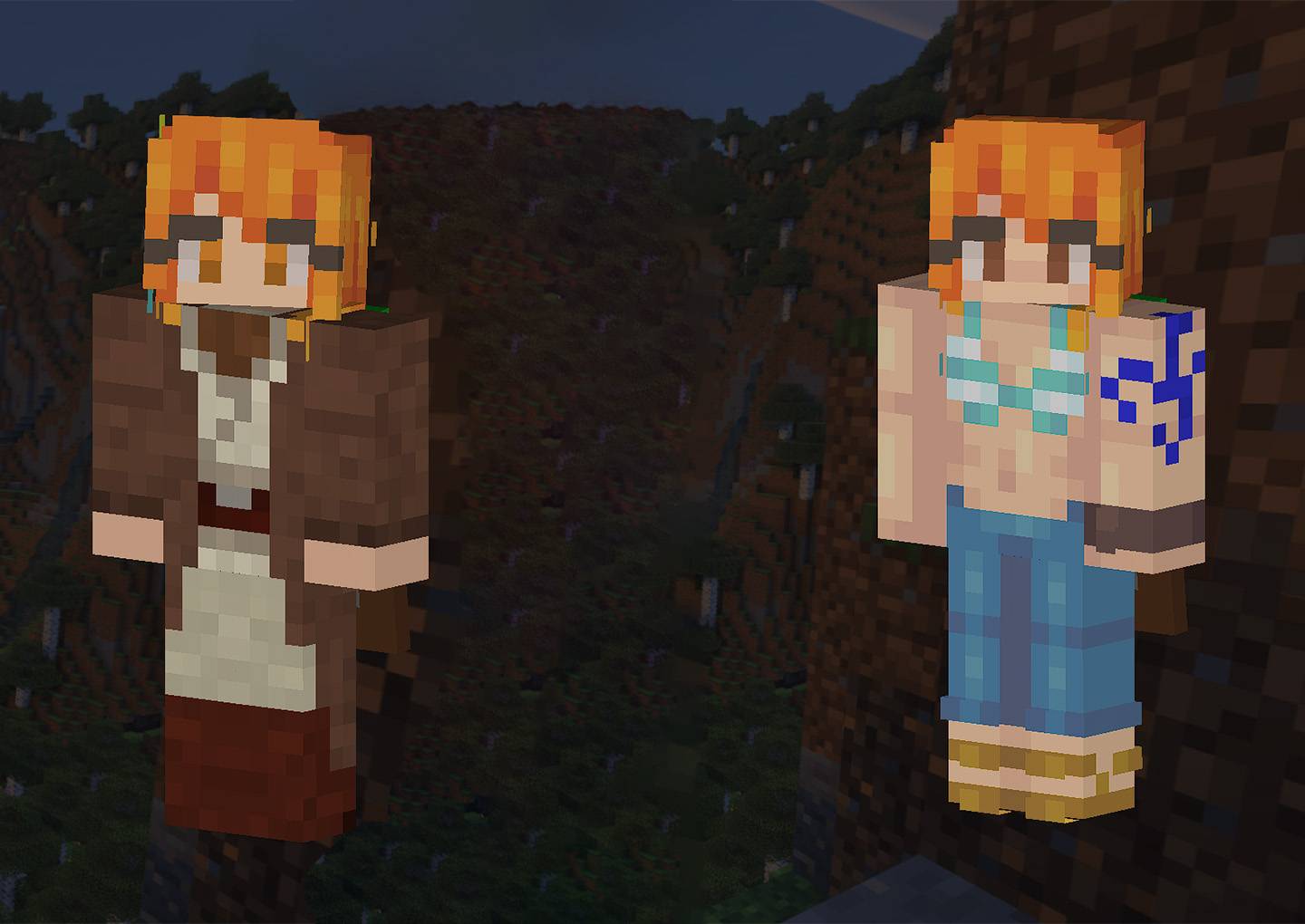
The One Piece Skin Pack makes it feel as though the world has moved a little closer to the epic pirate universe. The add-on adds 19 different looks for the Straw Hat Crew, including both classic and updated versions of the characters. The variety is particularly impressive: Zoro, Nami and the others each have several models available, allowing players to choose a style to suit their adventure.
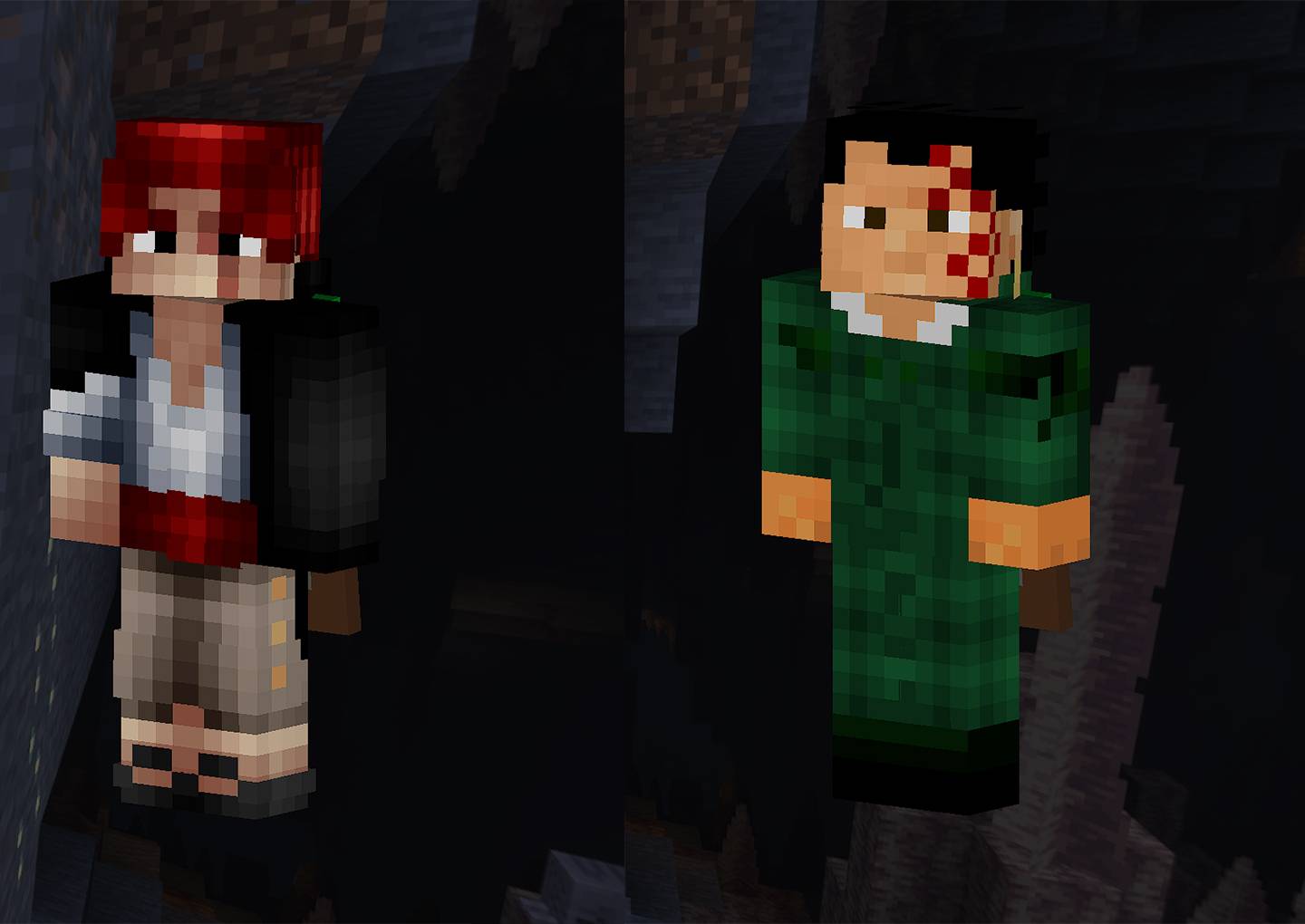
Thanks to the detailed costumes and recognisable features, each character is easily identifiable, whether it’s the energetic Luffy, the charismatic Sanji or the unusual Chopper. This set is well suited to role-play scenarios, shared worlds or simple aesthetic enjoyment — it makes the game more vibrant while preserving the spirit of the original.
Installing One Piece Skin:
Step 1: Run the downloaded file to import the add-on/texture into MCPE.
Step 2: Open Minecraft Pocket Edition and go to the world settings.
Step 3: Install the imported resource packs and add-ons for the world.
Step 4: Select the imported resource packs/add-ons in each section and restart the mobile client.
Comments (0)