



Planes for Minecraft Pocket Edition 1.21
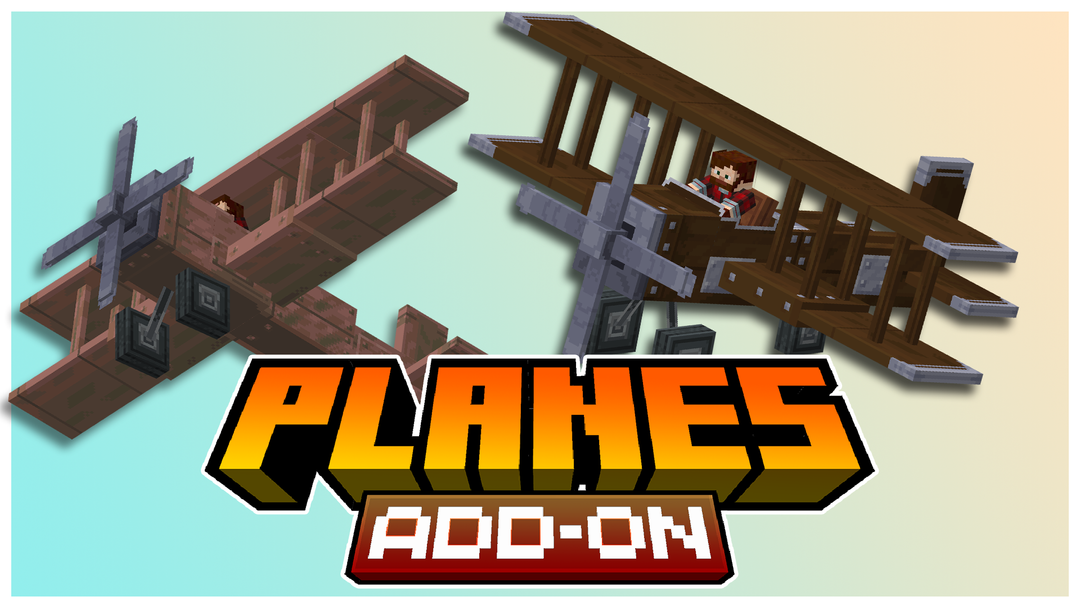
Changing familiar tools can give the game additional depth, and this is exactly what Planes is built around. The add-on introduces wooden and copper airplanes, with copper variants gradually oxidizing and changing appearance over time. This process can be controlled by using wax or cleaning off oxidation.
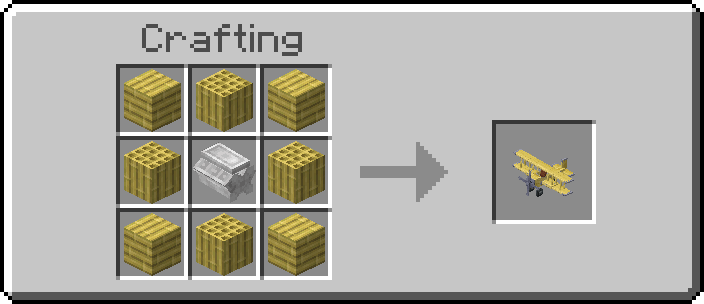
Such an approach makes the items feel “alive,” visually reacting to time and usage. Despite being in an early testing stage, the add-on already creates an interesting sense of tool progression and hints at more complex mechanics in future updates.
Installing Planes:
The first step is to run the downloaded file and import the addon/texture into MCPE.
Second step: open Minecraft Pocket Edition and go to the settings of the world.
Third step: install the imported resource sets and add-ons for the world.
Step four: select the imported resource packages/add-on in each section and restart the mobile client.
Comments (0)