



Premium X Ray and Outlined Blocked for Minecraft Pocket Edition 1.21
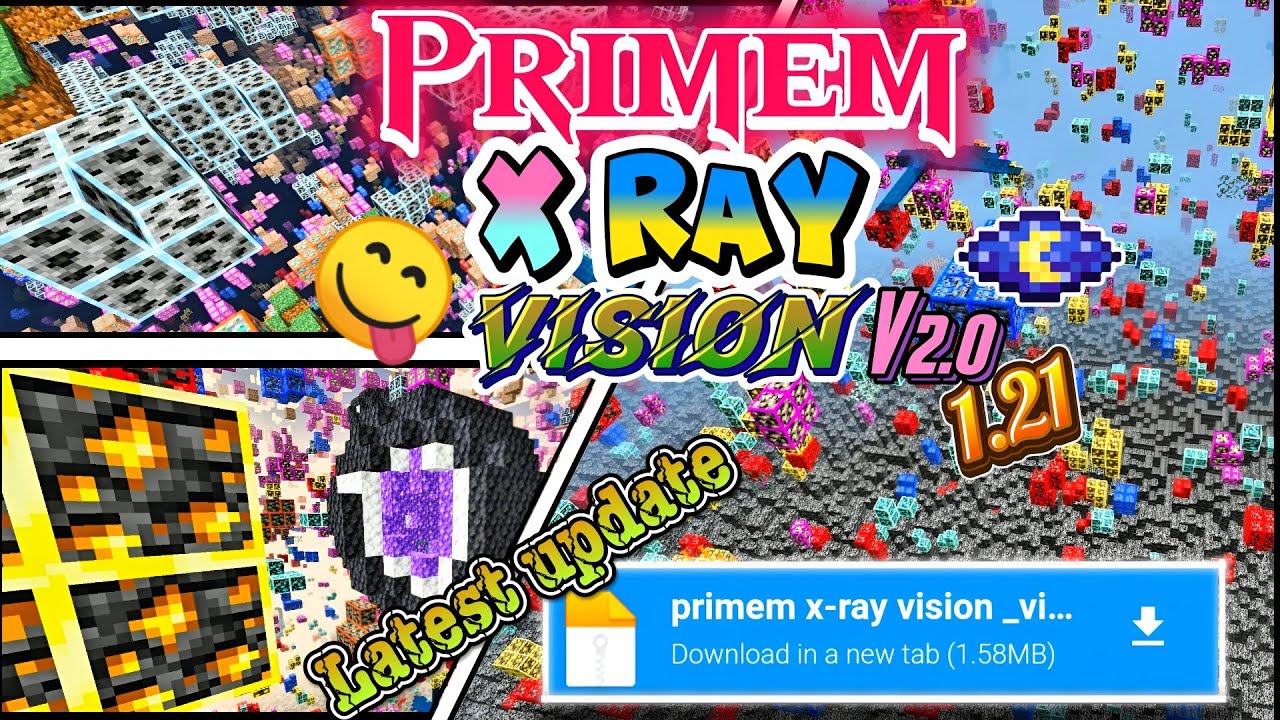
If you have long planned to increase your efficiency and save time while exploring dungeons, then we recommend using Premium X Ray and Outlined Blocked add-on for Minecraft.
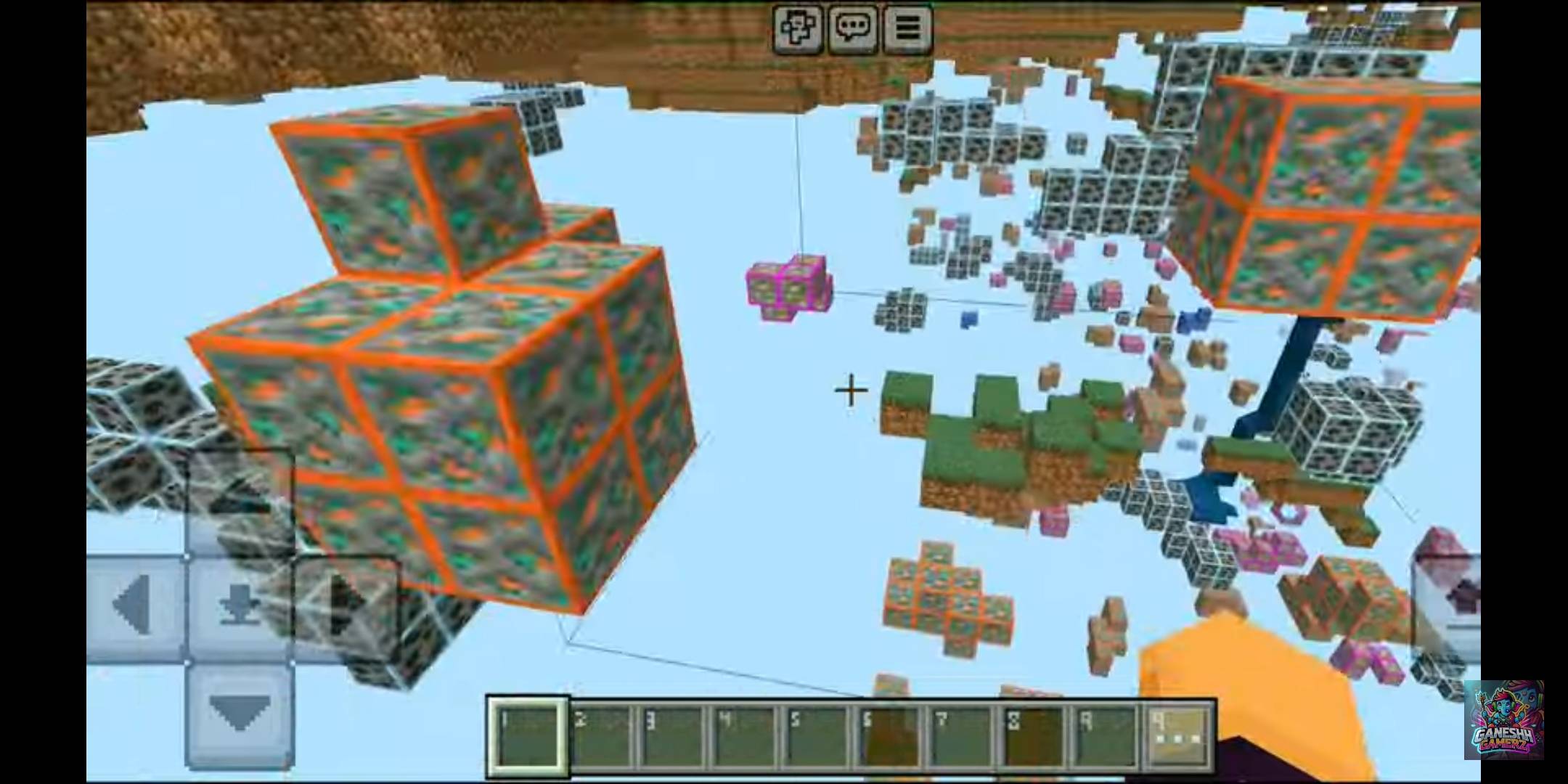
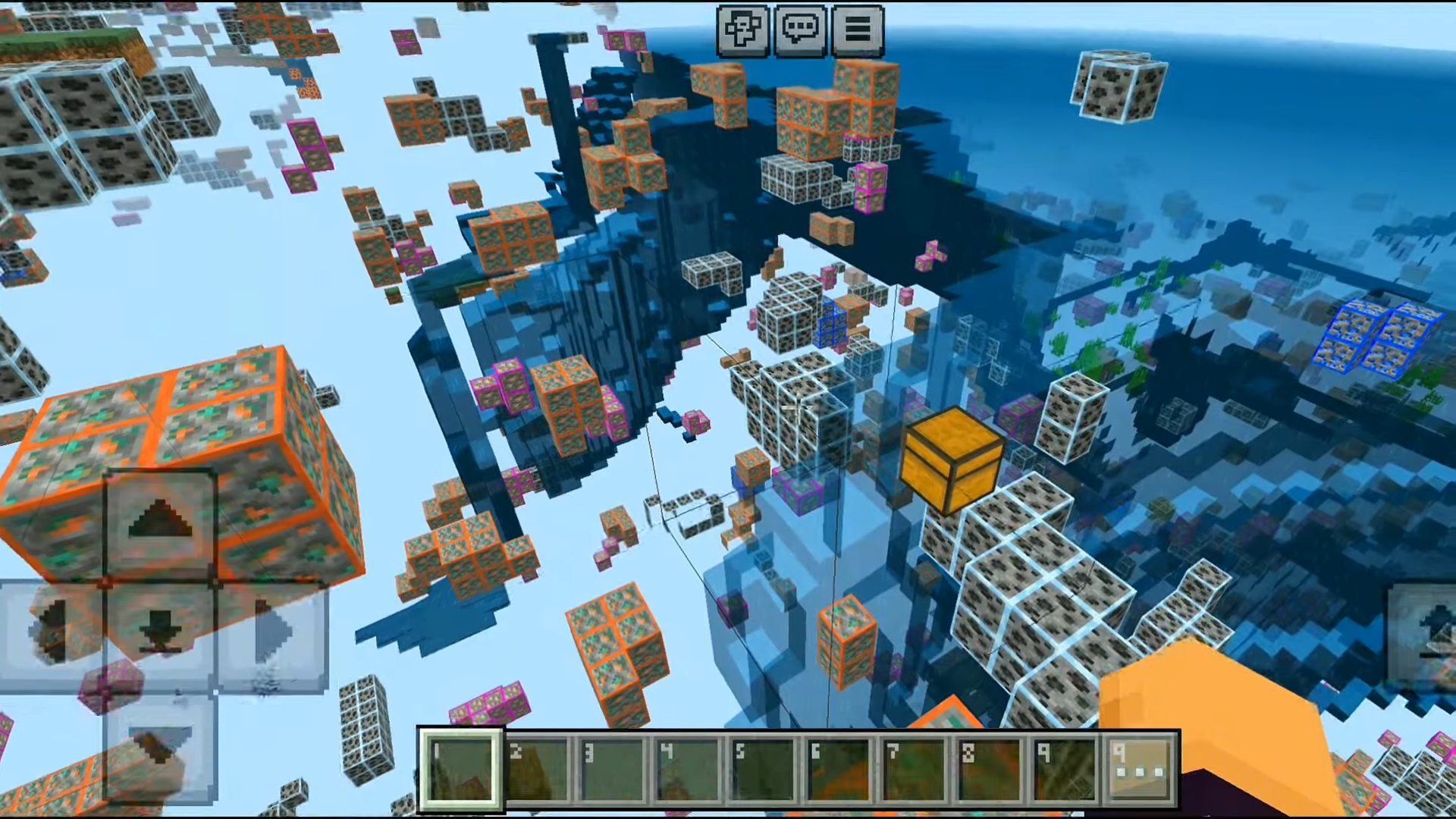
Thanks to the new changes, you can now expect to receive complete information about ore, interesting locations, and other curious elements, since they will all be highlighted. Everything unnecessary will become transparent, so you will definitely be able to orient yourself and quickly get to the place you need.
Installing Premium X Ray and Outlined Blocked:
The first step is to run the downloaded file and import the addon/texture into MCPE.
Second step: open Minecraft Pocket Edition and go to the settings of the world.
Third step: install the imported resource sets and add-ons for the world.
Step four: select the imported resource packages/add-on in each section and restart the mobile client.
Comments (0)