



SushiCraft for Minecraft Pocket Edition 1.21
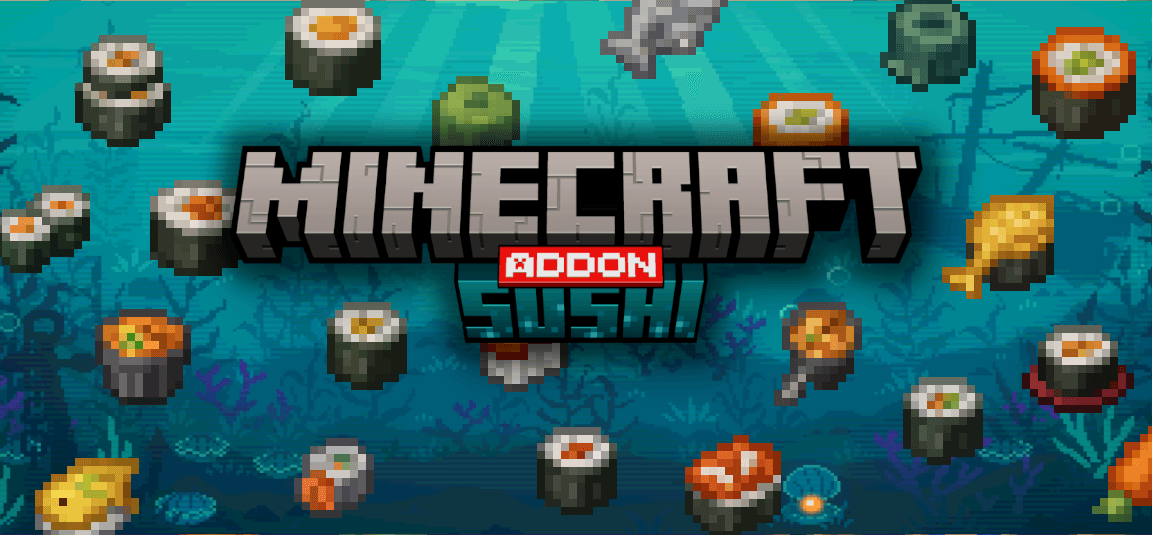
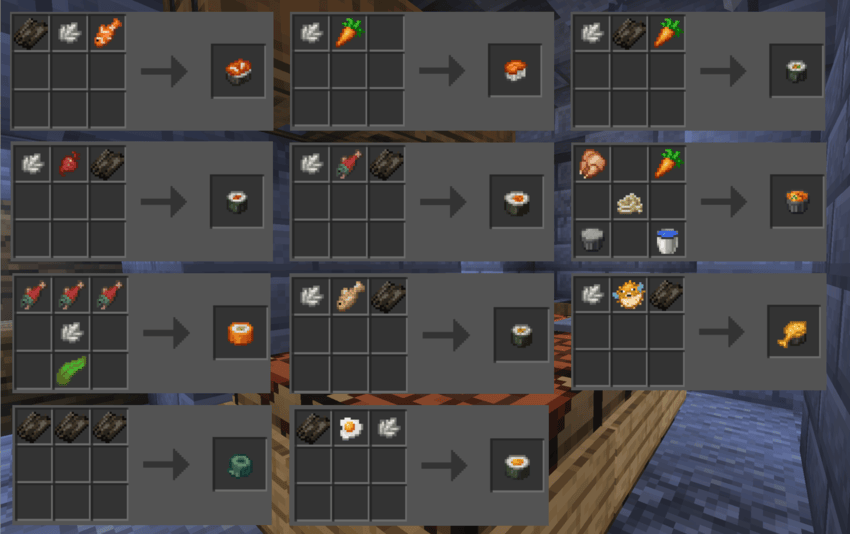
If you love sushi, then it is time to diversify your culinary delights right in your favorite game. To do this, it is enough to use SushiCraft add-on for Minecraft, which will allow you to easily use new recipes. A total of about 16 new recipes will be available, thanks to which you will be able to create sushi.
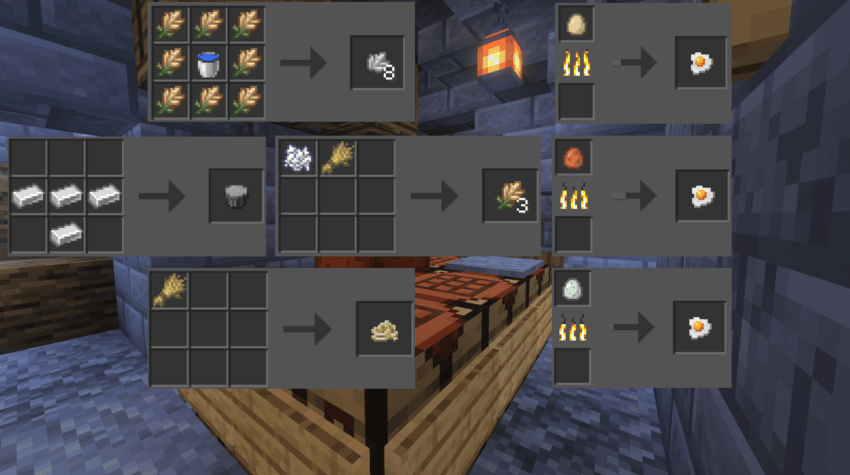
All of them will be varied, will provide different levels of saturation, and even several bonuses. All that remains is to find all the necessary ingredients, start actively using the new recipes, and simply become a true connoisseur of this dish.
Installing SushiCraft:
The first step is to run the downloaded file and import the addon/texture into MCPE.
Second step: open Minecraft Pocket Edition and go to the settings of the world.
Third step: install the imported resource sets and add-ons for the world.
Step four: select the imported resource packages/add-on in each section and restart the mobile client.
Comments (0)