



The Wild Environment for Minecraft Pocket Edition 1.21
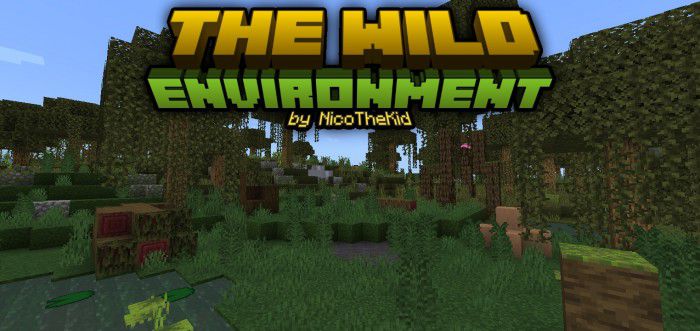
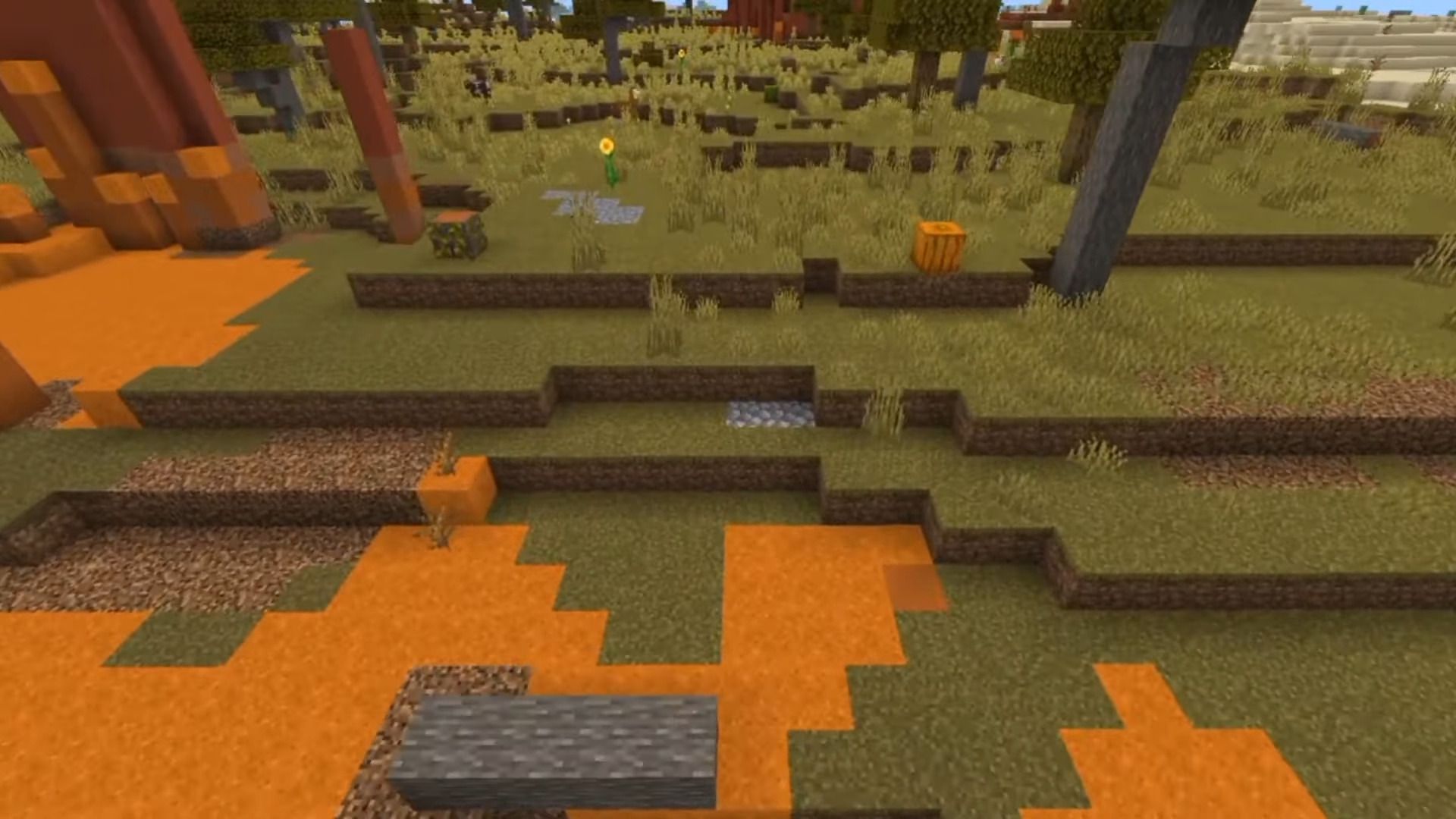
To make the world of Minecraft PE look more alive and natural, the mod The Wild Environment was created. It does not add new biomes or blocks, but it significantly improves nature generation in all existing regions. There is more vegetation in the game world: grass, flowers, and shrubs. The number of trees and natural objects also increases, making landscapes look richer and more diverse.
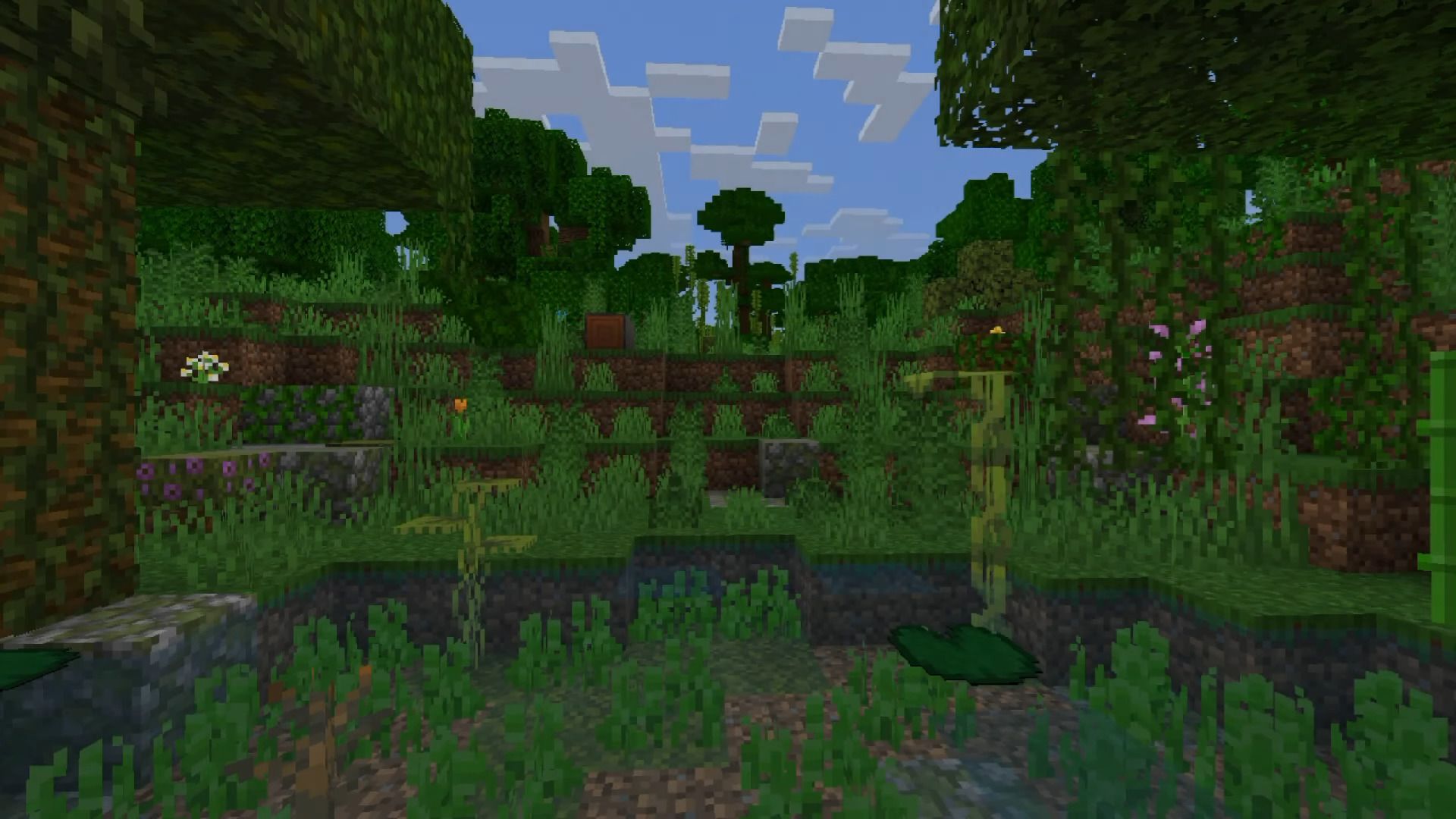
The changes affect not only the surface, but also the oceans. More stones and natural details appear on the bottom, creating the feeling of a real wild environment. Plant generation happens faster and more densely, so forests and plains seem thicker.
Installing The Wild Environment :
The first step is to run the downloaded file and import the addon/texture into MCPE.
Second step: open Minecraft Pocket Edition and go to the settings of the world.
Third step: install the imported resource sets and add-ons for the world.
Step four: select the imported resource packages/add-on in each section and restart the mobile client.
Comments (0)