



Trevor’s Car for Minecraft Pocket Edition 1.21
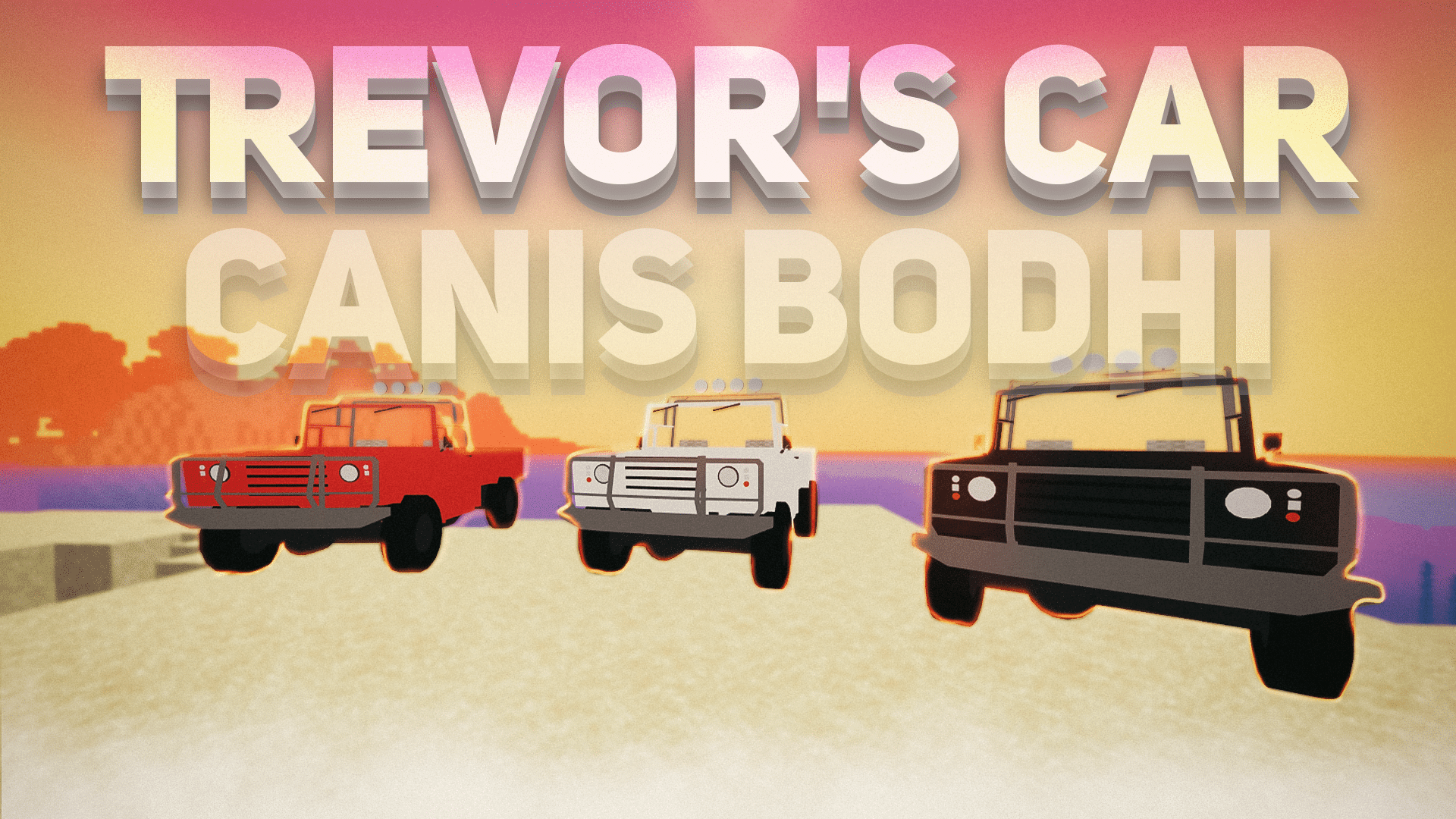
Trevor’s Car brings the atmosphere of real desert roads to the world. Inspired by rugged off-road vehicles, the car looks sturdy and tough. It resembles a cross between an army lorry and a classic off-roader, which makes it particularly striking against the blocky landscapes. The design conveys the character of heavy machinery: rough shapes, metal elements and powerful proportions.
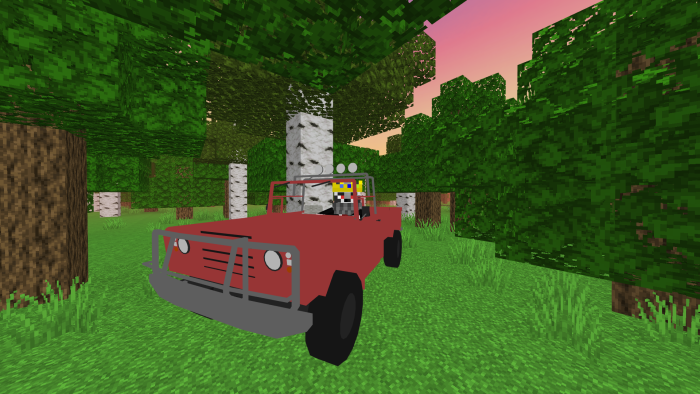
A car like this fits perfectly into a world where reliable transport is needed for long-distance journeys, especially over rough terrain. It isn’t overloaded with decorative details, but it is recognisable enough to become a new signature feature of the world and add a touch of action.
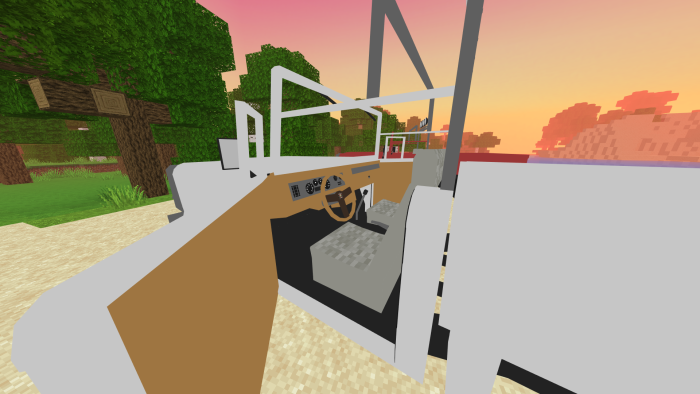
Installing Trevor’s Car:
Step 1: Run the downloaded file to import the add-on/texture into MCPE.
Step 2: Open Minecraft Pocket Edition and go to the world settings.
Step 3: Install the imported resource packs and add-ons for the world.
Step 4: Select the imported resource packs/add-ons in each section, then restart the mobile client.
Comments (0)