



Winter Additions for Minecraft Pocket Edition 1.21
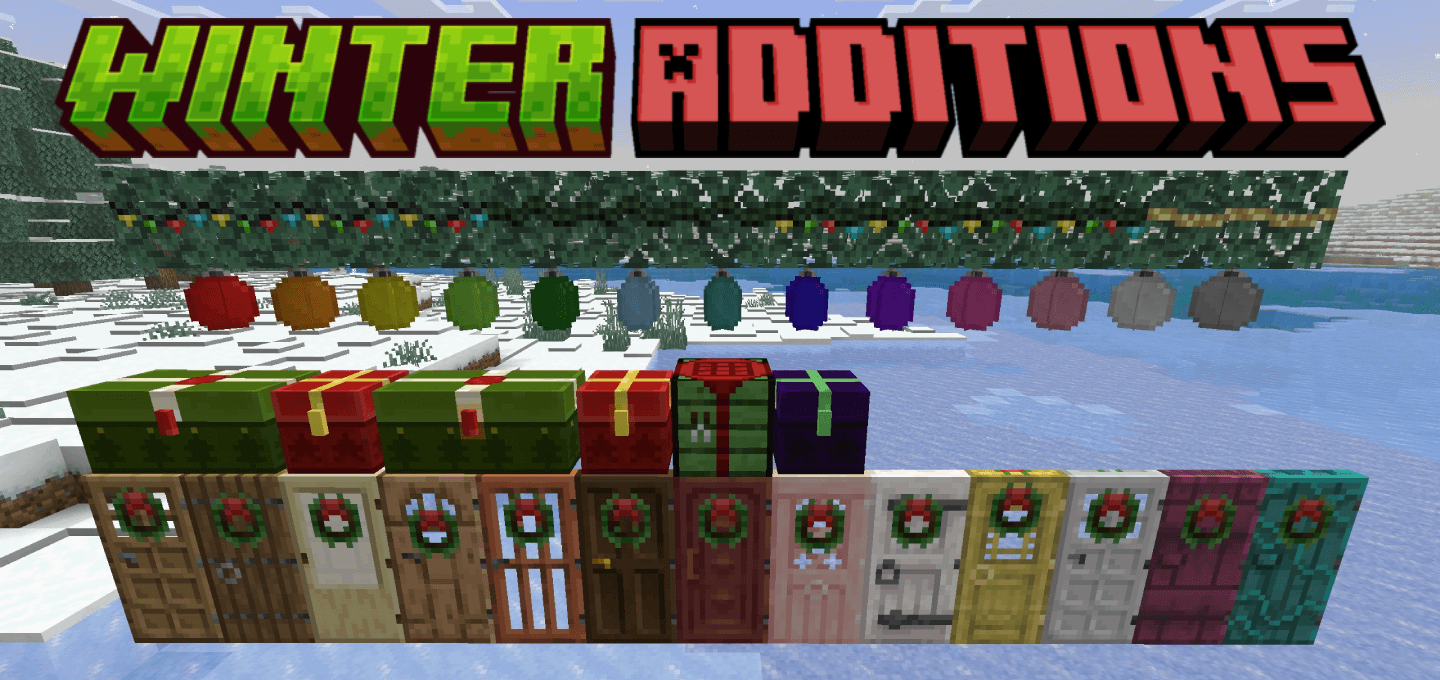
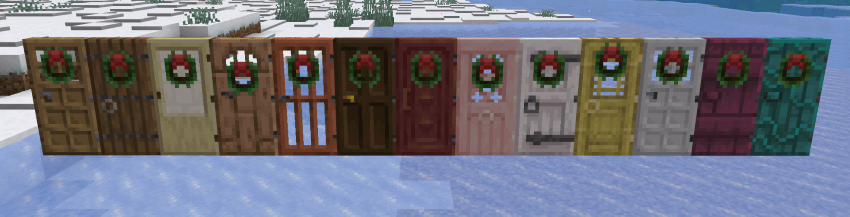
Winter Additions fills the game with a winter mood and festive atmosphere. Frequent snowfall makes the world feel more alive, and the ability to adjust it allows players to tailor the weather to their playstyle. Visual changes to chests and doors add coziness, especially in winter builds. The central feature is the Holiday Crafter workbench, which allows players to craft gift boxes and hanging stockings for item storage.
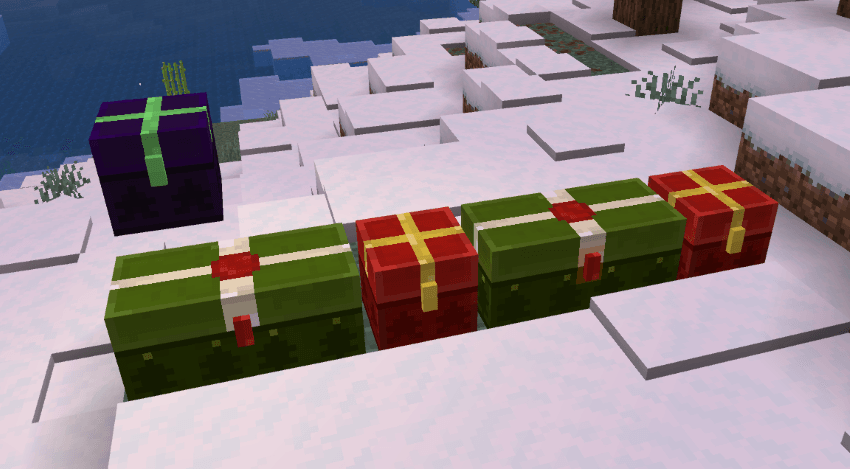
These elements are not only decorative but also functional. Simple recipes make the content accessible from the early stages of the game. The mod is perfect for seasonal builds or for those who want to add a touch of winter magic to survival.
Installing Winter Additions:
The first step is to run the downloaded file and import the addon/texture into MCPE.
Second step: open Minecraft Pocket Edition and go to the settings of the world.
Third step: install the imported resource sets and add-ons for the world.
Step four: select the imported resource packages/add-on in each section and restart the mobile client.
Comments (0)