



Chaotic World for Minecraft Pocket Edition 26.x
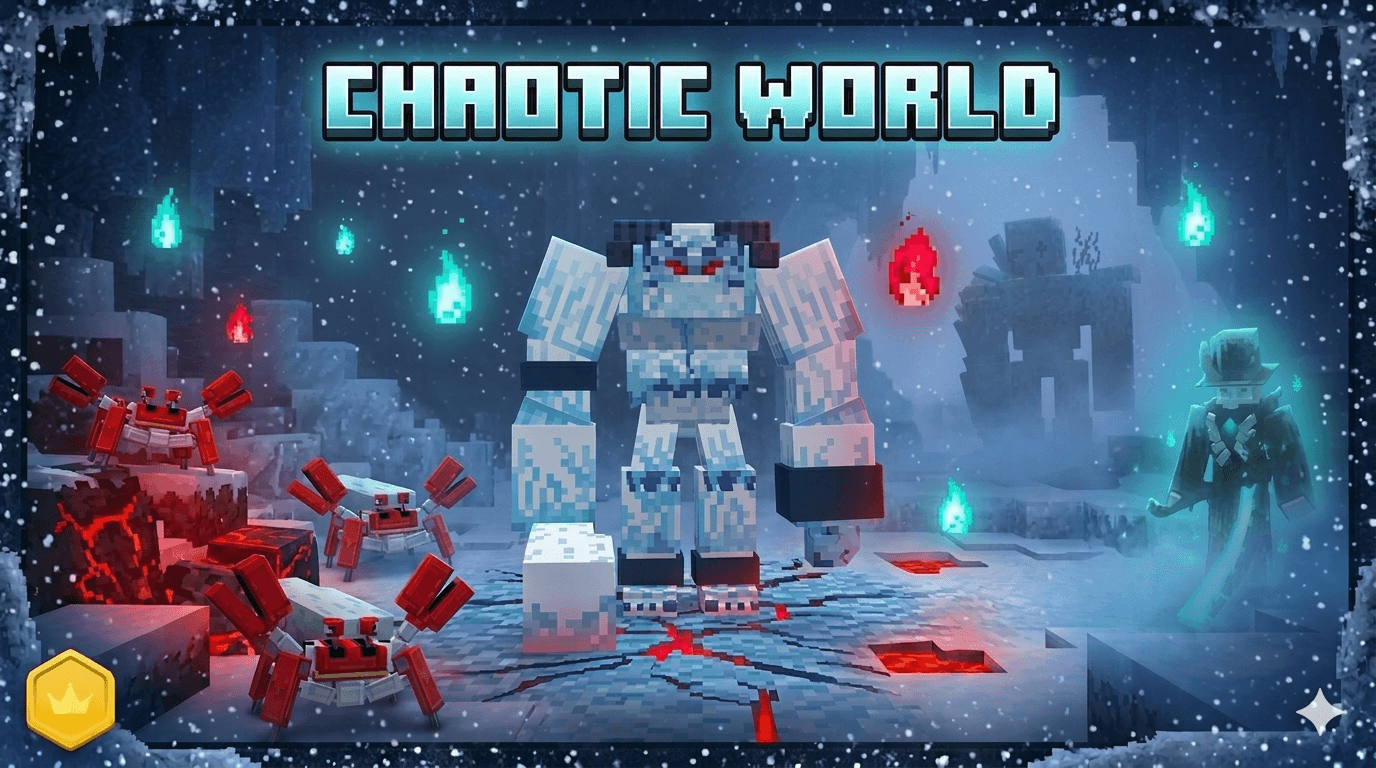
Chaotic World makes the combat aspect of the game more difficult and action-packed. Powerful enemies, new items, an expanded equipment system, and gigantic bosses with multiple combat phases appear in the game. These enemies use different attacks and can change their behavior during battle.
Because of this, victory requires more than simply using strong weapons — players also need to understand how each enemy fights. The add-on introduces more than one hundred crafting recipes, including weapons with active abilities. Among the new mobs are unusual creatures such as a robot crab and a yeti. The mod also pays attention to armor: some armor sets change knockback mechanics, helping players survive more effectively in close combat.
Installing Chaotic World:
The first step is to run the downloaded file and import the addon/texture into MCPE.
Second step: open Minecraft Pocket Edition and go to the settings of the world.
Third step: install the imported resource sets and add-ons for the world.
Step four: select the imported resource packages/add-on in each section and restart the mobile client.
Comments (0)