



Construction Wands for Minecraft Pocket Edition 26.x
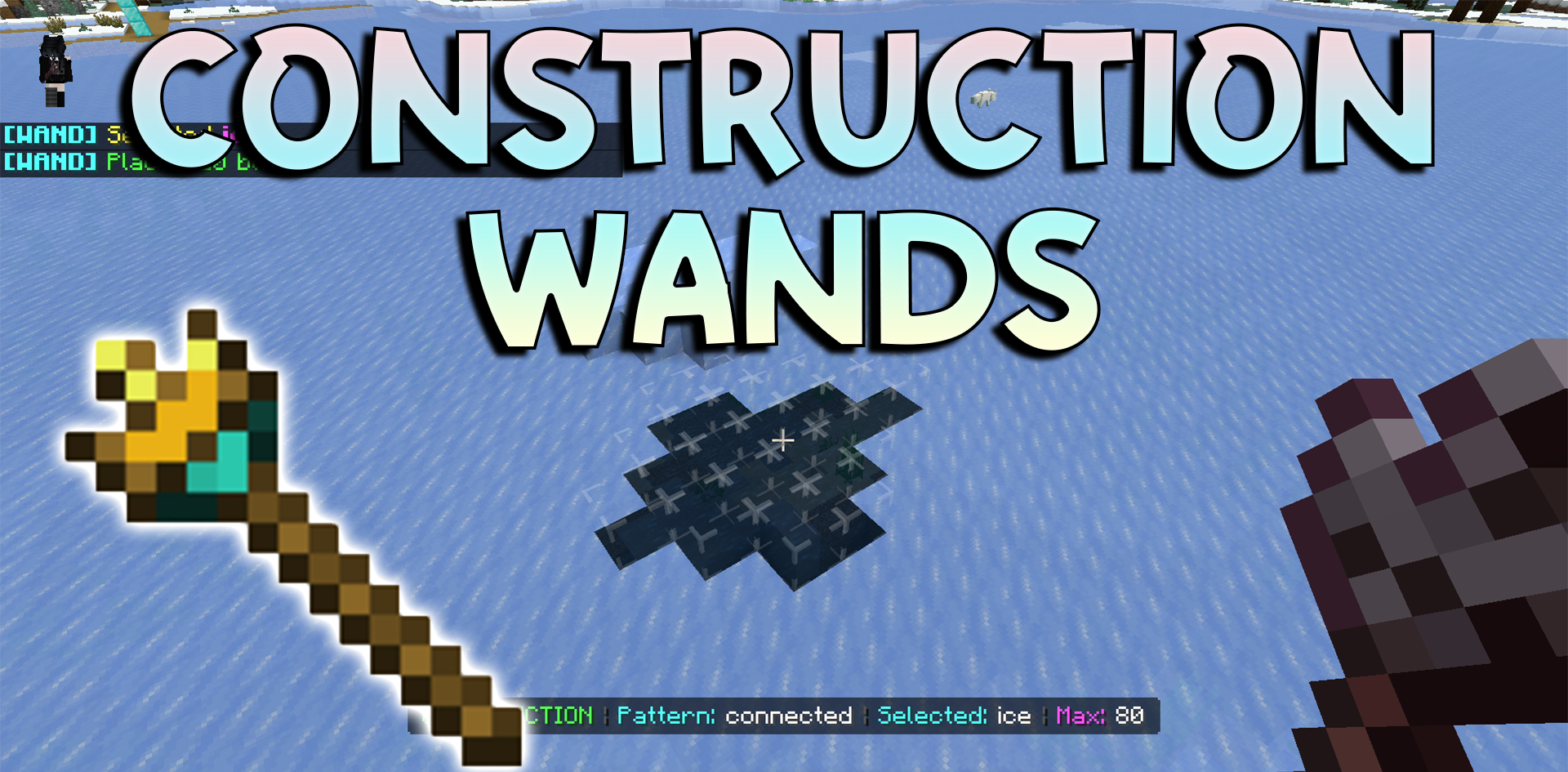
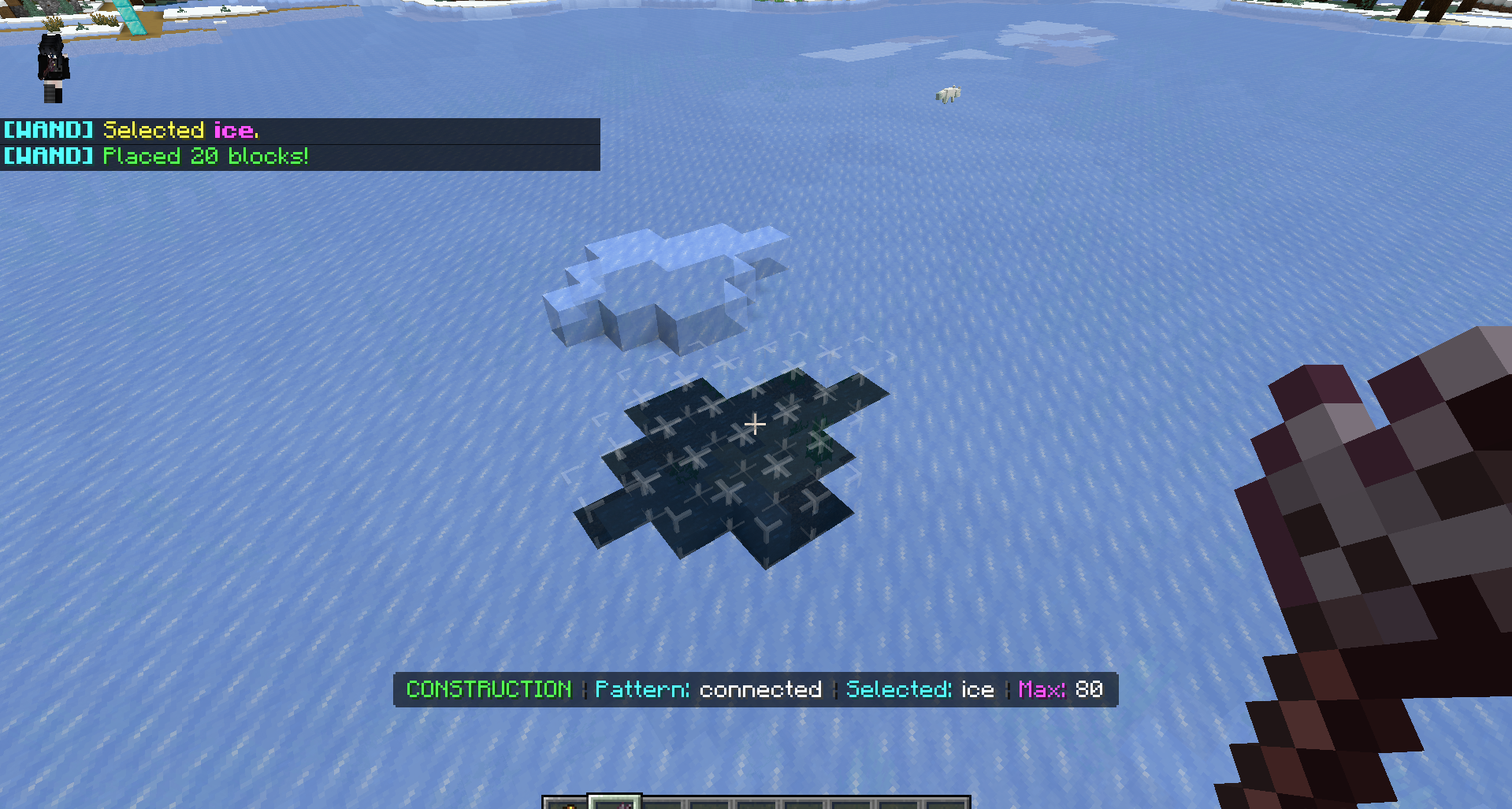
Construction Wands speeds up building and removes a lot of repetitive manual work. The addon adds magic wands that allow you to place, remove, and replace blocks in large groups. Instead of placing each block separately, you can quickly build lines, flat walls, expand surfaces, and cover large areas.
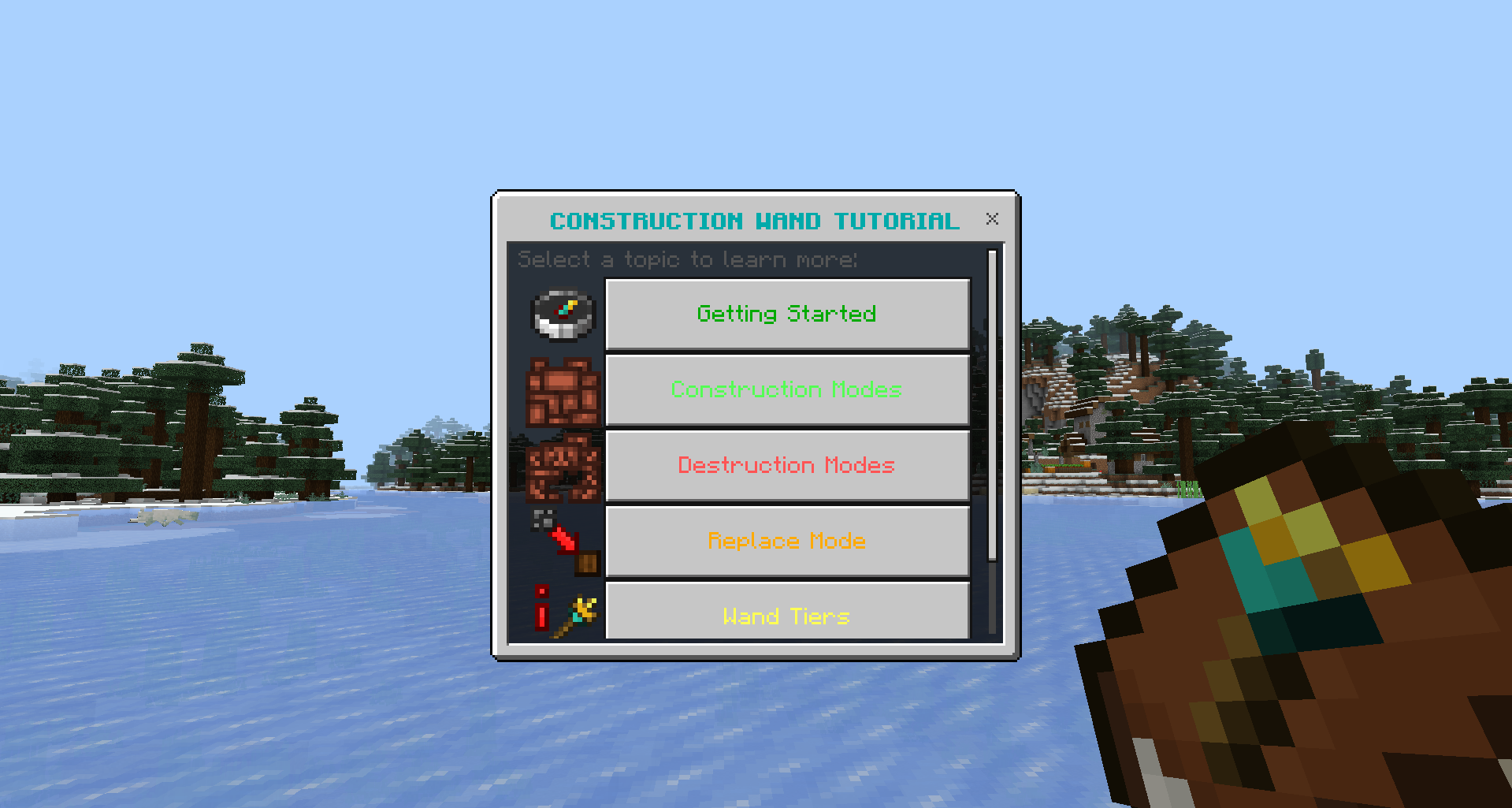
Removing connected blocks helps when dismantling old structures, and the replacement mode is convenient when you need to change the material of an already finished wall or floor. The set includes five wand tiers, and each one differs in limits on the number of blocks. Because of this, the tools develop gradually and do not feel identical.
Installing Construction Wands:
The first step is to run the downloaded file and import the addon/texture into MCPE.
Second step: open Minecraft Pocket Edition and go to the settings of the world.
Third step: install the imported resource sets and add-ons for the world.
Step four: select the imported resource packages/add-on in each section and restart the mobile client.
Comments (0)