



DoubleHands for Minecraft Pocket Edition 26.x
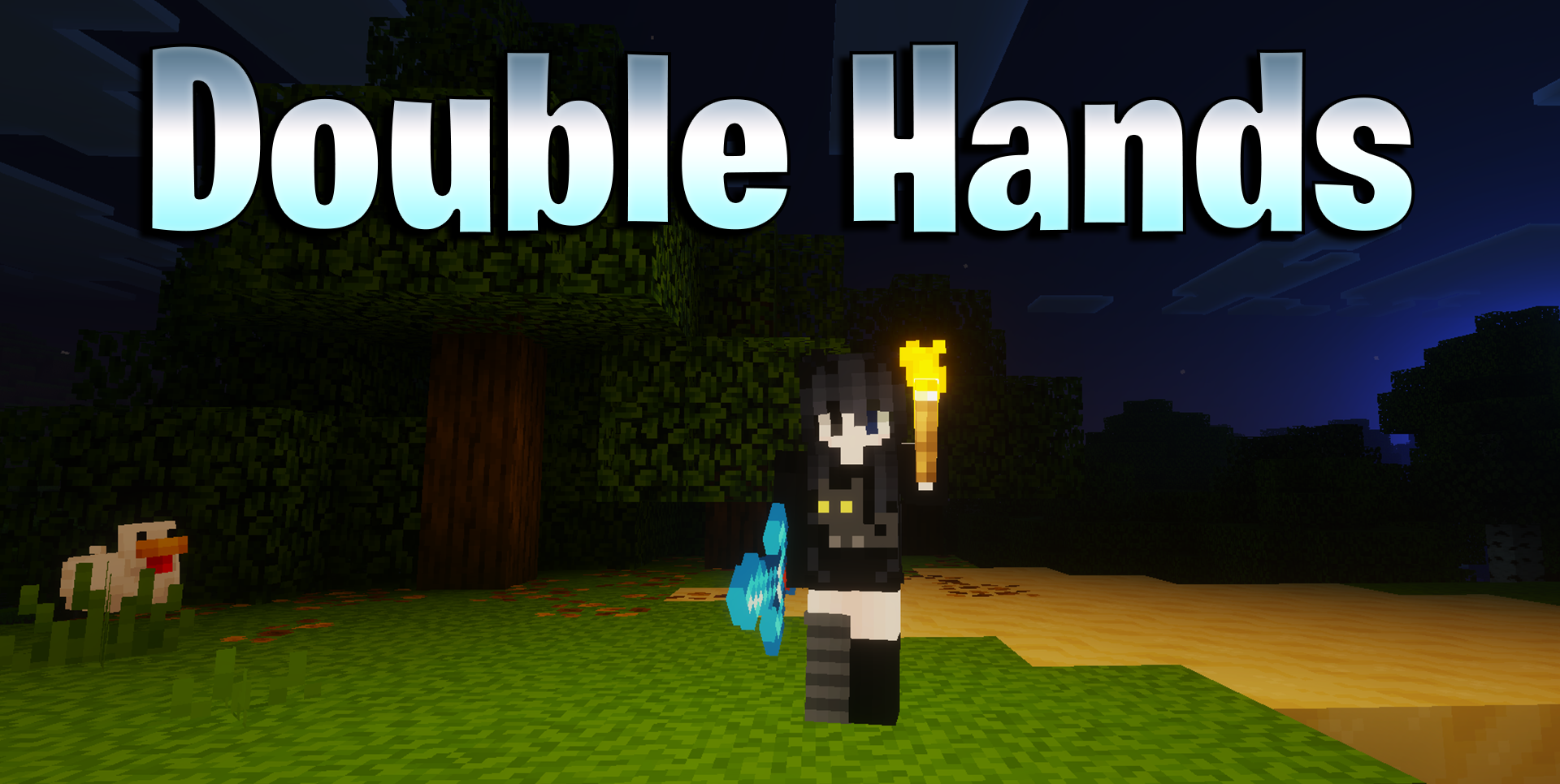
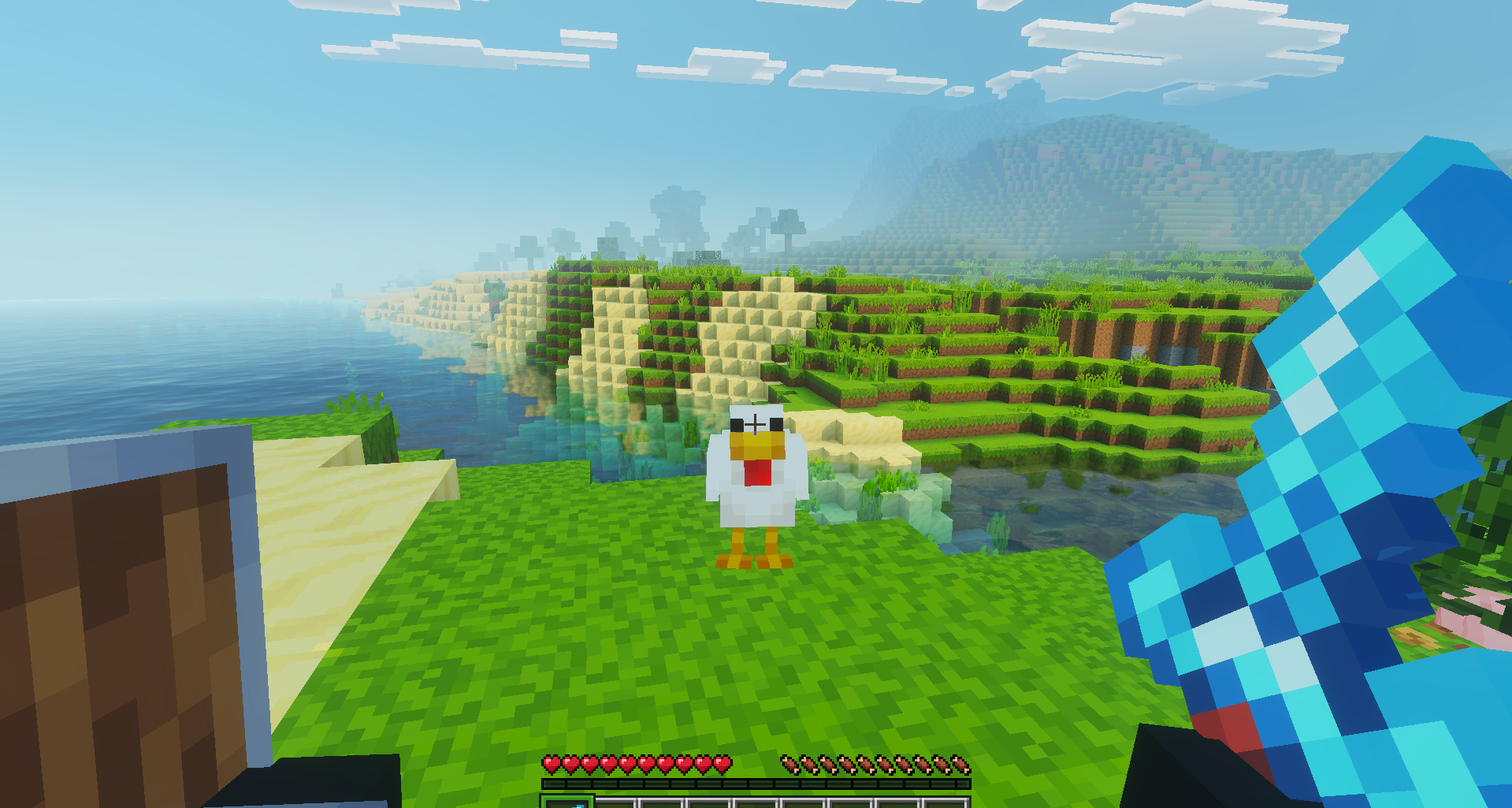
DoubleHands makes the offhand more useful. The left hand can place blocks, carry liquids, plant seeds, throw snowballs and eggs, launch rockets during flight, and perform other familiar actions without constantly switching items. If a glowing item is in the offhand, light appears around the player, which helps in caves and other dark places.
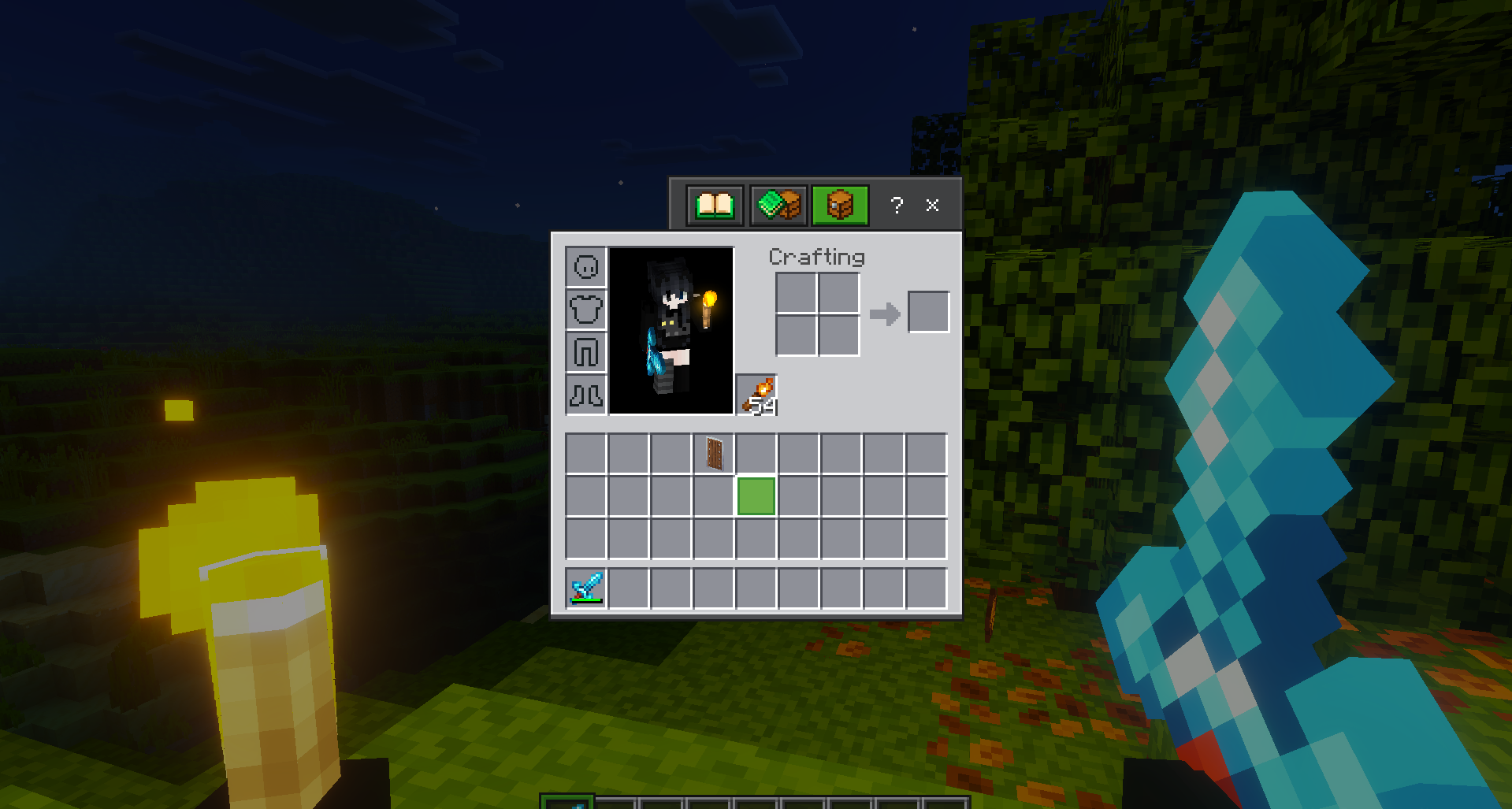
Controls can be configured in several ways: the /swap command transfers the held item, double sneaking quickly changes the hand, the pointing emote also switches items, and a separate key can be assigned on a keyboard.
Installing DoubleHands:
The first step is to run the downloaded file and import the addon/texture into MCPE.
Second step: open Minecraft Pocket Edition and go to the settings of the world.
Third step: install the imported resource sets and add-ons for the world.
Step four: select the imported resource packages/add-on in each section and restart the mobile client.
Comments (0)