



Fallout Westers Redux for Minecraft Pocket Edition 26.x
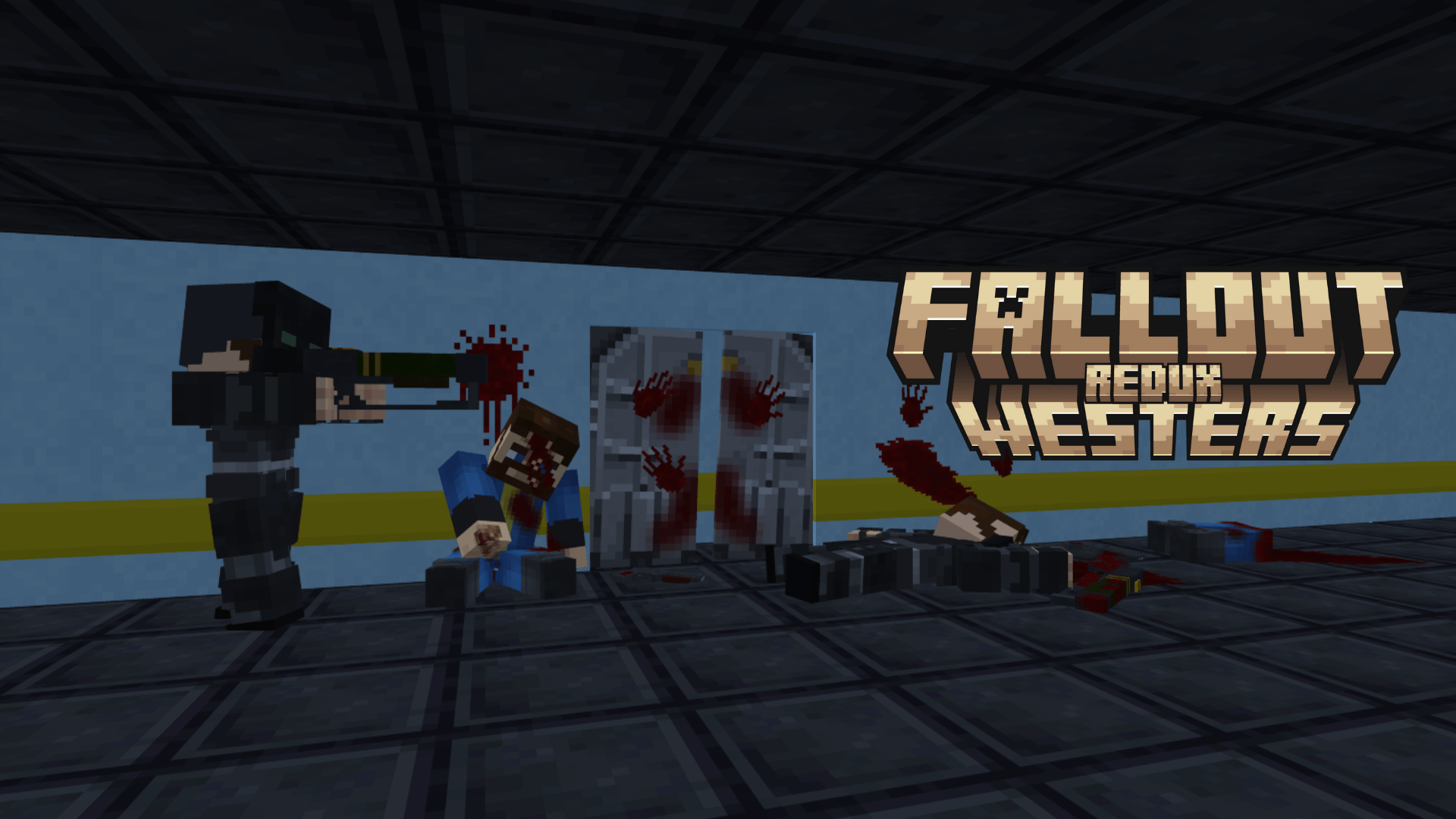
Fallout Westers Redux brings survival into the atmosphere of a nuclear wasteland where danger waits around almost every corner. Players must face not only mutants but also armed factions. The world now contains irradiated ghouls, wasteland monsters, Brotherhood of Steel patrols, Enclave squads, and new enemy spawn zones.
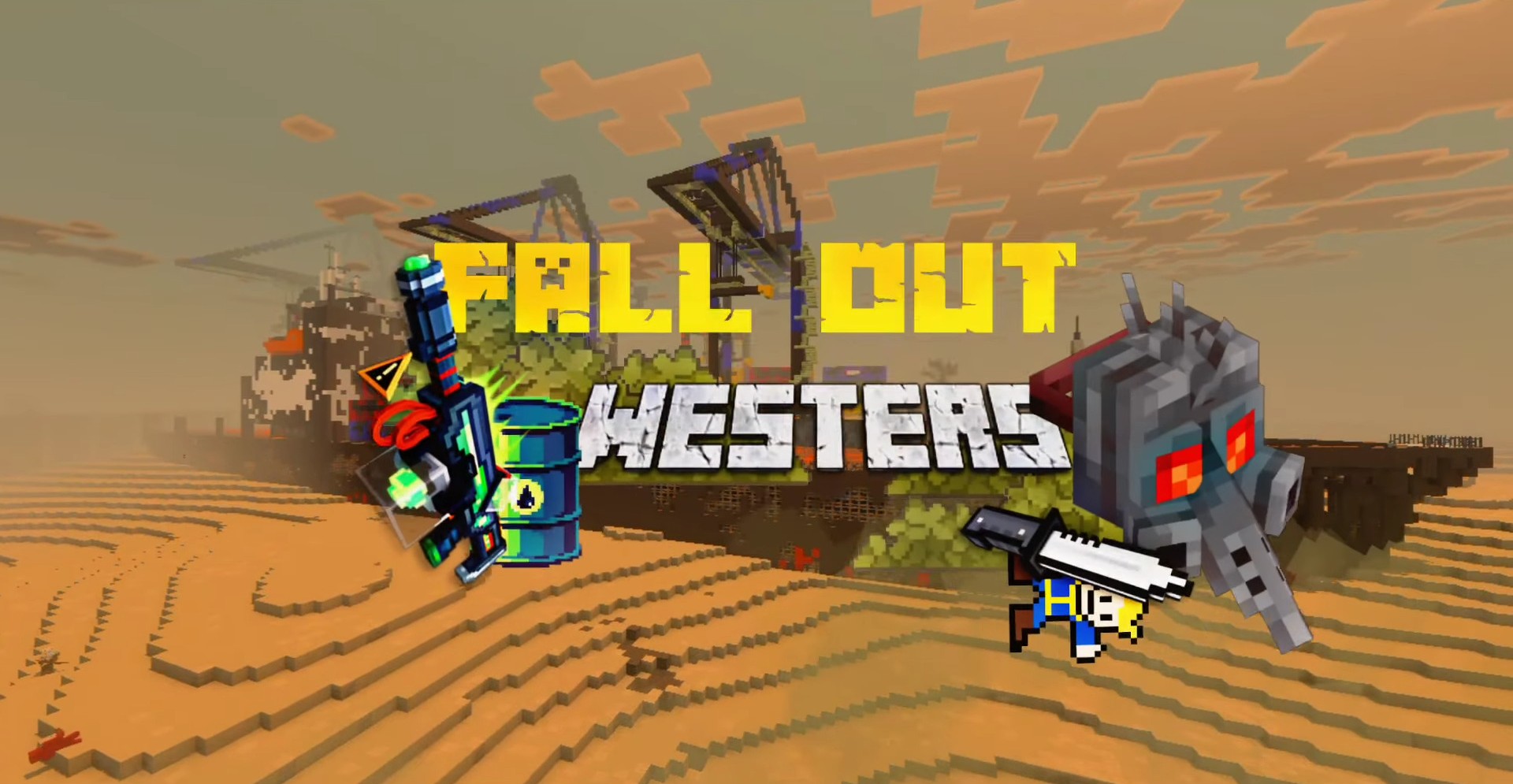
The main focus is on combat: the mod adds 3D weapons with animations, sounds, and reload mechanics, making firefights feel far more dynamic than regular battles. Several armor sets and paint variants are available and can be crafted through the armor workshop. The world is further expanded with new structures, including raider bases and the Enclave headquarters.
Installing Fallout Westers Redux:
The first step is to run the downloaded file and import the addon/texture into MCPE.
Second step: open Minecraft Pocket Edition and go to the settings of the world.
Third step: install the imported resource sets and add-ons for the world.
Step four: select the imported resource packages/add-on in each section and restart the mobile client.
Comments (0)