



Farming 3D for Minecraft Pocket Edition 26.x
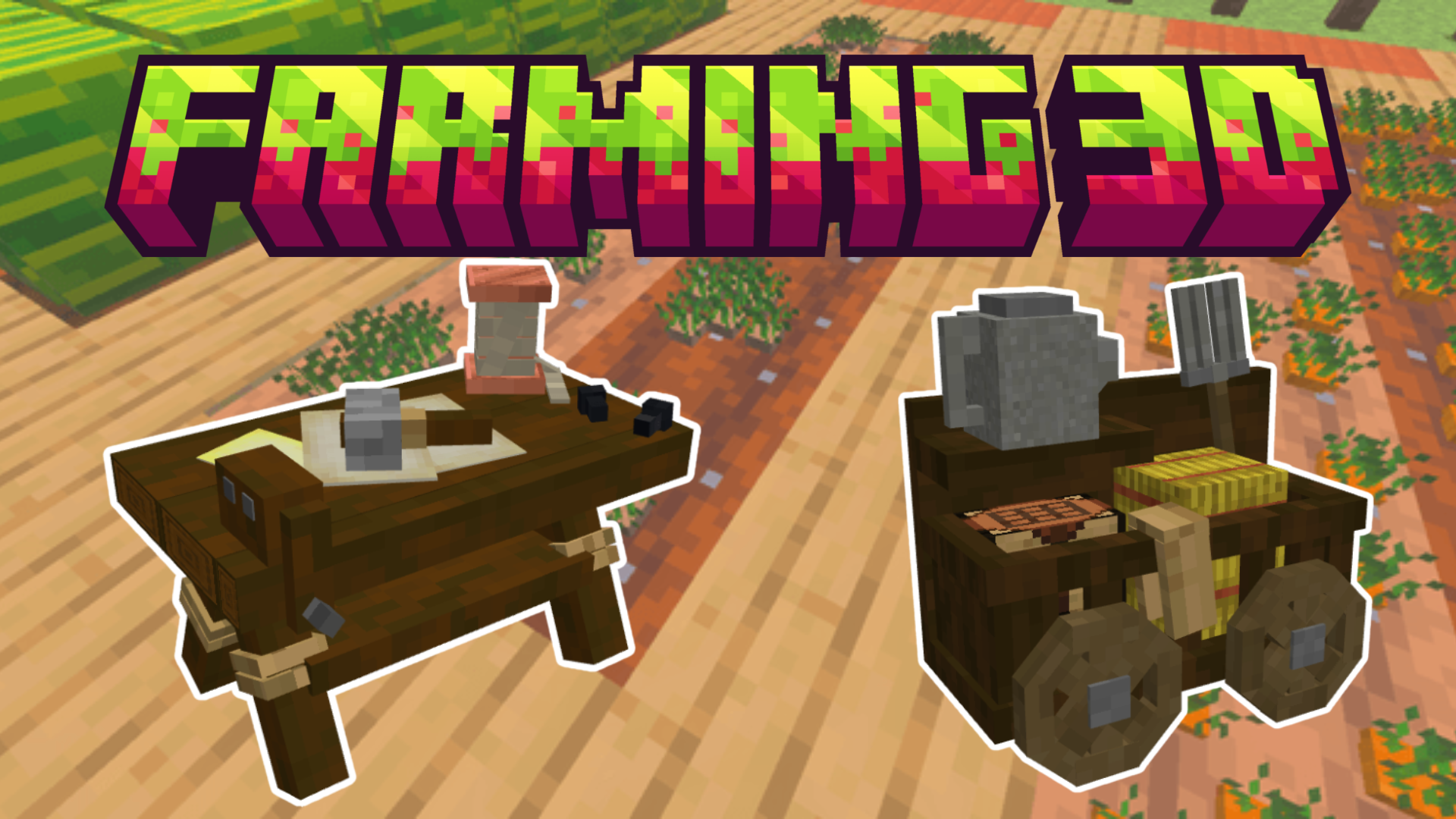
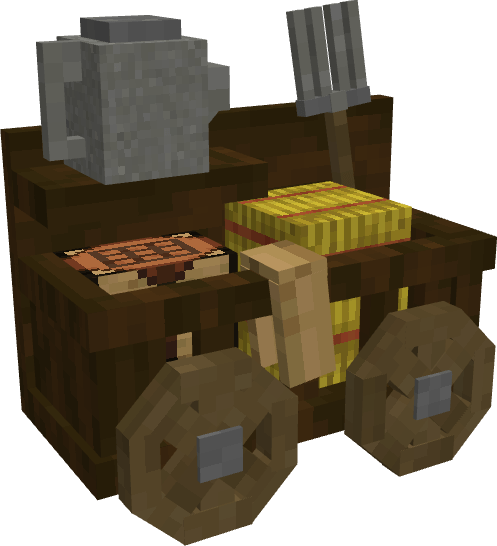
Farming looks simple, but Farming 3D makes growing crops more detailed and visually pleasant. All plants receive new 3D models, so the beds look more dimensional and varied. The add-on adds not only appearance, but also new elements of the process: watering cans speed up plant growth, the farmer’s workbench allows you to create unique seeds, and the wandering farmer opens access to special seed bags through trading.
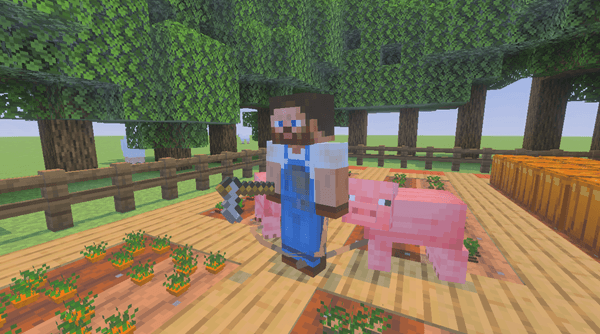
This system makes agriculture a more independent part of survival. The player does not just plant standard crops, but gradually develops the farm, searches for new seeds, and improves production.
Installing Farming 3D:
The first step is to run the downloaded file and import the addon/texture into MCPE.
Second step: open Minecraft Pocket Edition and go to the settings of the world.
Third step: install the imported resource sets and add-ons for the world.
Step four: select the imported resource packages/add-on in each section and restart the mobile client.
Comments (0)