



Foreboding Project for Minecraft Pocket Edition 26.x
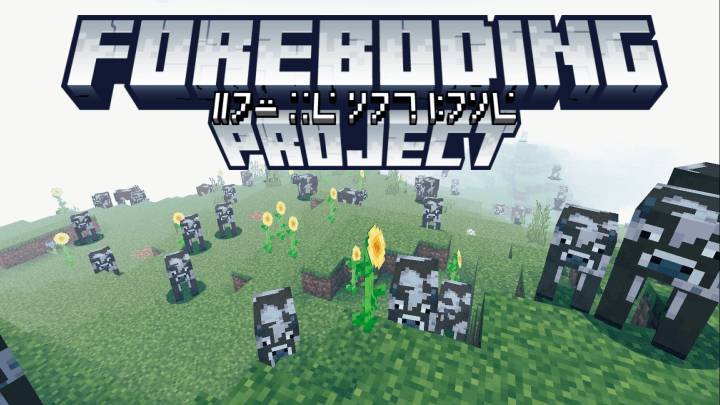
Foreboding Project creates fear not through sudden attacks but through the gradual distortion of the familiar world. At first, the changes are barely noticeable: sudden silence, strange sounds in caves, extinguished torches, dense fog, or the feeling that mobs stare at the player for too long. Over time, these events become more frequent, and the game starts to feel unstable.

The mod contains more than a hundred atmospheric situations, including disappearing items, thunderstorms, environmental glitches, frozen crops, endless night, and other details that break the sense of safety. At the same time, the add-on does not ruin vanilla progression or kill the player with unfair events.
Installing Foreboding Project:
The first step is to run the downloaded file and import the addon/texture into MCPE.
Second step: open Minecraft Pocket Edition and go to the settings of the world.
Third step: install the imported resource sets and add-ons for the world.
Step four: select the imported resource packages/add-on in each section and restart the mobile client.
Comments (0)