



Gravestone & Death Coordinates for Minecraft Pocket Edition 26.1
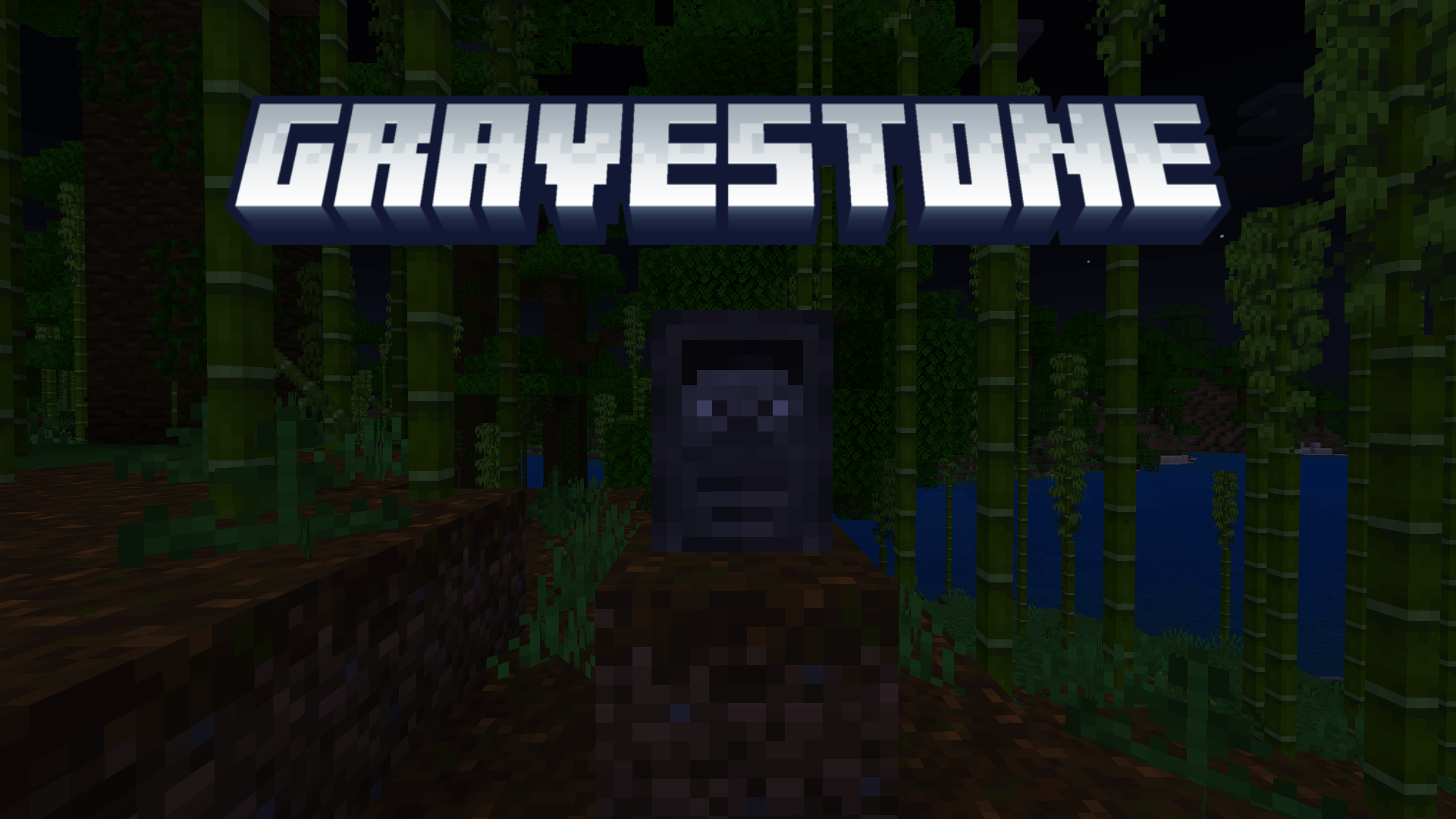
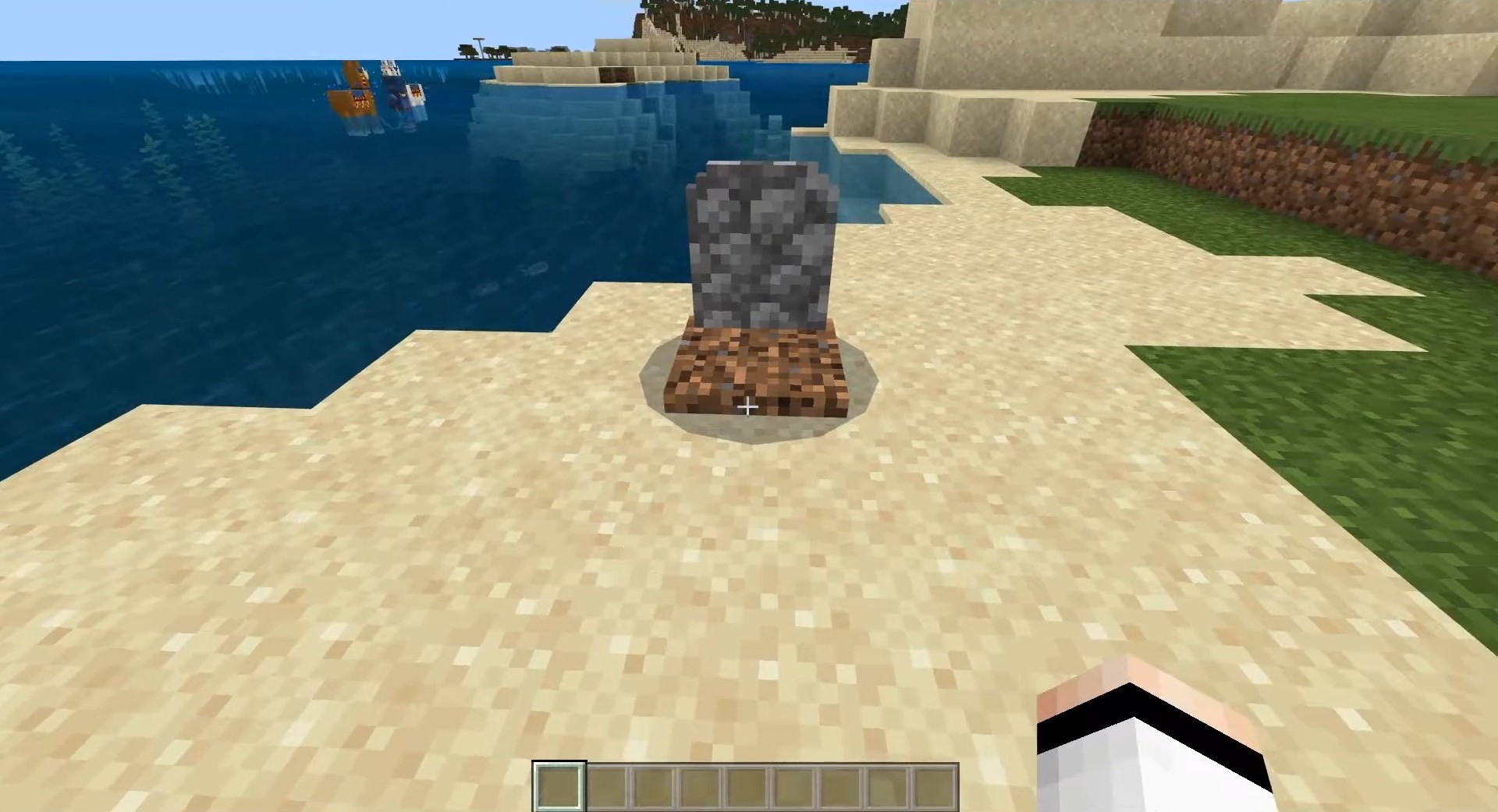
Gravestone & Death Coordinates is exactly the kind of mod whose usefulness becomes especially clear after your first unsuccessful death. Instead of forcing you into painful searches for lost items, it automatically creates a gravestone at the place of death and immediately shows the coordinates. This simple solution removes one of the most frustrating situations in survival, when valuable resources disappear because the player cannot find the point of death in time.
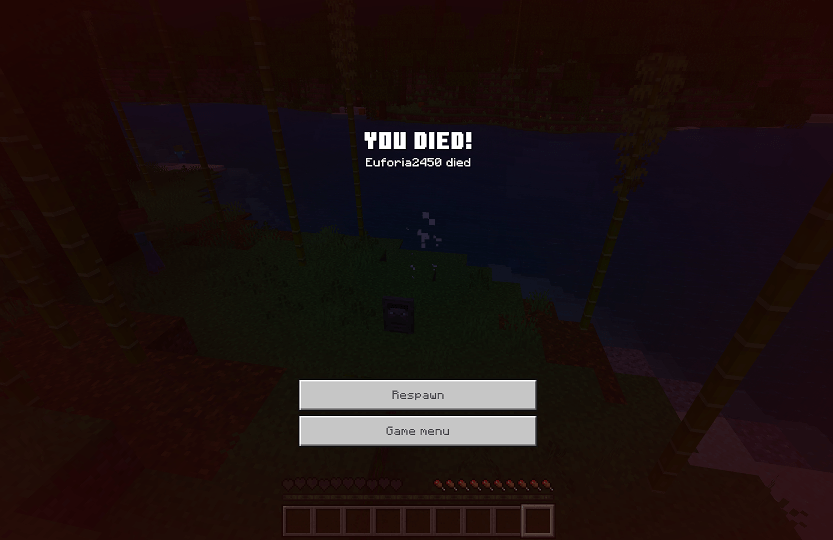
Going back for your loot becomes much calmer and more convenient: you know exactly where to go, and your items are not lying chaotically on the ground. This approach is useful in difficult worlds, long journeys, deep mines, and dangerous biomes where it is easy to get lost.
Installing Gravestone & Death Coordinates:
The first step is to run the downloaded file and import the addon/texture into MCPE.
Second step: open Minecraft Pocket Edition and go to the settings of the world.
Third step: install the imported resource sets and add-ons for the world.
Step four: select the imported resource packages/add-on in each section and restart the mobile client.
Comments (0)