



Hidden Armor 4D Skin for Minecraft Pocket Edition 26.x
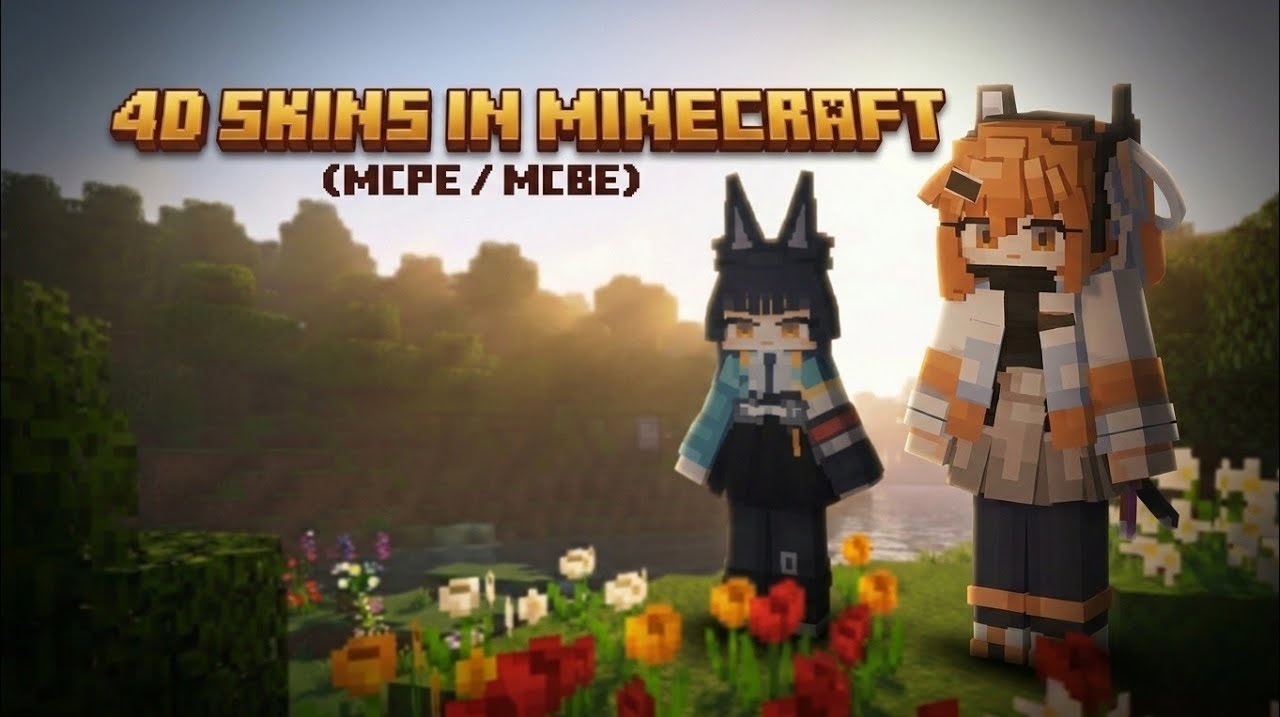
Hidden Armor 4D Skin changes not combat mechanics, but the appearance of the character. In the standard game, armor often covers the skin, which makes a detailed look lose most of its features. This set solves the problem: the armor remains equipped and continues to protect the player, but visually does not cover the character’s external style.
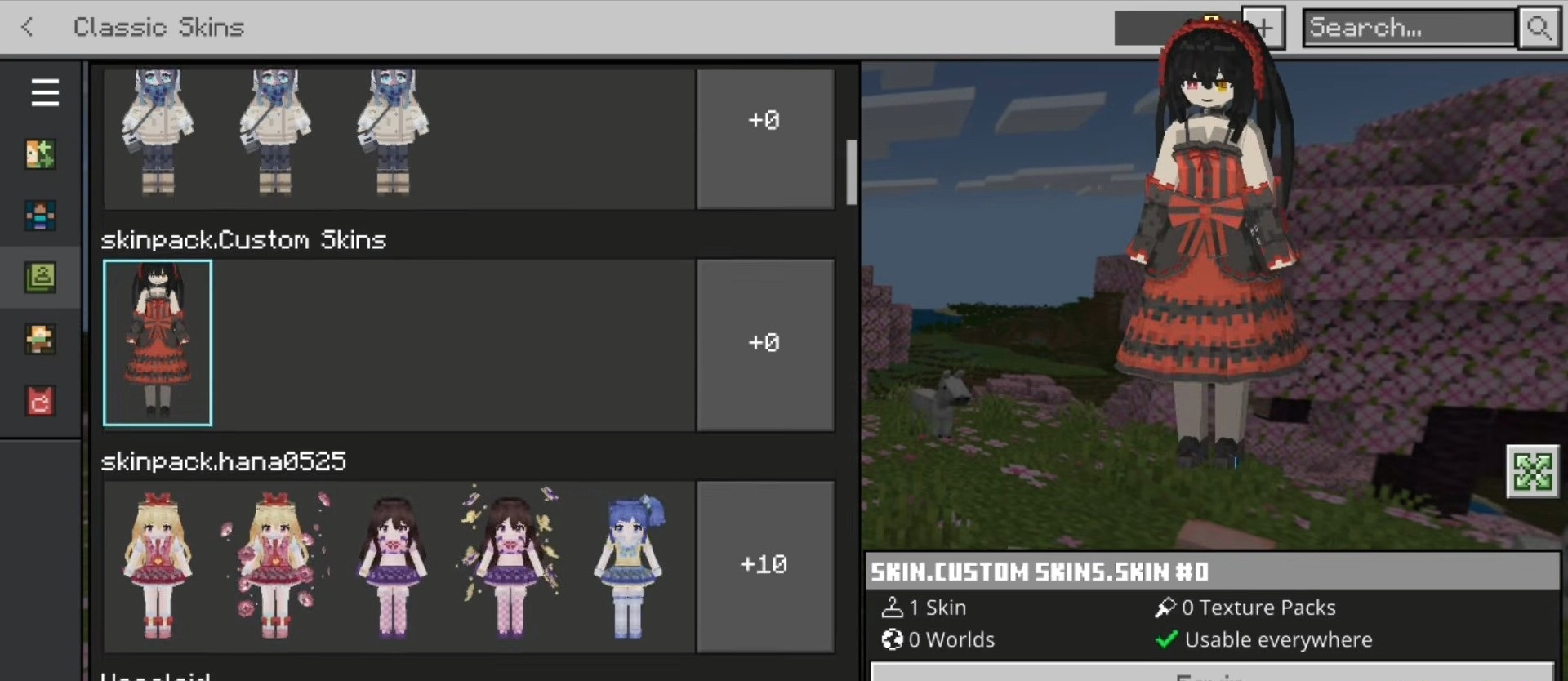
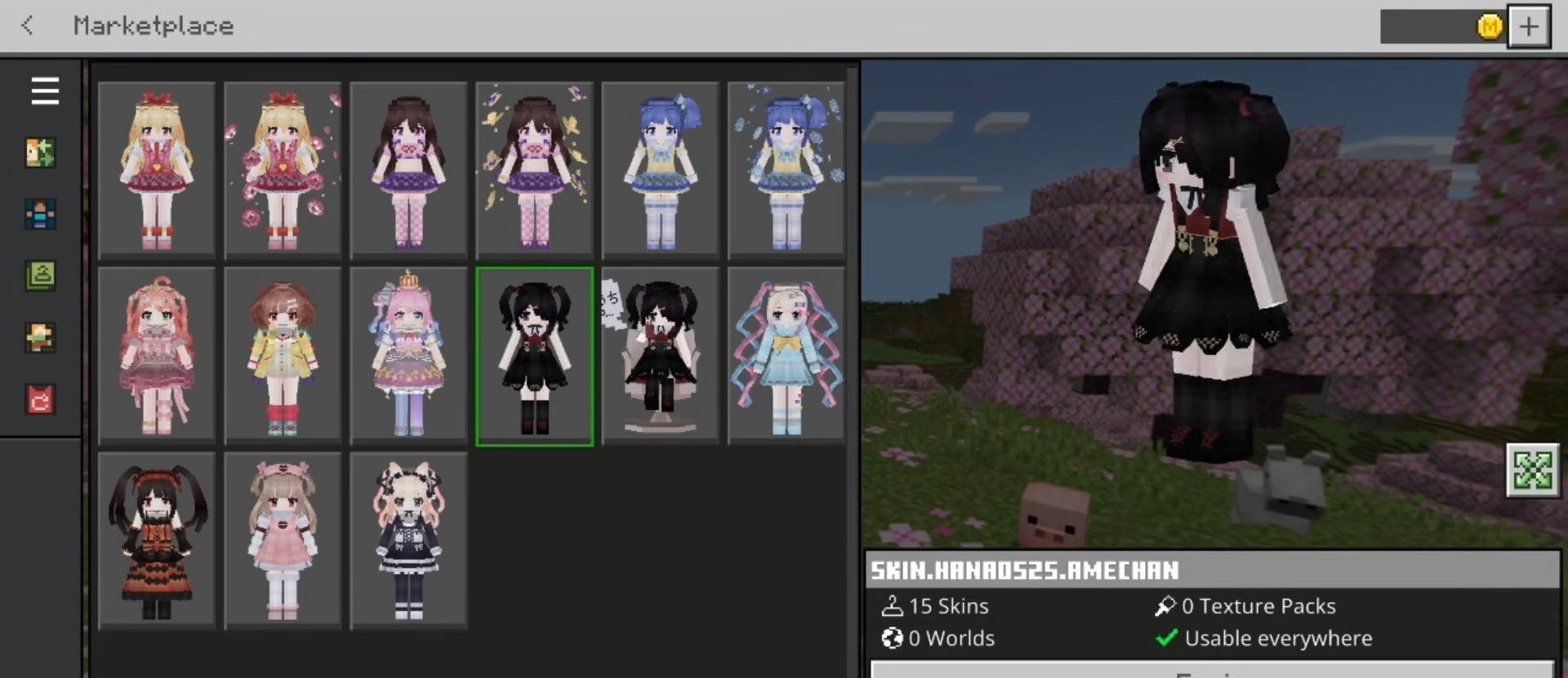
The pack includes eight ready-made looks with 4D geometry, voluminous hairstyles, and outfits in an Asian aesthetic. Among the options, there are a lolita, mint and celadon dresses, a devil girl, a witch, an undead lord, and a crimson shadow. Due to the nonstandard body models and costume details, the skins look more three-dimensional than usual.
Installing Hidden Armor 4D Skin:
The first step is to run the downloaded file and import the addon/texture into MCPE.
Second step: open Minecraft Pocket Edition and go to the settings of the world.
Third step: install the imported resource sets and add-ons for the world.
Step four: select the imported resource packages/add-on in each section and restart the mobile client.
Comments (0)