



Home Electronics for Minecraft Pocket Edition 26.1
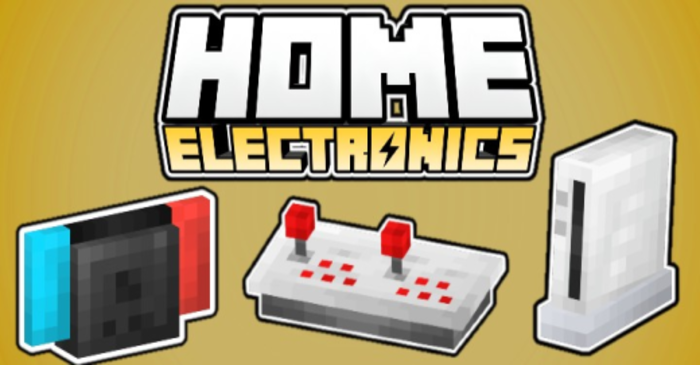
A modern interior in Minecraft PE often runs into a lack of suitable details, and Home Electronics solves this problem very confidently. The addon adds to the game not only furniture, but also a whole set of appliances and decorative electronics, thanks to which the house begins to look much more realistic.
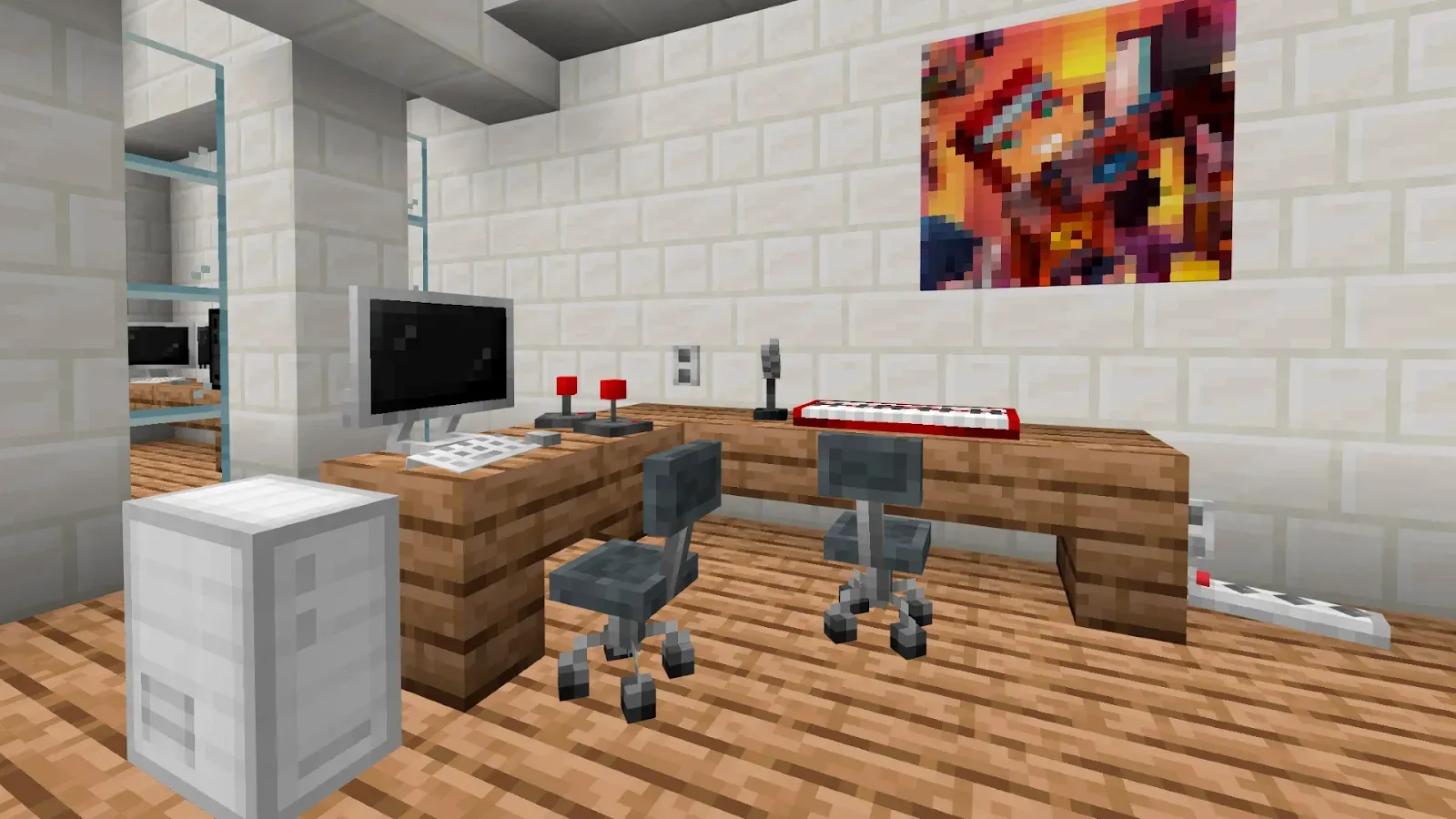
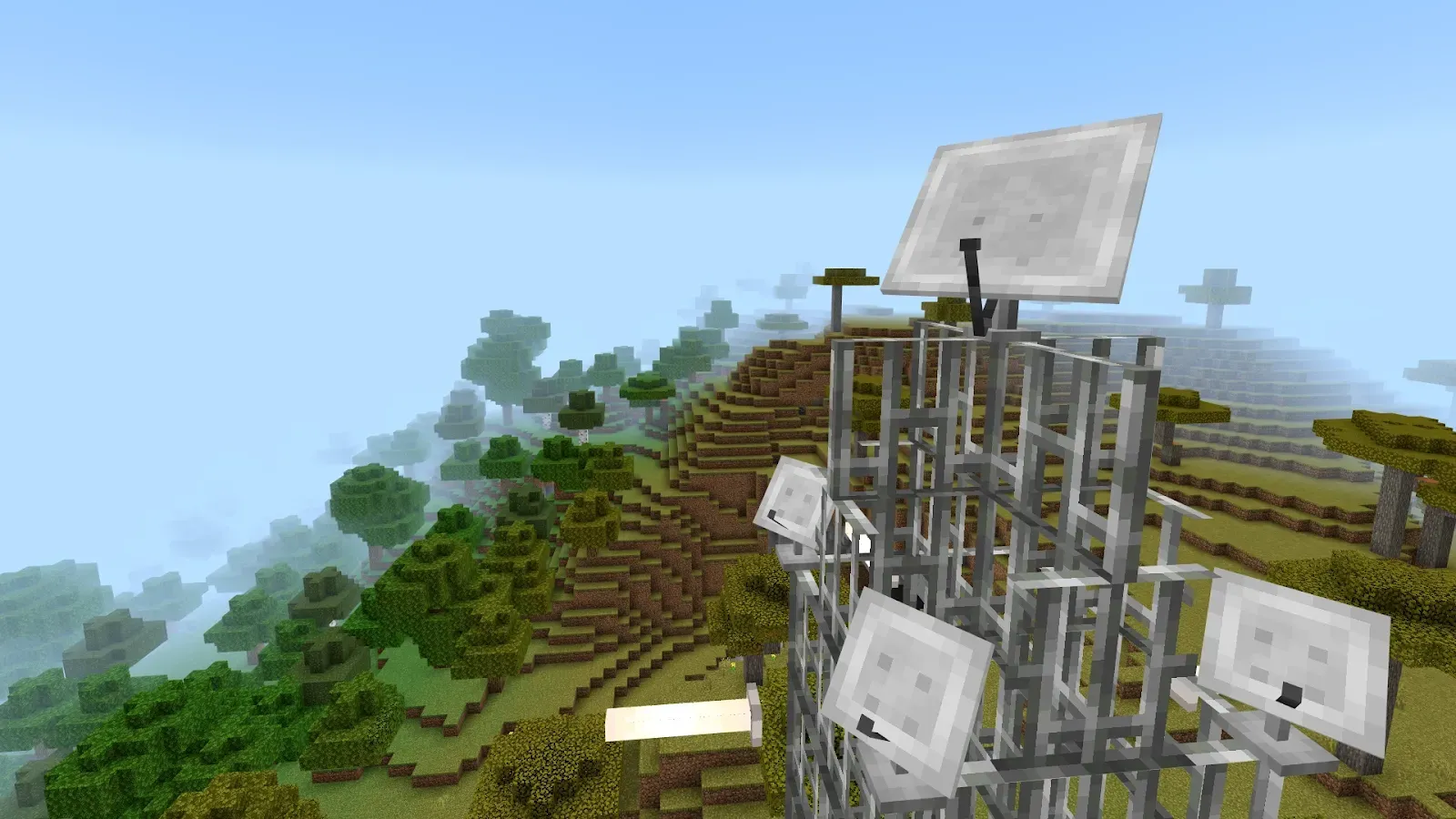
There are televisions, computers, consoles, chairs, a piano, outlets, antennas, and even retro decor elements such as gamepads and joysticks. Thanks to such a set, it is easy to create both a cozy living room and a workplace, a gaming room, or a modern studio. This addon is about atmosphere, style, and the ability to turn an ordinary house into a truly lived-in space.
Installing Home Electronics:
The first step is to run the downloaded file and import the addon/texture into MCPE.
Second step: open Minecraft Pocket Edition and go to the settings of the world.
Third step: install the imported resource sets and add-ons for the world.
Step four: select the imported resource packages/add-on in each section and restart the mobile client.
Comments (0)