



Just Zoom for Minecraft Pocket Edition 26.x
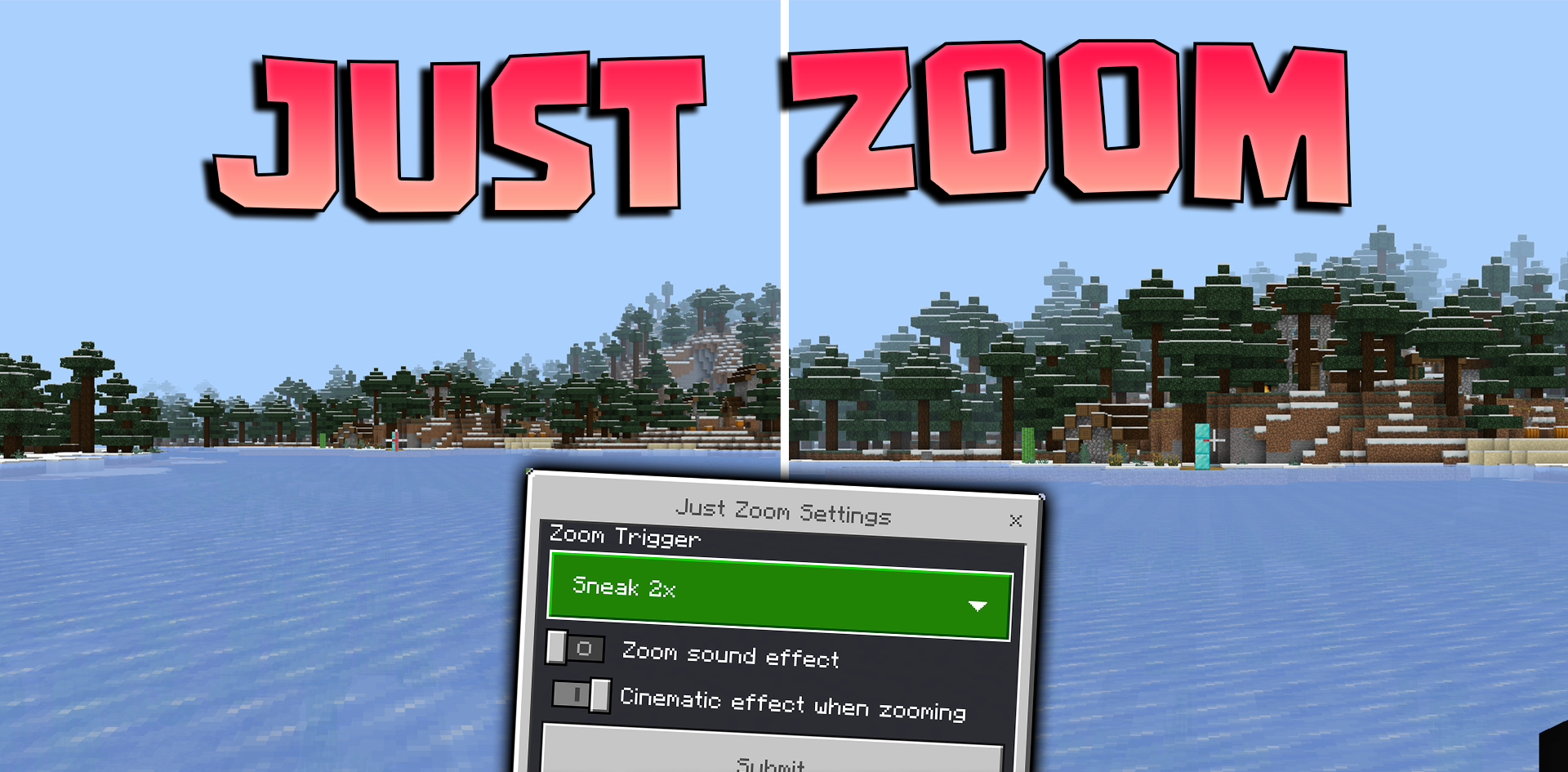
Just Zoom adds a simple zoom function without a spyglass. With it, you can examine distant objects, check the silhouette of a building, notice mobs on the horizon, or understand more precisely where to move next. The addon does not add new items or blocks, but it makes everyday gameplay noticeably more convenient.
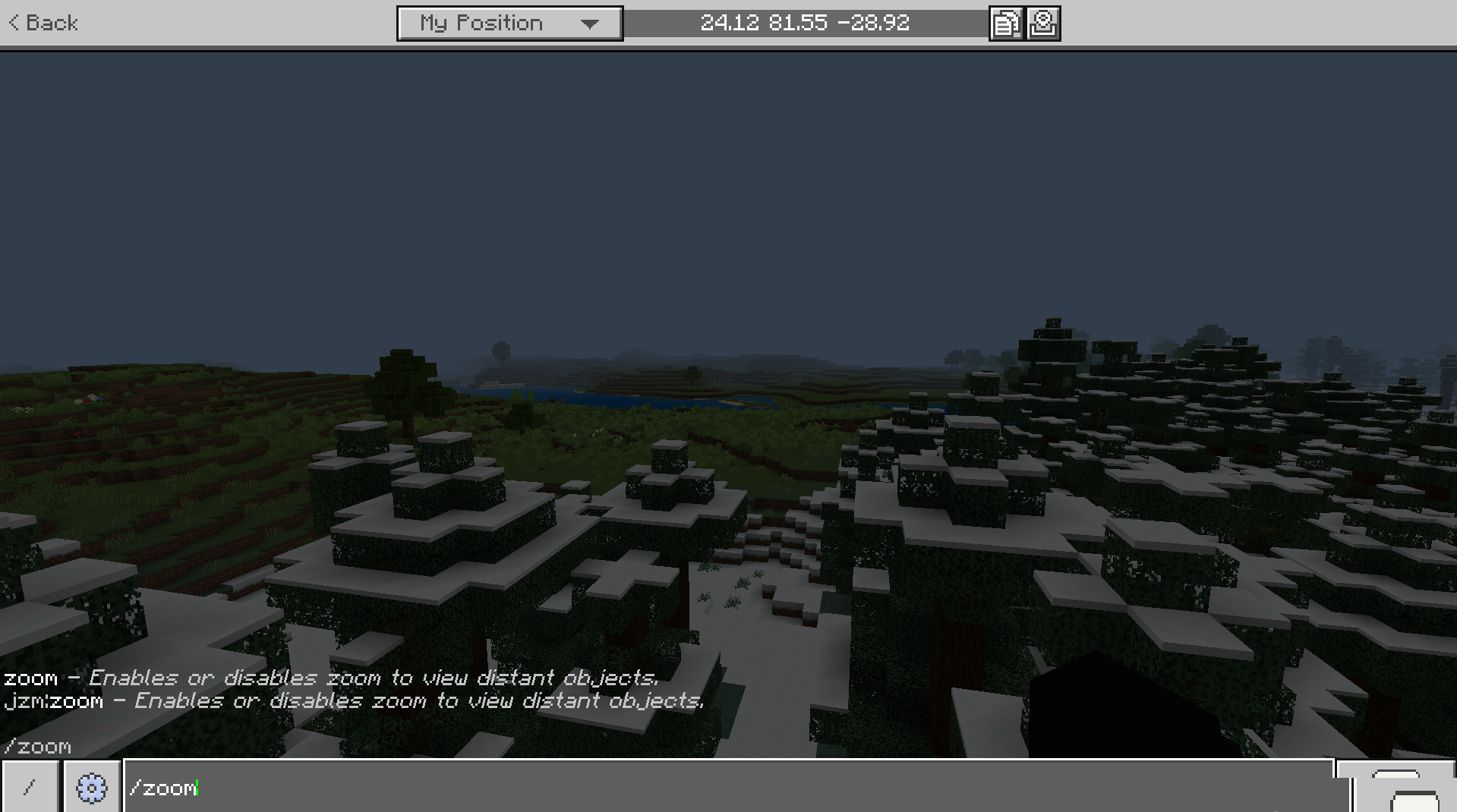
Zoom has several activation methods: custom keys, macro commands, double sneaking on mobile devices, holding joysticks, and other control options. Settings are changed through a chat command, so the zoom can be adjusted both for touch controls and for playing with a keyboard.
Installing Just Zoom:
The first step is to run the downloaded file and import the addon/texture into MCPE.
Second step: open Minecraft Pocket Edition and go to the settings of the world.
Third step: install the imported resource sets and add-ons for the world.
Step four: select the imported resource packages/add-on in each section and restart the mobile client.
Comments (0)