



Keystone for Minecraft Pocket Edition 26.x
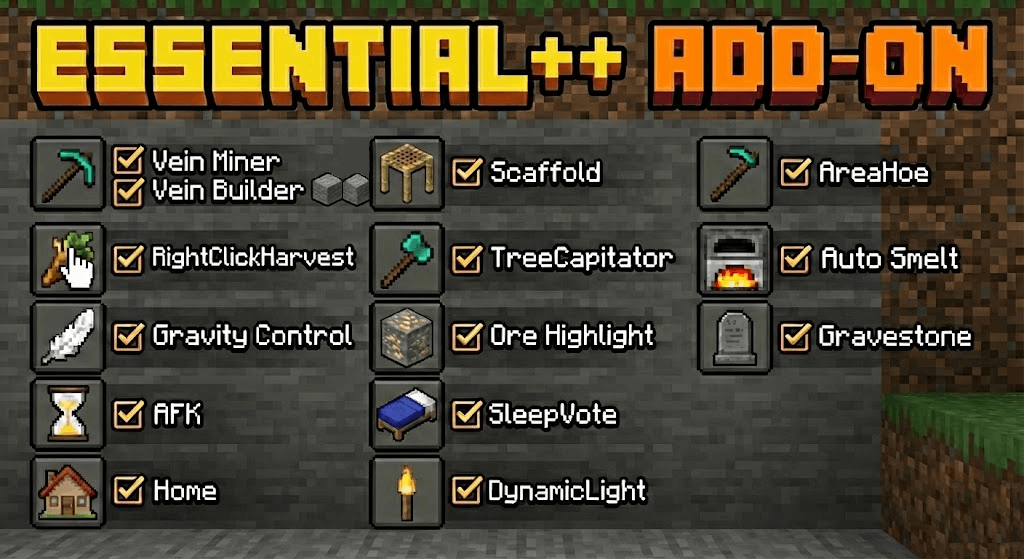
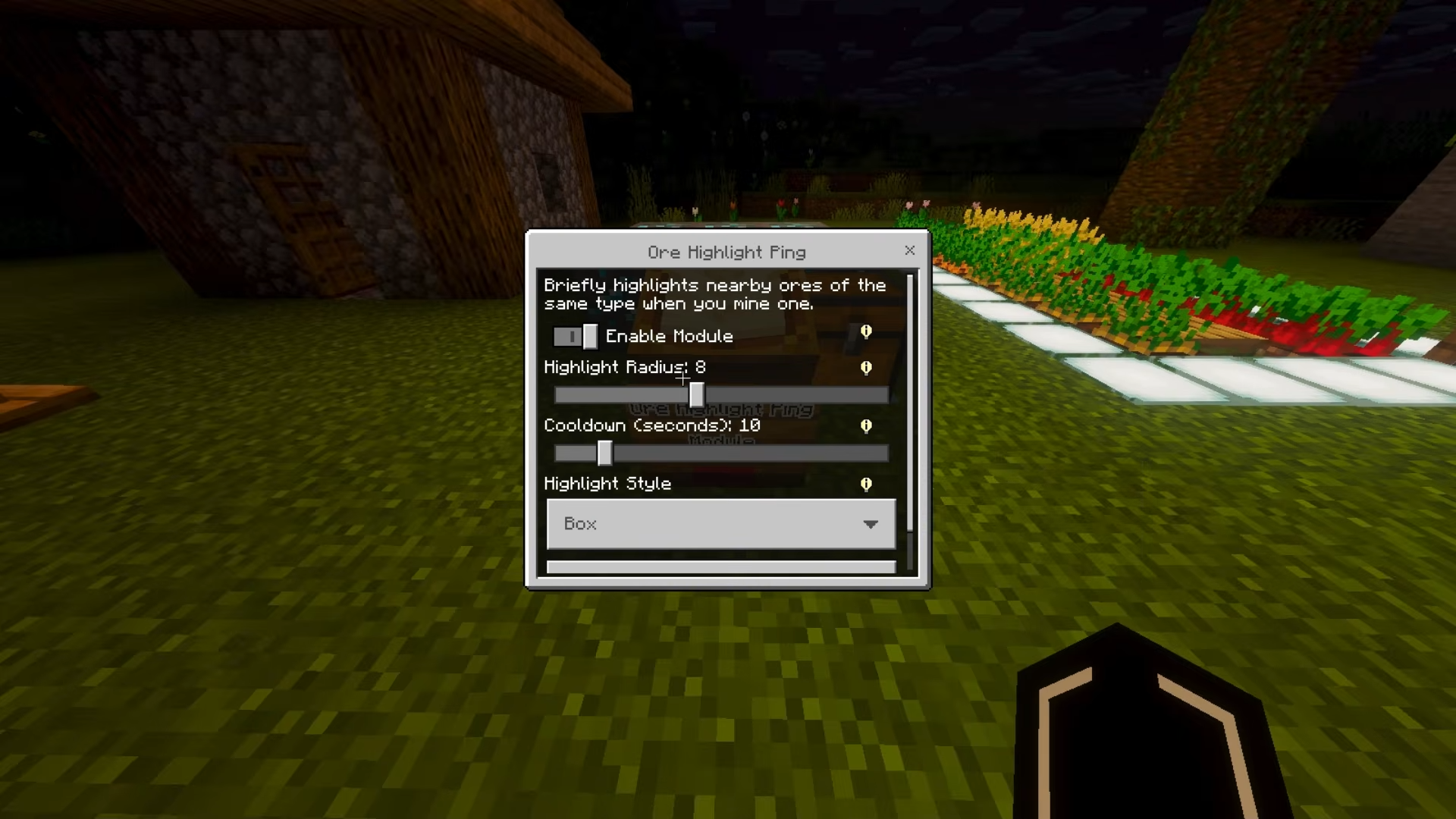
Keystone combines several useful mechanics that make survival more convenient and faster. The mod helps eliminate unnecessary routine without turning the game into a fully automated experience. While crouching, players can mine an entire ore vein by breaking a single block.
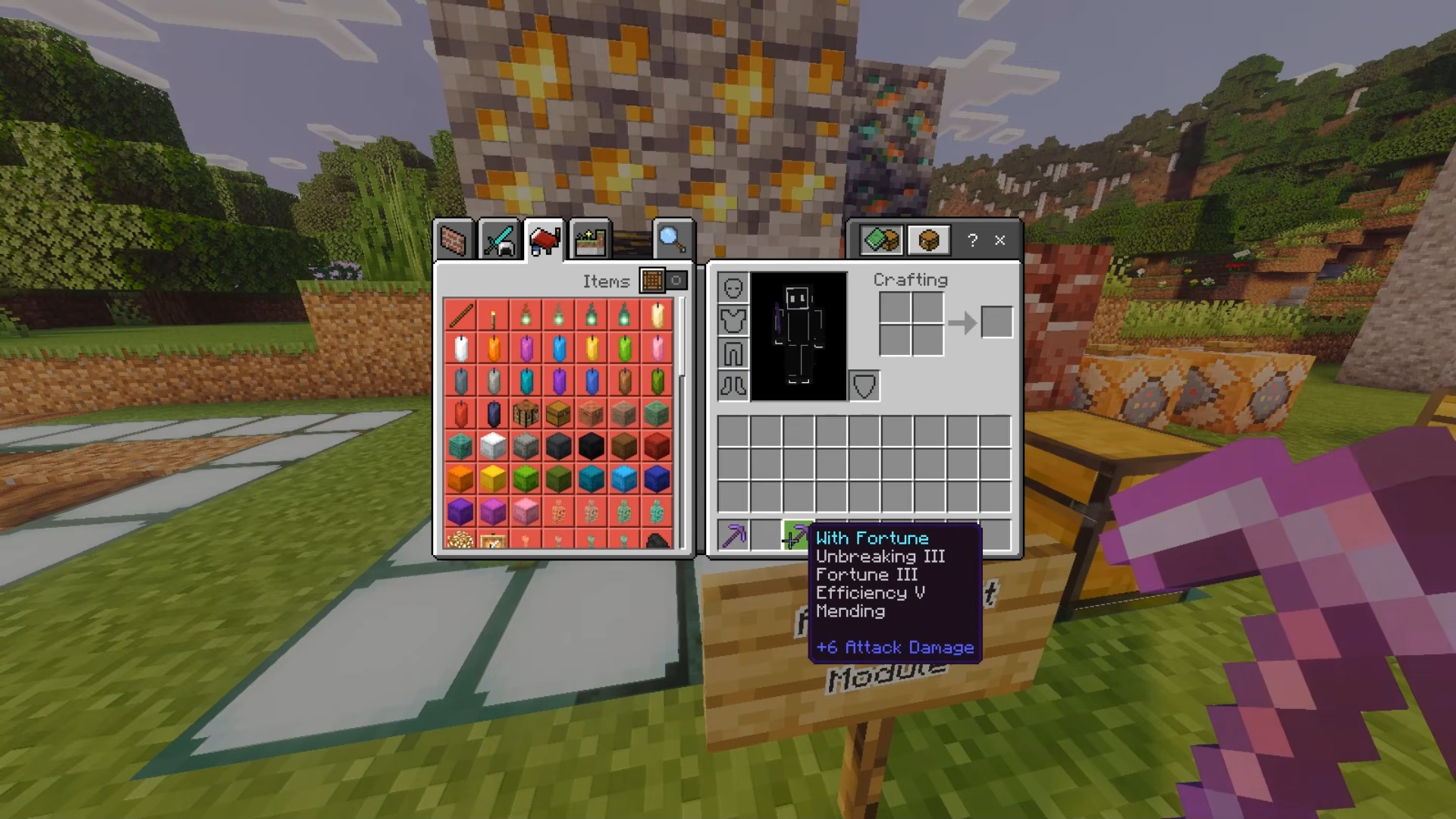
Trees are chopped down completely after breaking the bottom log, while crops can be harvested and replanted with one action. This greatly simplifies work in mines, forests, and farms. A flashlight illuminates dark areas directly from the player’s hand, which is especially useful in caves. After death, items are stored inside a gravestone, reducing the risk of permanently losing resources.
Installing Keystone:
The first step is to run the downloaded file and import the addon/texture into MCPE.
Second step: open Minecraft Pocket Edition and go to the settings of the world.
Third step: install the imported resource sets and add-ons for the world.
Step four: select the imported resource packages/add-on in each section and restart the mobile client.
Comments (0)